Table of Content
36
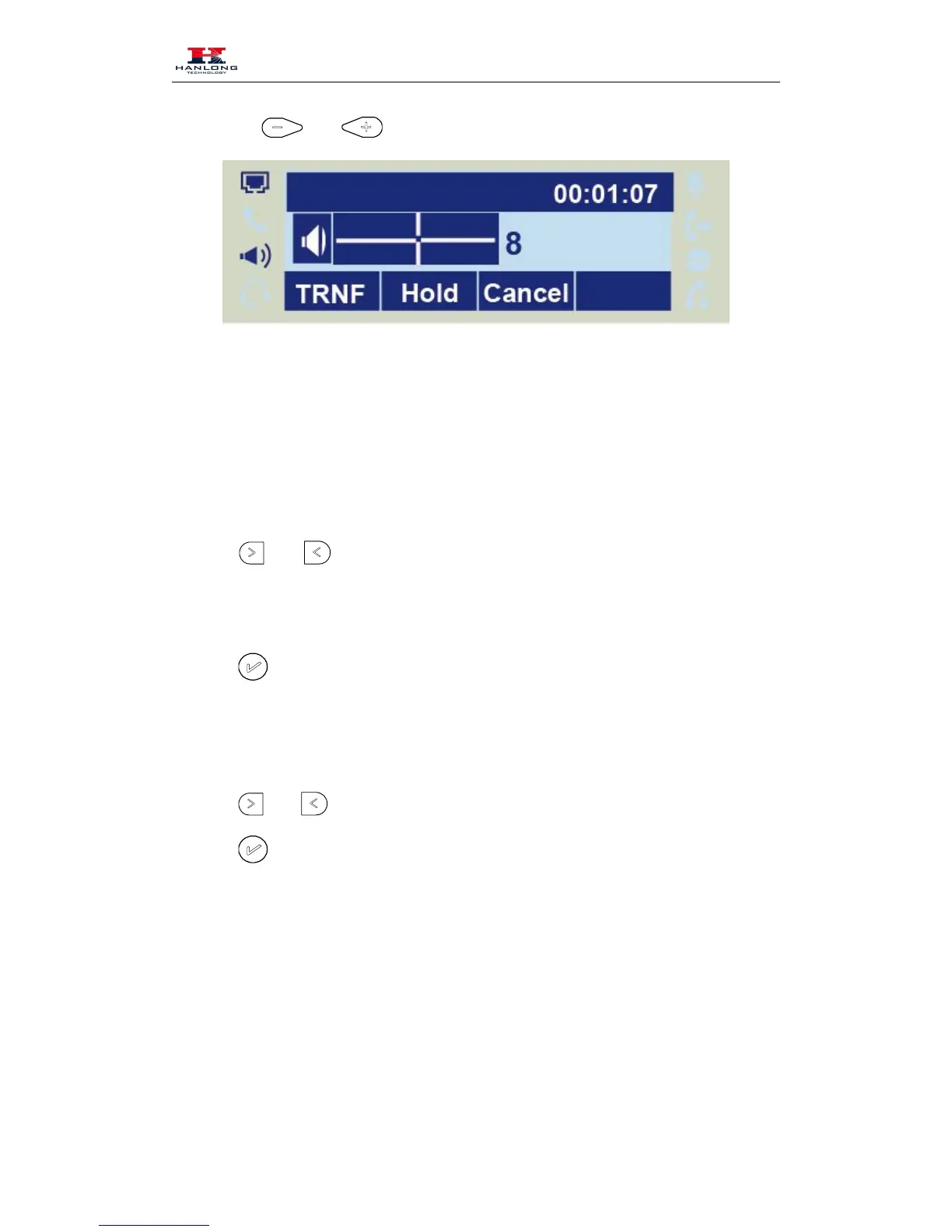
To press and
during a call in speaker mode.
Screen Saver
There are two types of screen saver: Backlight off, Time & Logo .
To enable screen saver via Phone
42. To press Menu → Setting → Basic Setting → Screensaver...
or press Switch soft key to Choose the Time-out as 1 min or 2/5/10/30
44. Enter the Screensaver Type to choose one of the type: Logo only, Time & Logo.
or Save soft key to save the selected configuration.
To disable screen saver via Phone
46. To press Menu → Setting → Basic Setting → Screensaver...
or press Switch soft key to Choose the Time-out as off.
or Save soft key to save the selected configuration.
To Enable screen saver via Webpage
49. To Click Setting → Preference
50. To choose the Time-out as 1 min or 2/5/10/30 minute.
51. To select the screen Type as Backlight off or time & logo.
52. Click Saveset to save the configuration.



 To Next Page