EasyManua.ls Logo

Hanlong UC802(P) - Call Hold

Hanlong UC802(P)
111 pages
Print Icon
To Next Page IconTo Next Page
To Previous Page IconTo Previous Page
Loading...
Table of Content
59
3. To click Saveset to save the configuration.
Call Hold
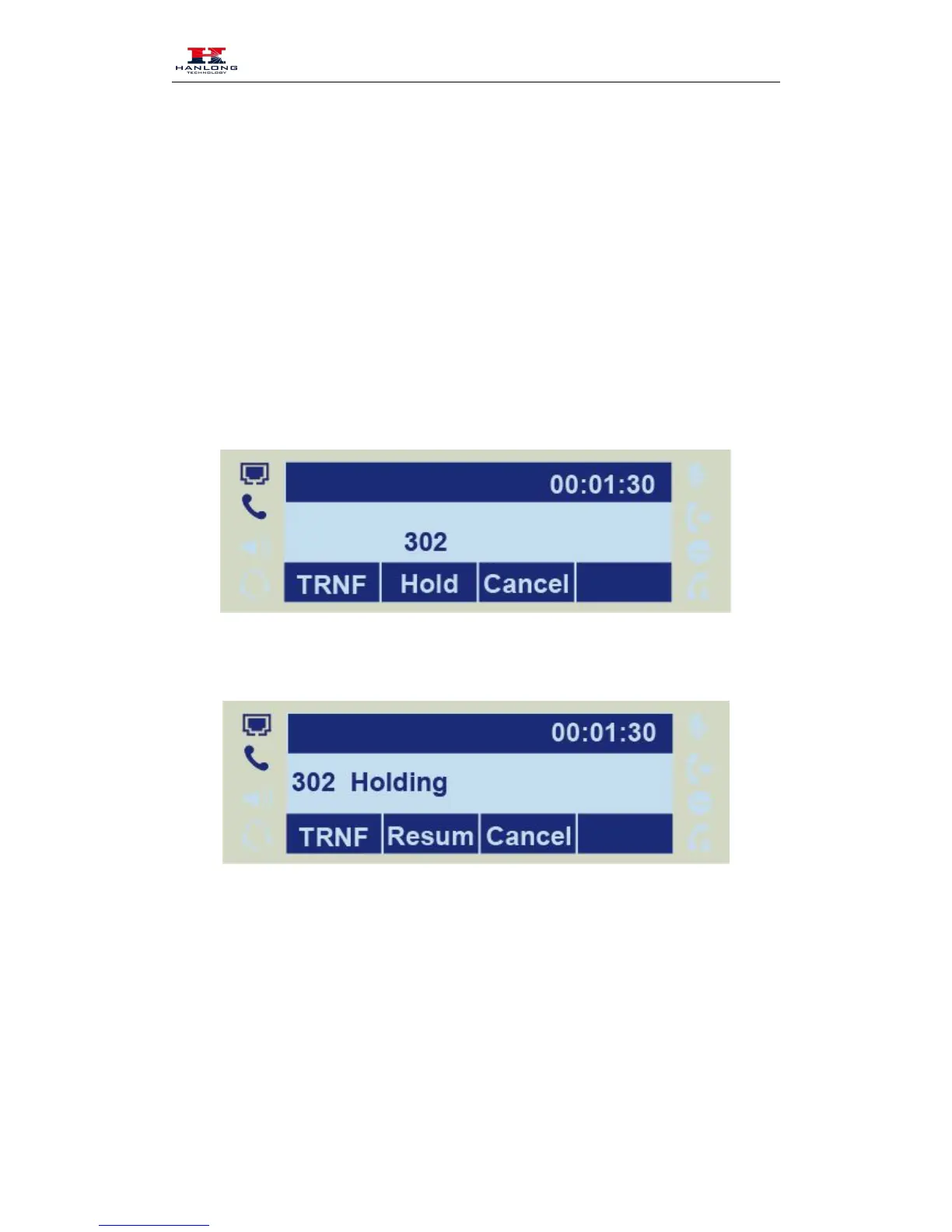
When use hold feature, the Hold icon will show on the display.
To make a call on hold during three modes:
To hold a call under handset mode:
1. Press Hold soft key to hold the current call.
2. Press Resume soft key to resume the call on hold.
To hold a call under headset mode:

4. Press Hold soft key to hold the current call.
5. Press Resume soft key to resume the call on hold.
To hold a call during the speaker mode:
6. Press Hold soft key to hold the current call.

Table of Contents

Related product manuals