Table of Content
39
Directory
In the directory, you can add or delete your friends, business partner or anyone others’ phone No.
so you will not forget their number. Or put some anonymous phone No. in the blacklist to prevent
from being disturbed.
A. To add contacts list into local directory
To add contacts manually
56. Press Menu → DIR→ Local Contacts
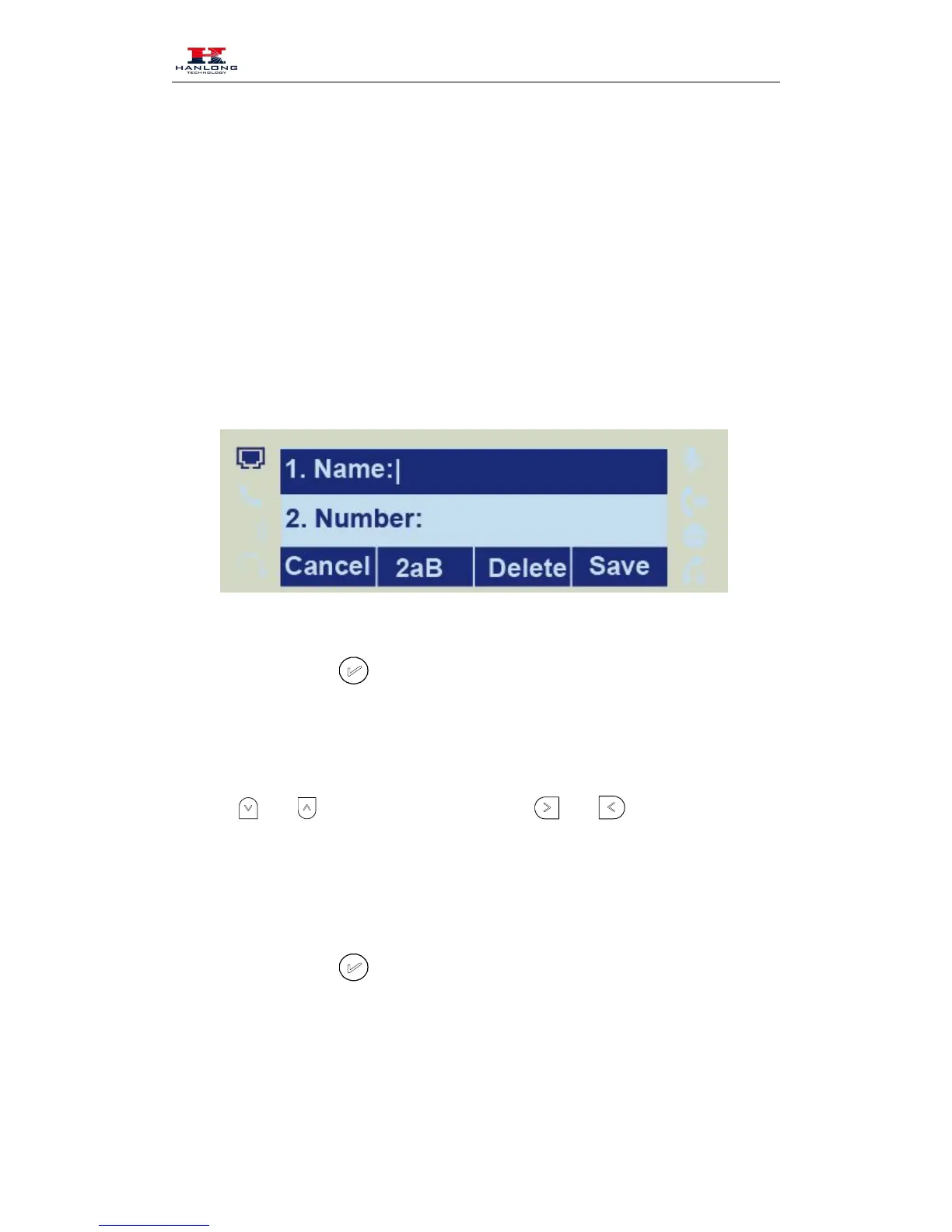
58. Enter the necessary information as Name, Phone number…
59. Press save soft key or
to add the contacts successfully.
To add contacts from History
60. Press History soft key or press Menu →History
and to select the targeted one. (Press
calls, Dialed calls, Received calls, Missed Calls and Forward Calls).
62. Press Option soft key → Add to Contacts
63. Edit the necessary information as Name, Phone number…
64. Press save soft key or
to add the contacts successfully.
To add contacts via web interface



 To Next Page