key to select the LDAP in the type field.
or Save soft key to save the configuration
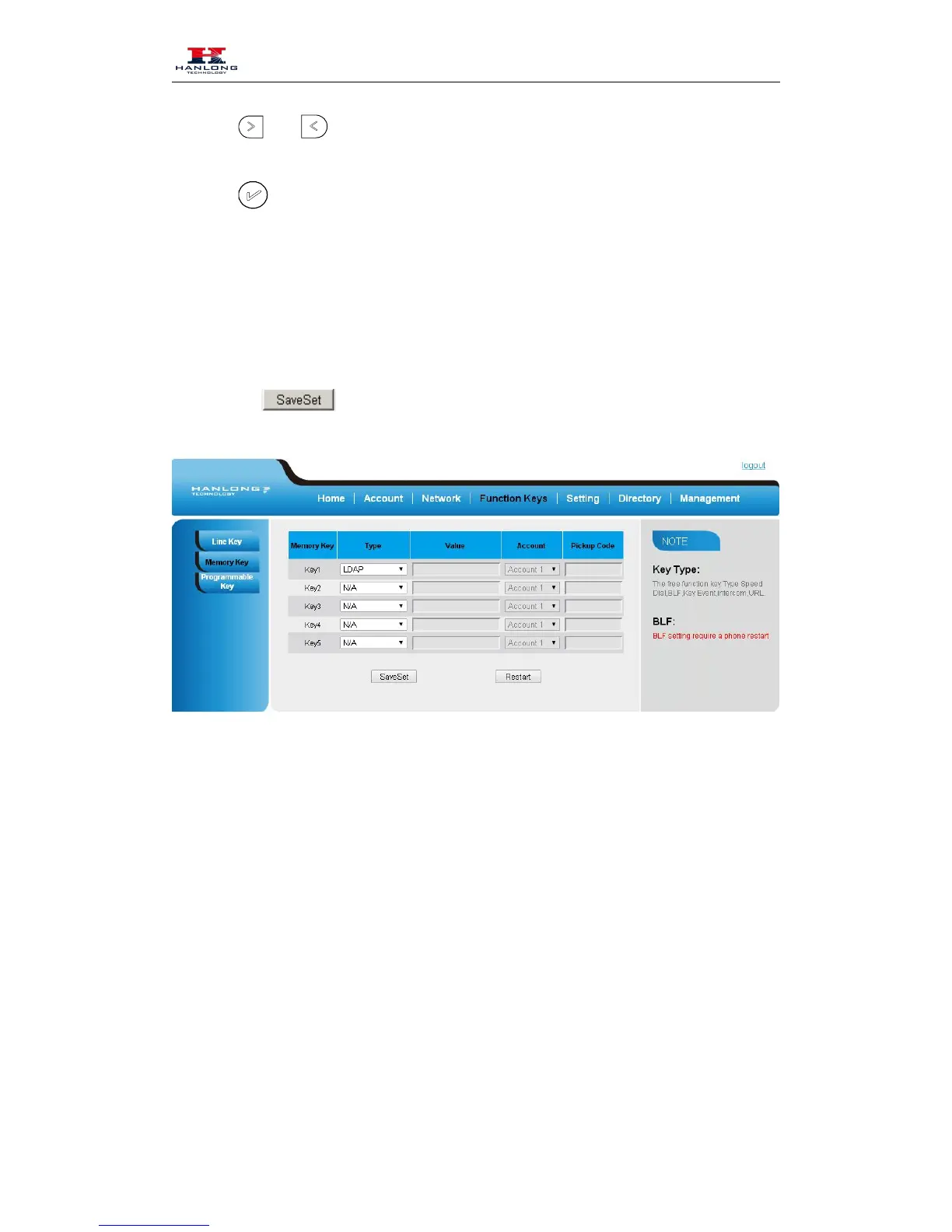
To configure the LDAP via Web interface
1. Click Function key → Memory Key.
2. Select the desired Key and select LDAP in the Type.
3. Click the to save the configuration.
XML Browser
You can use this key feature to access the Xml browser quickly. The Xml browser allows you to
create custom services which meet your functional requirements on the server. You can customize
practical applications, such as weather report, stock information, Google search, etc.
To configure the XML Browser via Phone Interface
1. Press Menu → Features → Function Keys → Memory keys as Function Keys → Memory
2. Select the wanted Memory key.



 To Next Page