Table of Content
25
Basic Network Setting
Hanlong IP Phone supports three mode of Network: DHCP, Static, and PPPoE. The default mode
is DHCP, it will obtain IP address and other information automatically.
If your phone cannot contact a DHCP server for any reason, you need to configure a static IP
address manually.
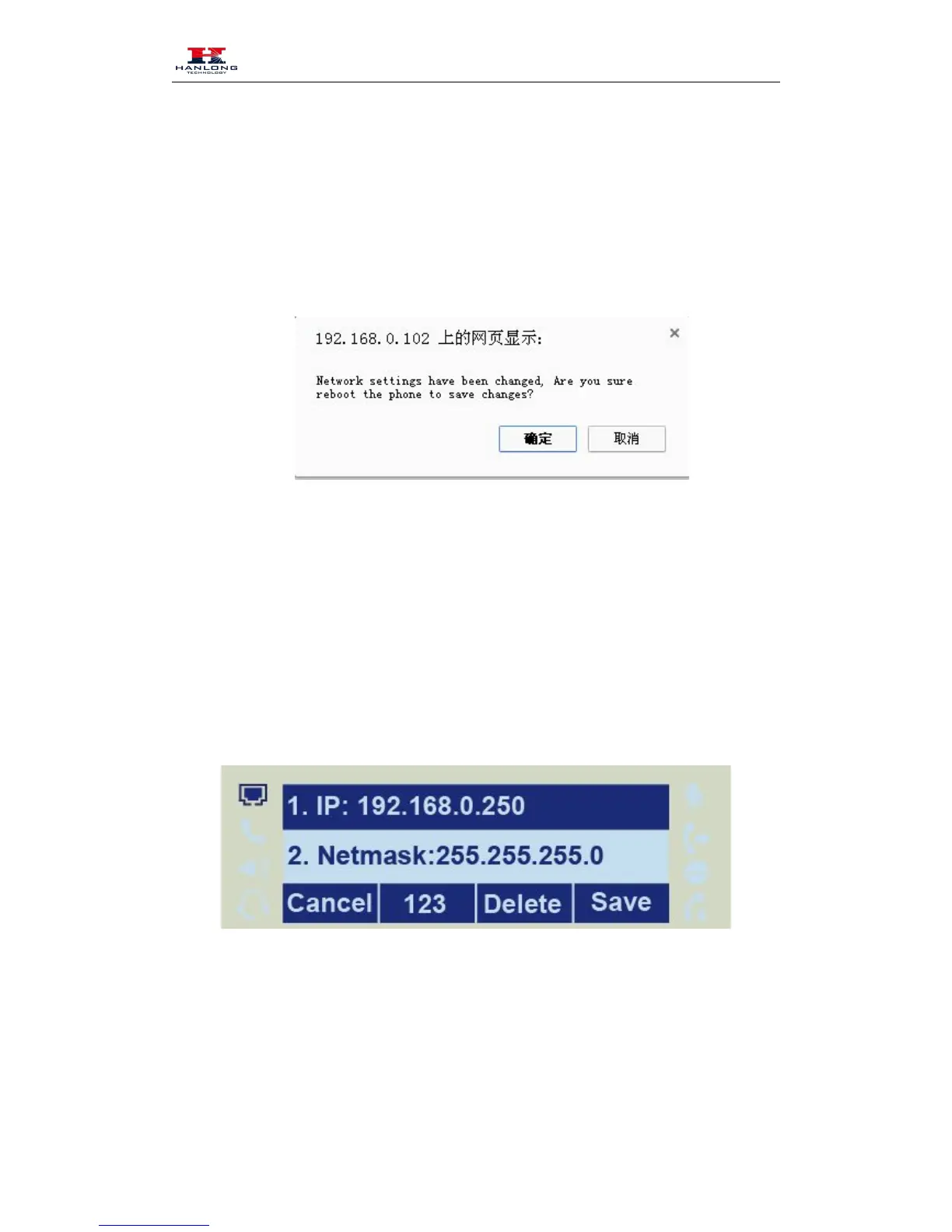
When switch DHCP, Static IP and PPPoE to each other, or change the Static IP on webpage, it
will show the warning of restart as following.
WAN Port
To configure a static IP address via phone interface:
2. Enter the parameters: IP, Netmask, Gateway, Pri. DNS (primary dns), sec. DNS(second DNS)



 To Next Page