17
Power On/Controls On
1. When the sterilizer is plugged in and
the controls are off, the time and date
will be displayed.
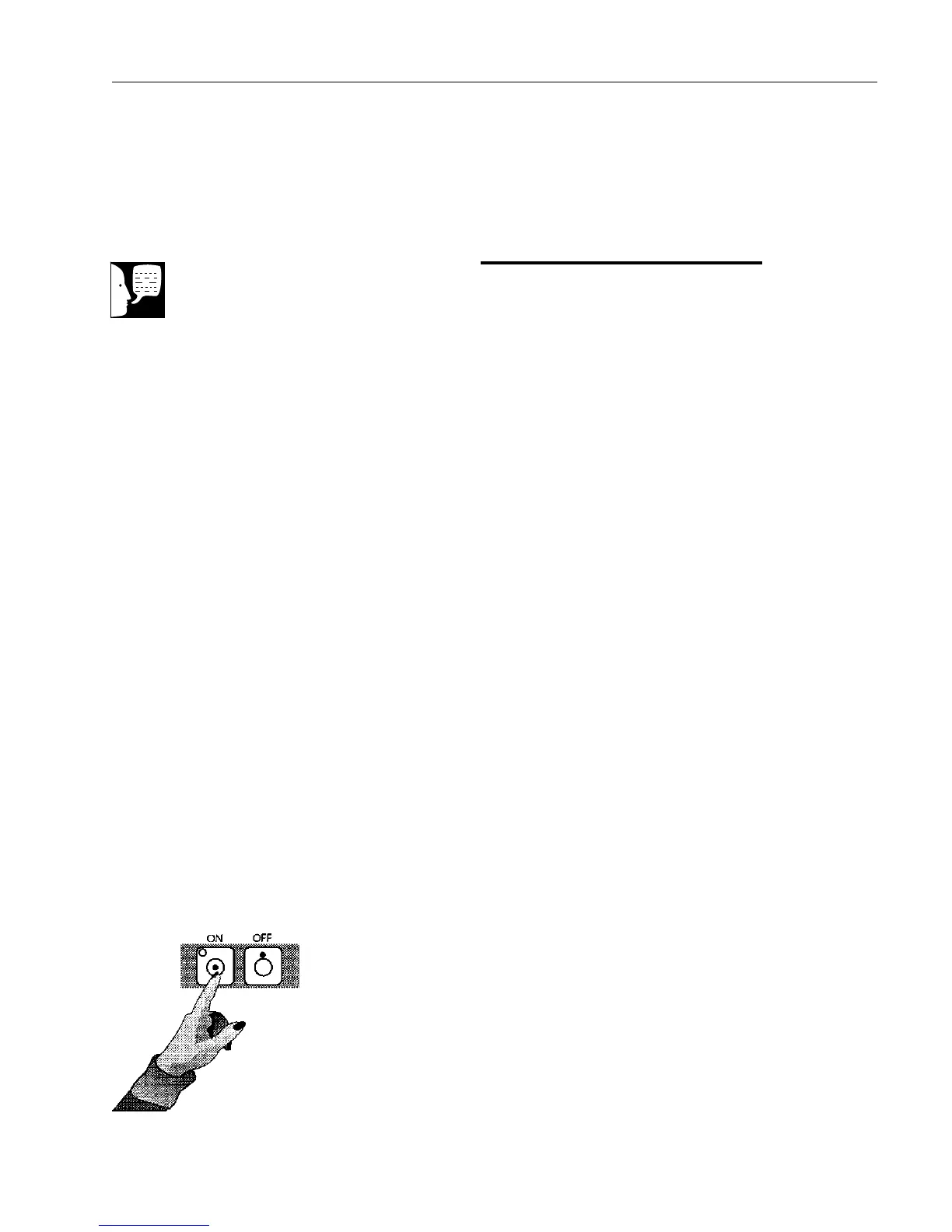
2. Press Controls ON switch to turn on
the control panel. The cycle
temperature, exposure time and drying
time will be displayed and the Standby
Mode will begin. During the Standby
Mode, the heater turns on to warm the
chamber to approximately 38°C. The
heater then cycles ON and OFF to
maintain the warm temperature.
3. Turn ON the optional printer (see
Printer section).
OPERATION
Power On/Controls On
Note
If time and date are incorrect,
reset the clock/calendar.


 To Next Page