23
OPERATION
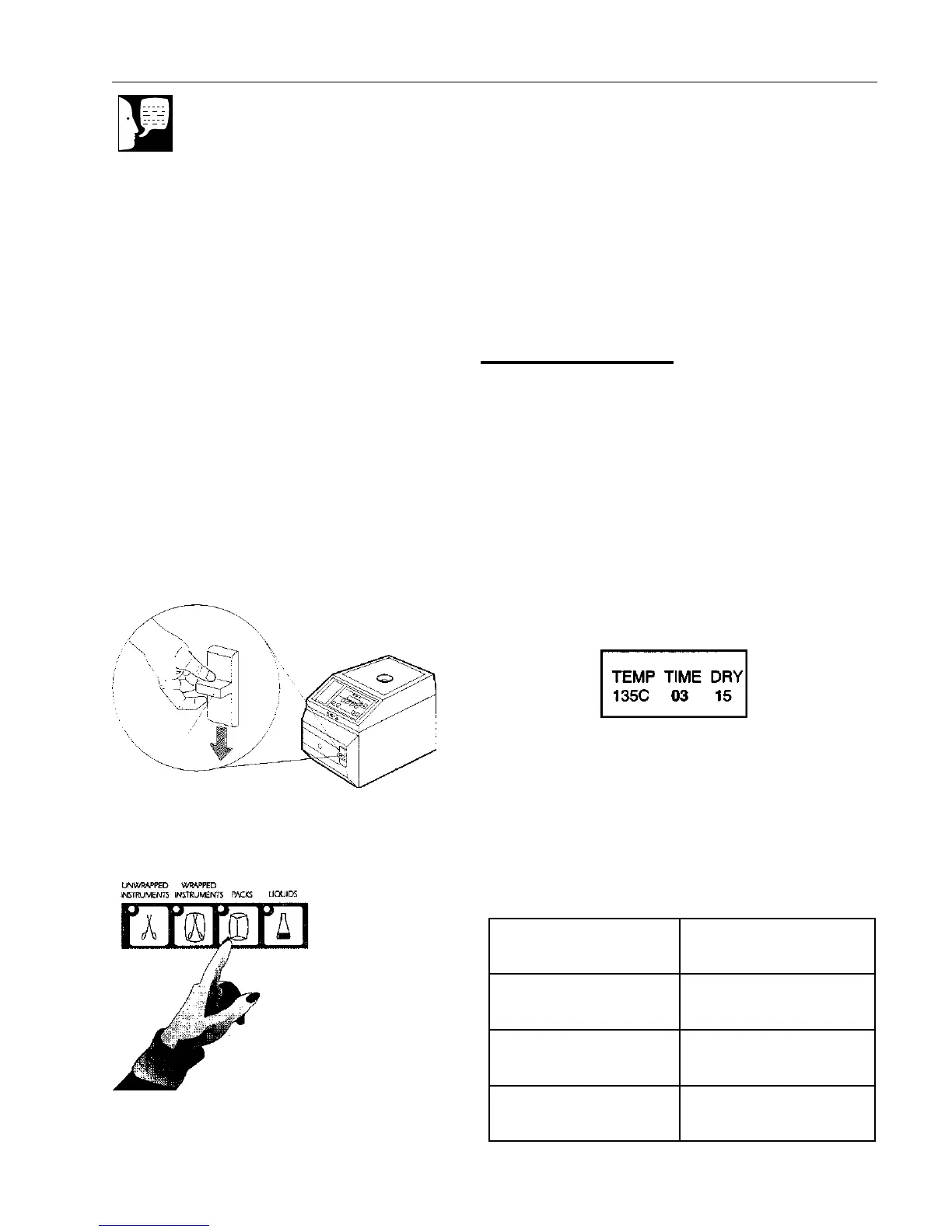
2. Close the sterilizer door and push the
door latch down firmly.
Selecting Cycle
When the controls are turned on, the settings
for the previous cycle will be displayed.
To select a different cycle, press the desired
cycle selector switch.
To change the exposure time and/or drying
time:
a. Press the PROGRAM/SET switch. The
exposure time will flash.
b. Press the up or down arrows to
increase or decrease the exposure
time. Times less than the minimum
values, listed below, are not available.
Figure 11
Selecting Cycle
stnemurtsnIdepparwnUmuminimsetunim3
stnemurtsnIdepparWmuminimsetunim5
skcaPmuminimsetunim03
sdiuqiLmuminimsetunim03
Note
Whether using the two tray,
four-tray, or IMS cassette rack,
items being processed should
be evenly distributed on each
tray or cassette and within the
sterilization chamber.
Do not allow bags, pouches or
wraps to touch the chamber
walls. Moisture from the walls
could cause wet packs or
pouches.
Do not overload. Steam may
not penetrate tightly packed
loads.
Do not layer pouches or load
them plastic side down as they
will retain water.
Figure 10
Locking the Door
Push Down
Firmly


 To Next Page