32
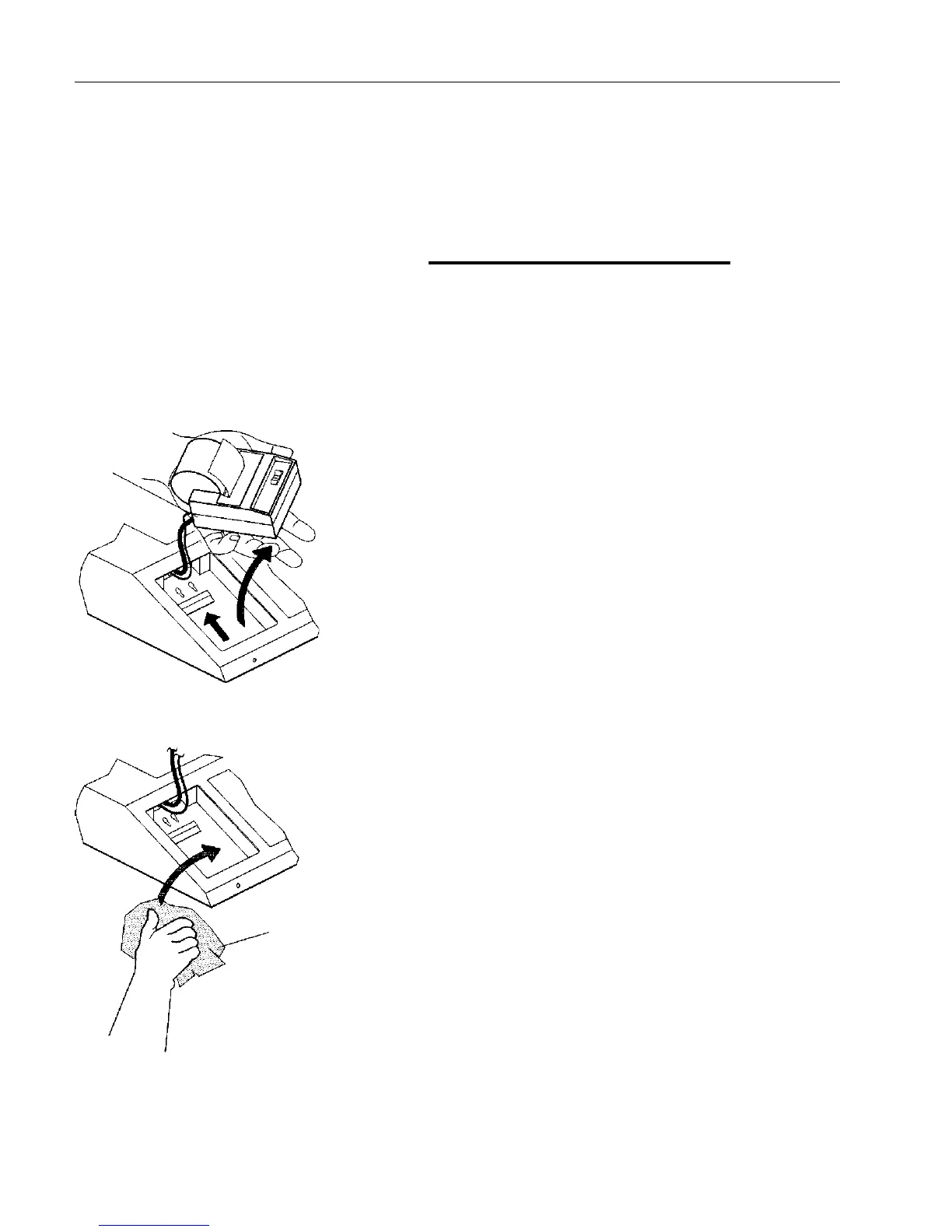
Printer Removal (MC10)
1. Lift the printer out of the recess.
2. Rest the printer on the top cover while
cleaning the recess. It is not necessary
to disconnect the printer cables.
3. When installing the printer, tuck the
excess cable into the recess.
PRINTER
Figure 20
Printer Removal
Lift the
Printer Out
Wipe With
Wet Cloth


 To Next Page