30
Installation
MC8
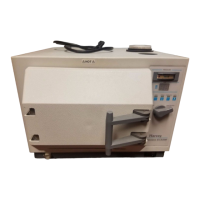
Connect printer cable to receptacle on back of
sterilizer. Plug power cable/transformer into wall
outlet.
MC10
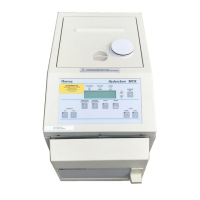
The printer is factory installed. If a printer is
added later, it should be installed by an
authorized service technician.
Operation
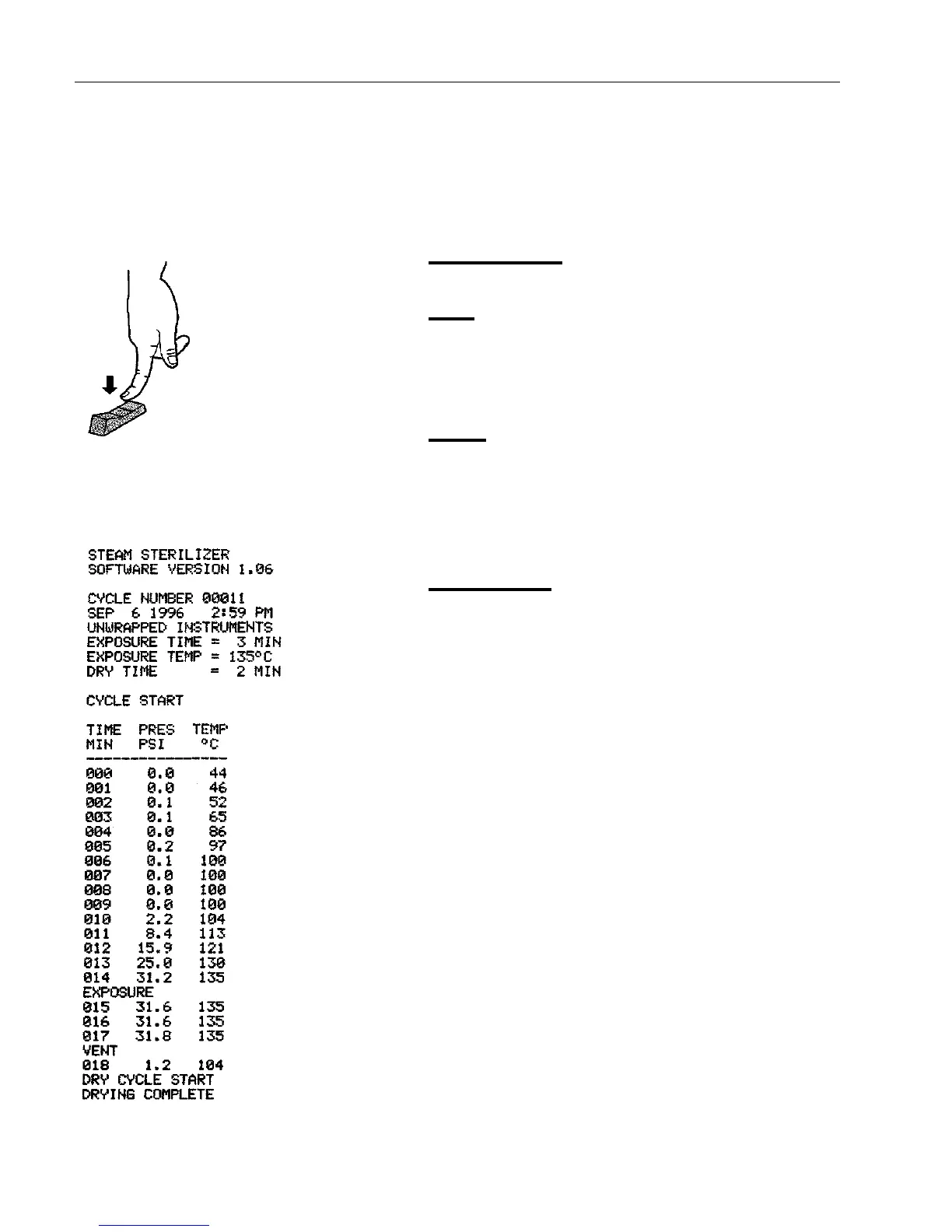
The printer provides hard copy documentation of
each cycle. An ON-OFF/PAPER FEED switch is
provided on the printer. A pilot light indicates
when the printer is activated.
Printer
Figure 16
Sample Printout
Figure 15
On/OFF Paper Feed Switch
Push &
Hold


 To Next Page