11
PME-MP85
A0897−3.4 en HBM
2.1 Philosophy of operation
2.1.1 Settings on the device
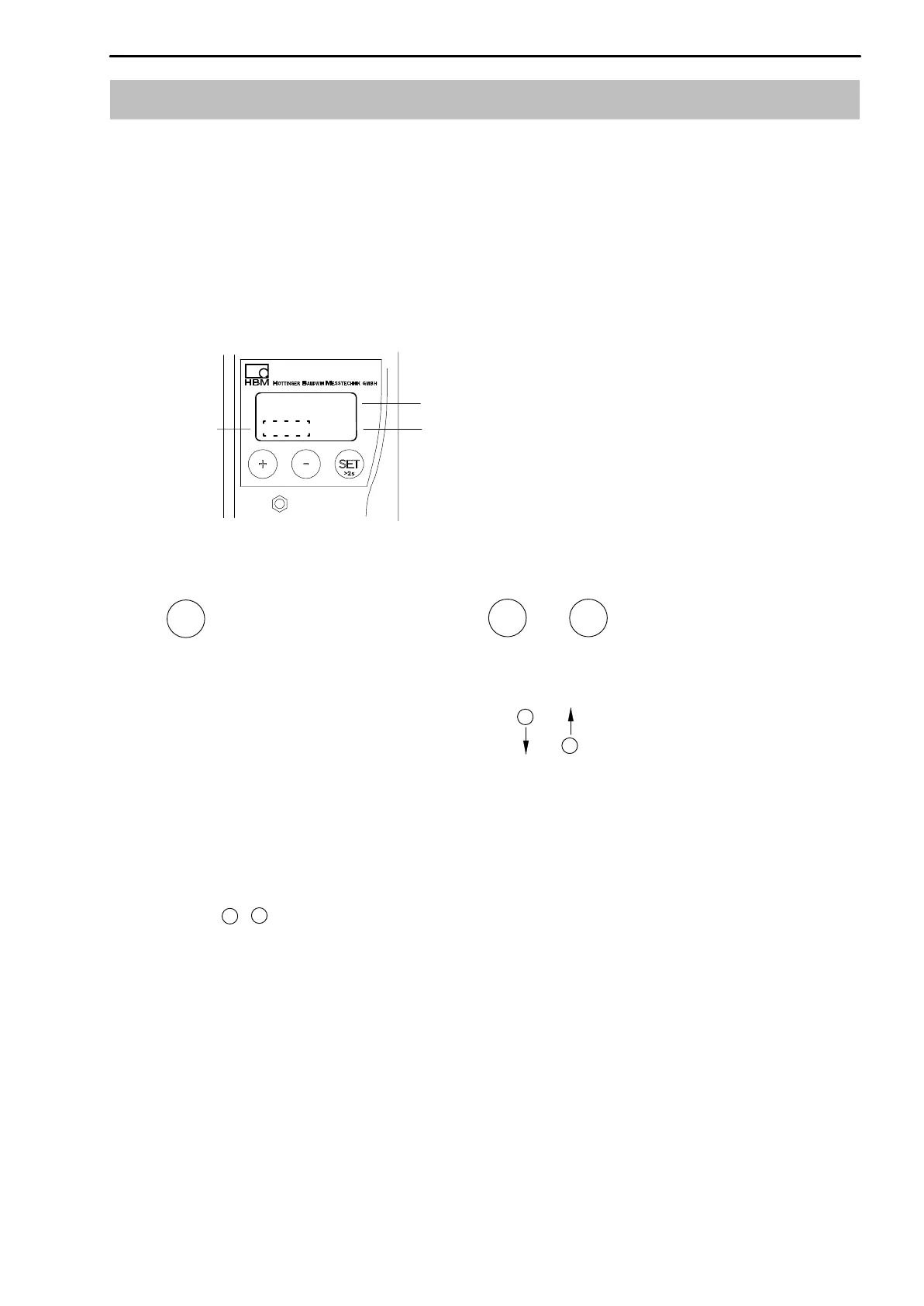
The display of the MP85/85DP shows you the measured value and status
information.
The device is actually set up by means of the “PME Assistant” software
(described in Online Help).
1. Switch from measuring mode to
input mode
2. Choose the first parameter within
the group.
3. Confirm your Input
4. Back to measuring mode (press for
2 secs.)
Select
Parameters/Group
SET
Keep key pressed − value runs continuously
Short press of the key − advance one value at a time
Keys :
Function of the keys:
+
−
Display in measuring mode:
−18.0024
kg
measured value
unit
status field
↓
↑
Flashes in the status field if the parameter value can be edited
+
−
+
−
!
x



 To Next Page