13
PME-MP85
A0897−3.4 en HBM
5. MMC-DisplayState (MMCState)
Display Explanation
notinuse No data storage on MMC
with any other display: data storage on MMC
no MMC There is no MMC in the device
Init... The MMC is initialized automatically after insertion
SET ³ STOP MMC ready for storing. Press SET to reset to Stop state.
Then the MMC can be removed.
Storing Data is written to the MMC. Upon completion of data sto-
rage, the state changes to “Ready”; SET ³ STOP is dis-
played.
Stopped Before removing the MMC from the device,
you must press the SET key to close all files
and write the FAT.
The message “MMC Disk Closed” or in case of an error
“MMC DiskClose Err” is displayed for a short time.
Then the MMC changes to the “Stopped” state and can be
removed from the device.
If there is no more free memory available on the MMC, the
status automatically changes to “Stopped”.
The only way to exit this state is to remove the MMC from
the device. Afterwards, there will be an automatic reinitializa-
tion.
5. Error types
During measurement, the character ! in the status field (whilst in measuring
mode) indicates a module error.
The errors are displayed one after the other (obtainable by using
+
−
).
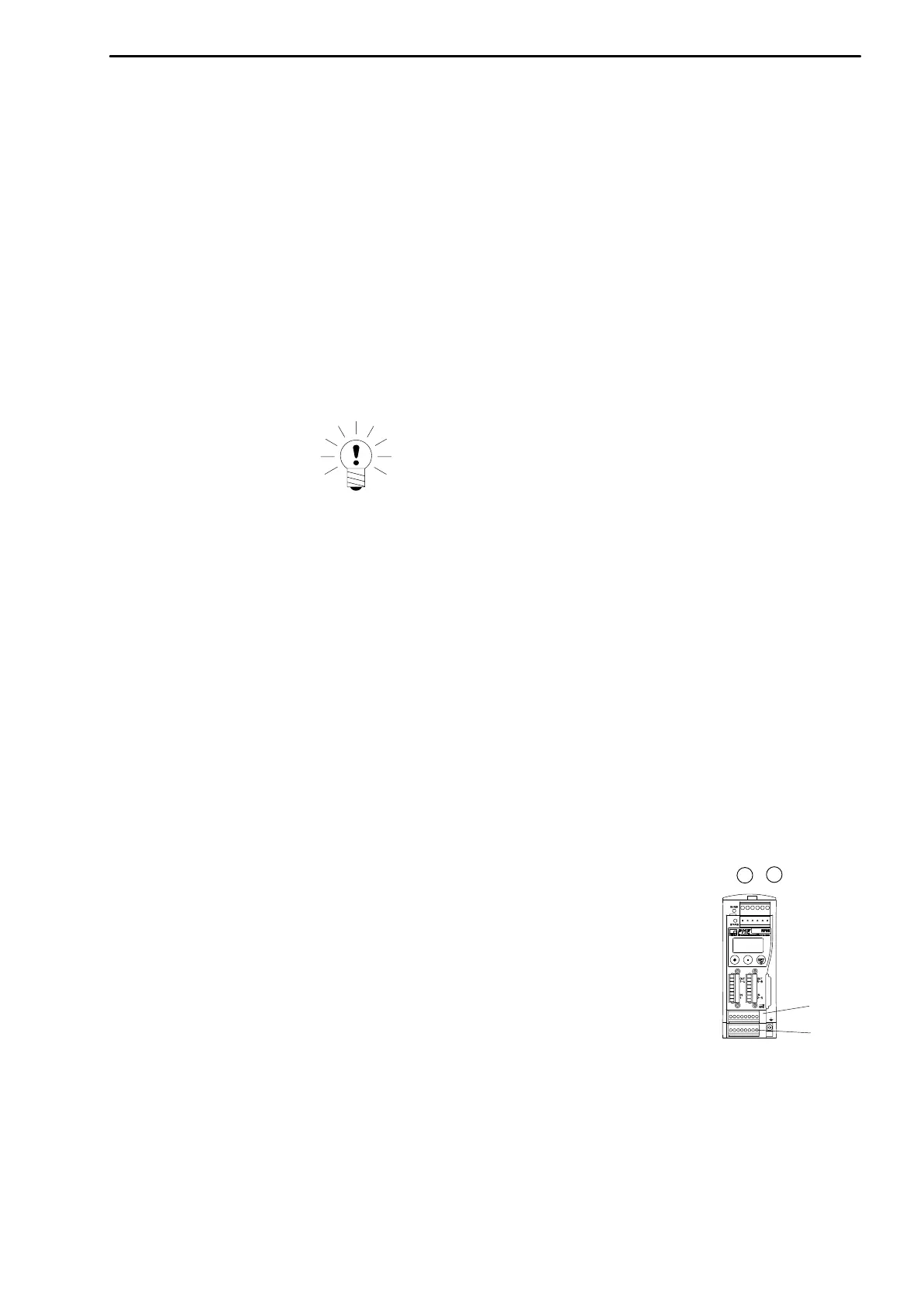
• ERROR x (related to screw terminal SENSOR X)
• ERROR y (related to screw terminal SENSOR Y)
Possible error messages are summarized in
Chapter 7 ”Error messages”,
Page 41.
SENSOR X
SENSOR Y



 To Next Page