58
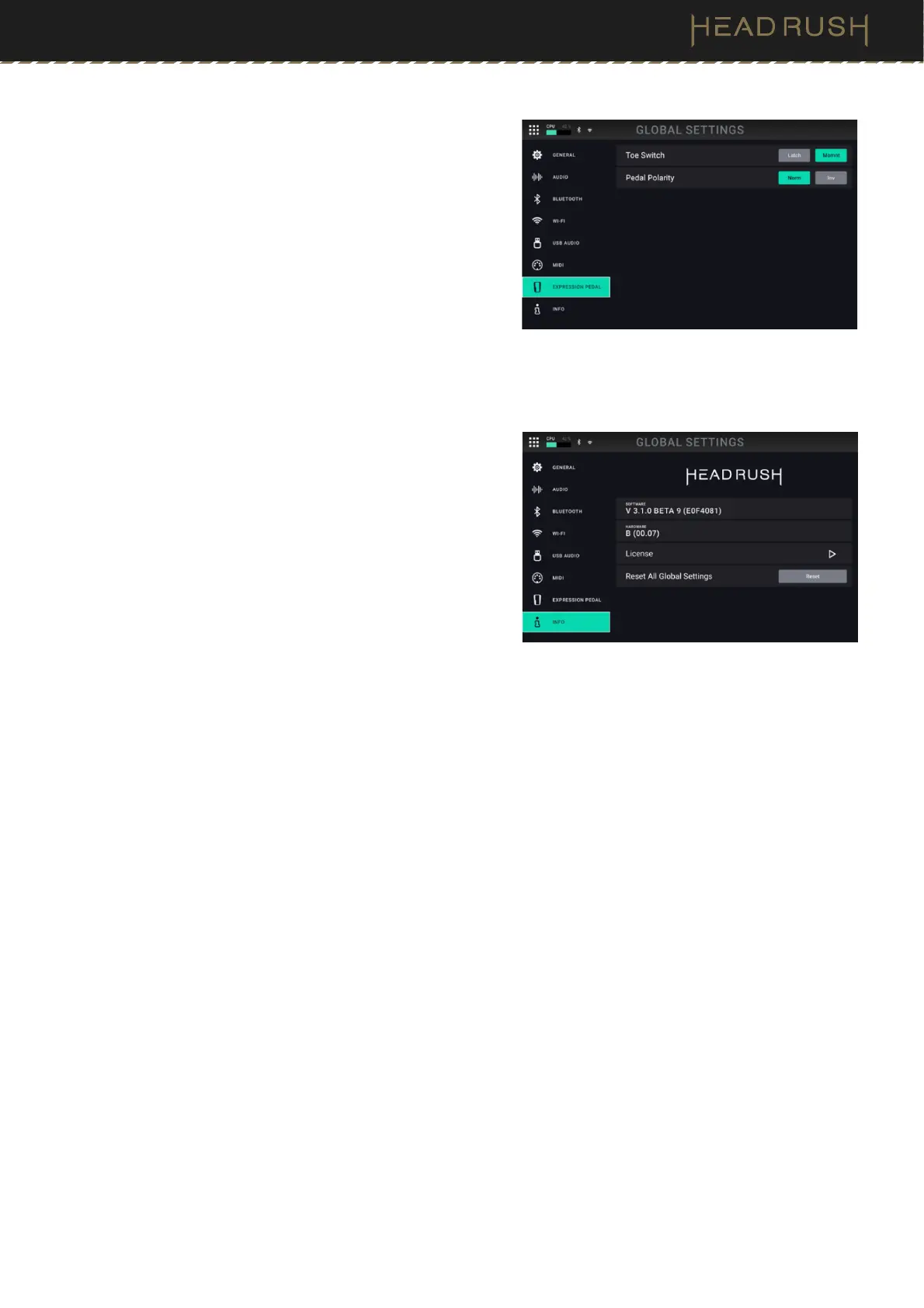
Expression Pedal
The settings on this tab are for configuring an external
expression pedal connected to HeadRush Prime’s rear panel
EXPR and TOE inputs.
Toe Switch: Change this parameter to Latch if your
external expression pedal uses a latching toe switch, or
Momnt if your expression pedal uses a momentary toe
switch.
Pedal Polarity: If it seems like your expression pedal is
registering motion in the wrong direction, you can change
this parameter to invert the pedal polarity. Select
between Norm (normal) and Inv (inverted).
Info
On this tab you can view HeadRush Prime’s current firmware
version, access HeadRush Prime’s license information, as well
as reset all your global settings to their factory defaults by
tapping the Reset button.



 To Next Page