22
level.
Y e a r
Y e a r
2 0 1 5
M o n th
1 1
H o u r
1 0
M i n u te
1 7
2 0 1 5
D a t e
3
5.6.3 Volume of taking product water setting
After entering the parameter setting menu , press
“
Disp./
▲”或“
Flush/
▼”
keypad to
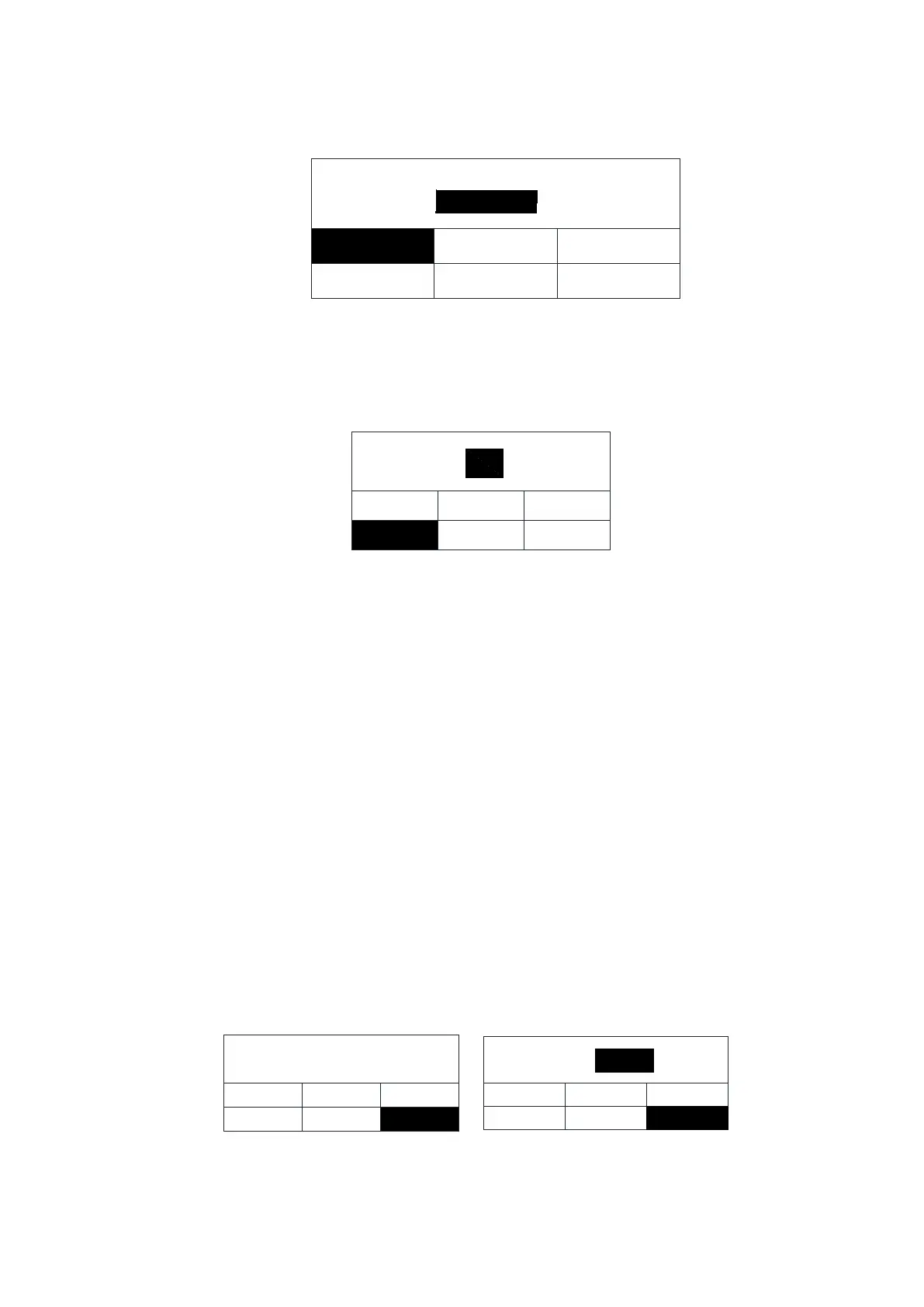
select the "Volume of water" function. White on black means it has been selected.
volume:
alarm setting
calendar setting
volume of water
prod.resis.
prod.unit
OFF
disp.flow
Press "Stop / " keypad to enter the volume of taking water setting interface, as shown
below:
In this menu level the user can be adjusted fixed quantity of take water from 0.1L to
25L, or No limit(off) , the manufacture setting is No limit(OFF), the user can press “Disp./▲,
Flush/▼” keypad to adjusting according to the user desire. Press the “Stop/
” keypad to
confirms the setting and switches to the next menu level
5.6.4 Dispensing flow setting
By setting this parameter, user can calibration the accuracy of fixed quantity of taking
water such as 1L or 5L.
After entering the parameter setting menu ,Press the
“
Disp./
▲”
or
“
Flush/
▼”
keypad
to select the "Dispense flow" function. White on black means it has been selected.
disp.flow
alarm setting
calendar setting
volume of water
prod.resis.
prod.unit
disp. flow
alarm setting
calendar setting
volume of water
prod.resis.
flow:
L/m
disp. flow
prod. unit
1.5
Press the “
Stop/
” keypad to confirms the setting and switches to the next menu level.


 To Next Page