28
Cartridge replace
Cartridge
replace
System
display
Manu.
Setting
Date
Recorder
6.3.2 Pre-treatment replacement
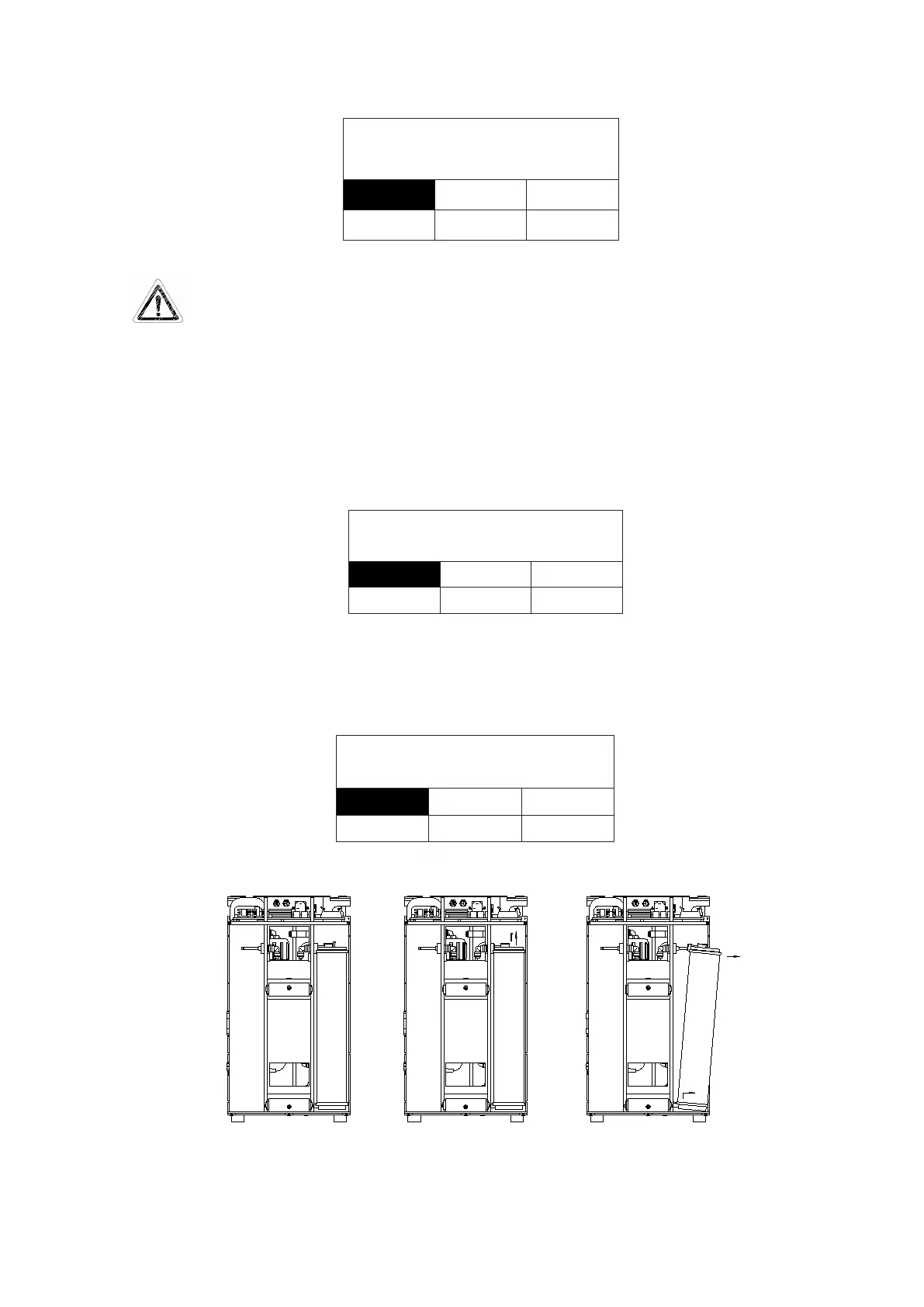
After entering maintenance settings, press“Disp./▲”or“Flush/▼”button to choose
“Cartridge replace” White words and black background mean that it has been chosen, then
press “Stop/
” keypad to confirm to enter each setting in replacement of supplies. As is
shown below:
PF
RO
replace pretreament?
MF
UV
DI
Press “Disp./▲”or “Flush/▼” keypad to choose “PF”. White words and black
background mean that it has been chosen, then press “Stop/ ” button to confirm, and LCD
will display the confirmation screen. As is shown below:
Remove the exhausted pre-treatment cartridge from the Smart-Mini. As is shown below:
We have completely removed the main unit shell so that it is easy for you to see clearly.


 To Next Page