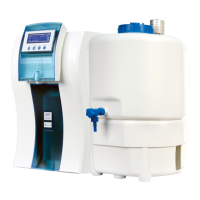
27
Make sure that the system is in standby or automatic making water state. If it is in
flushing or dispense state, please press “Stop/
”to stop it.
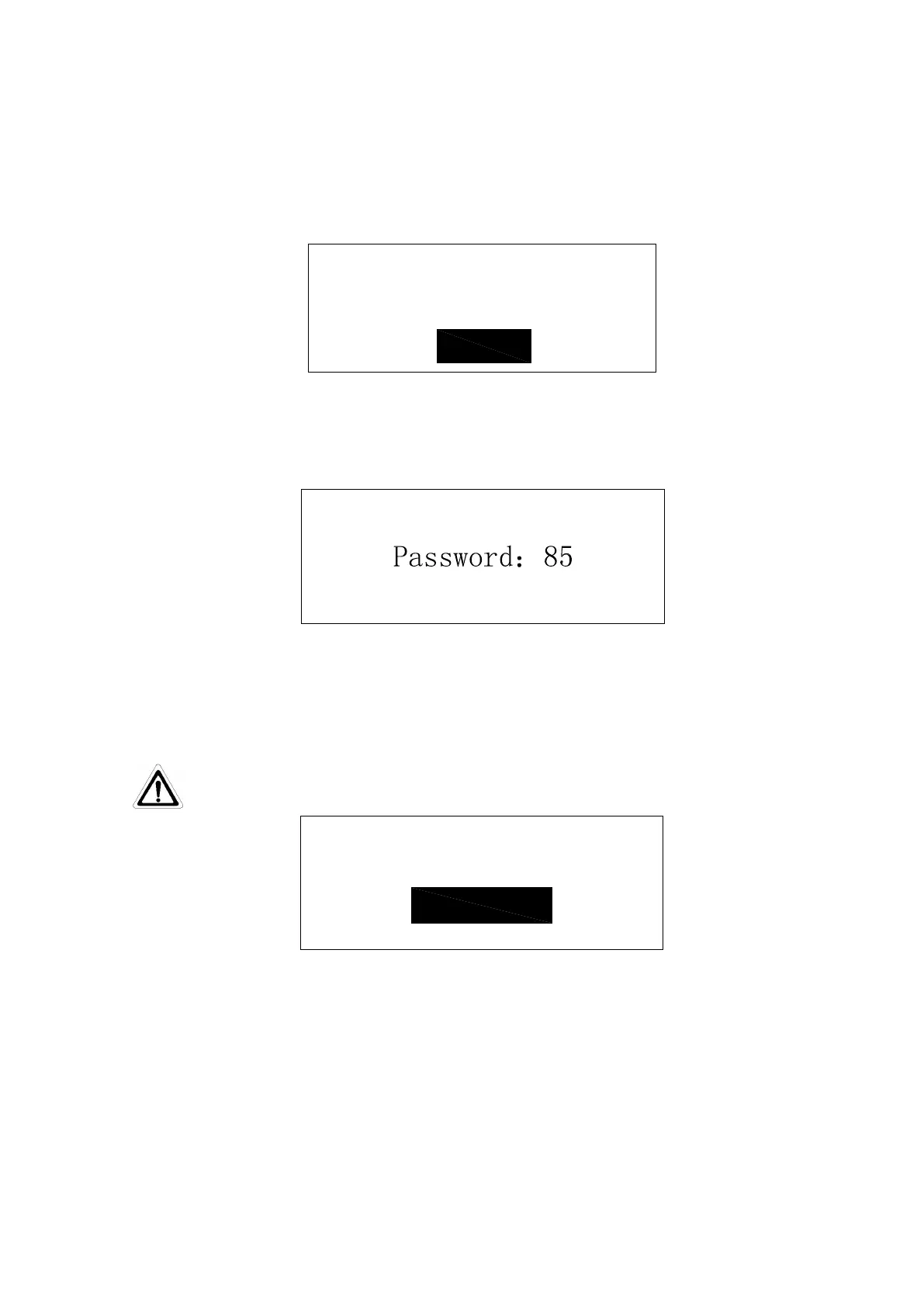
Press “Menu” keypad to enter the menu model, first of which is the language option. As
is shown below:
Press “Disp./▲”or “Flush/▼”keypad to choose “ENGLISH”, then press “Stop/
”
keypad to confirm and into the code input interface. As is shown below:
Press or hold down “Disp./▲” or “ Flush/▼”keypad, and then input the correct
password. The default password is 85, press “Stop/ ” to confirm to enter the next level of
menu. As is shown below:
If the password is error, the system will restart.
Service
setting
Parameter
setting
Press or hold down “Disp./▲”“Flush/▼” keypad to choose “Service setting”. White
words and black background mean that it has been chosen, then press “Stop/
” keypad to
confirm to enter the parameter setting menu.
When you enter the service setting menu, you can find the contents for each setting,
which include cartridge replace, disinfection settings, data logging, machine condition and the
factory setting. As is shown below:


 To Next Page