23
Note: Suggestion the user had batter to calibrating fixed quantity every half month.
5.6.5 Ultra-pure water quality setting
After entering the parameter setting menu according to this chapter, press
“
Disp./
▲
”or
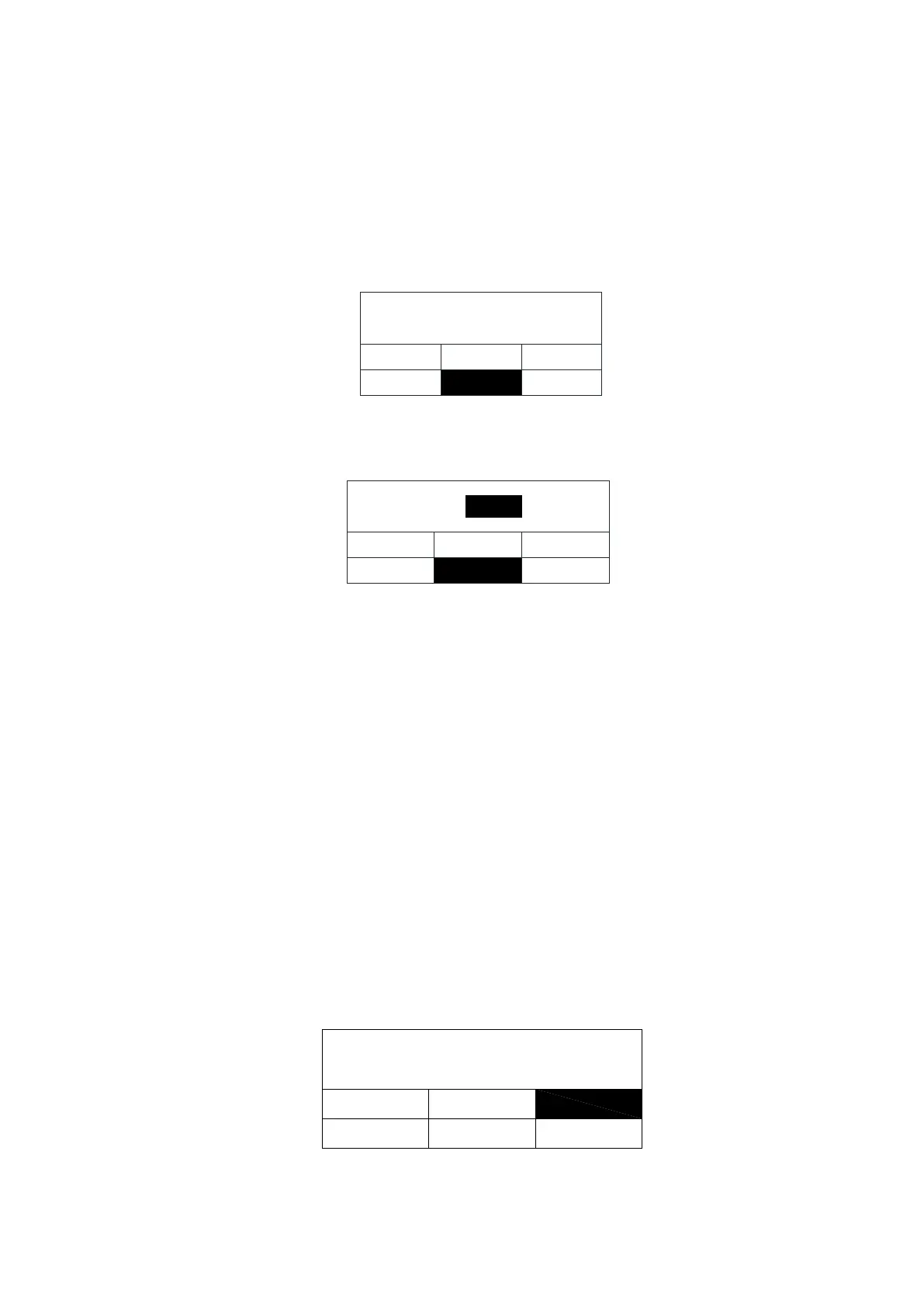
“Flush/▼”keypad to select the "Prod. Resis." function. White on black means it has been
selected.
prod.resis.
alarm setting
calendar setting
volume of water
prod.resisi.
prod.unit
disp.flow
Press “Stop/
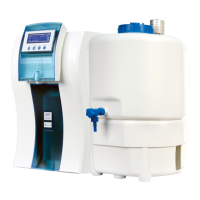
”keypad to enter the water quality parameters setting interface, as shown
below:
prod.resis.:
alarm setting
calendar setting
volume of water
prod.resis.
prod. unit
16.00
MΩ·cm
disp.flow
The limit of the resistivity of the ultra pure water from purification cartridge can be
adjusted by the user. the manufacture setting is 16.00MΩ.cm, if the resistivity of product
water is lower than limit ,the product water will be recycling in main system , the product
water ‘s resistivity of user’ taken is higher than the limit. the user can press “Disp./▲,Flush/
▼” keypad to adjusting according to the user desire. Press the “Stop/
” keypad to confirms
the setting and switches to the next menu level.
5.6.6 Unit selection
By setting this parameter, user can choose to the unit form of the ultrapure water, MΩ.cm
or μS/cm.
After entering the parameter setting menu according to this chapter, press “Disp./▲”
or “Flush/▼”keypad to select the "Prod. Unit." function. White on black means it has been
selected.
Alarm
setting
Calendar
Volume
of water
Prod.
Resis.
Prod.
Unit
Product unit
Press "Stop / " button to confirm the unit selection interface, as shown below:


 To Next Page