33
6.3.5 UV lamp replacement
Refer to this chapter and enter the maintenance setting, press the "disp. / ▲" or "Flush /
▼
" keypad to select consumable replacement .White on Black means that it has been selected,
press the "Stop /
" keypad to set.
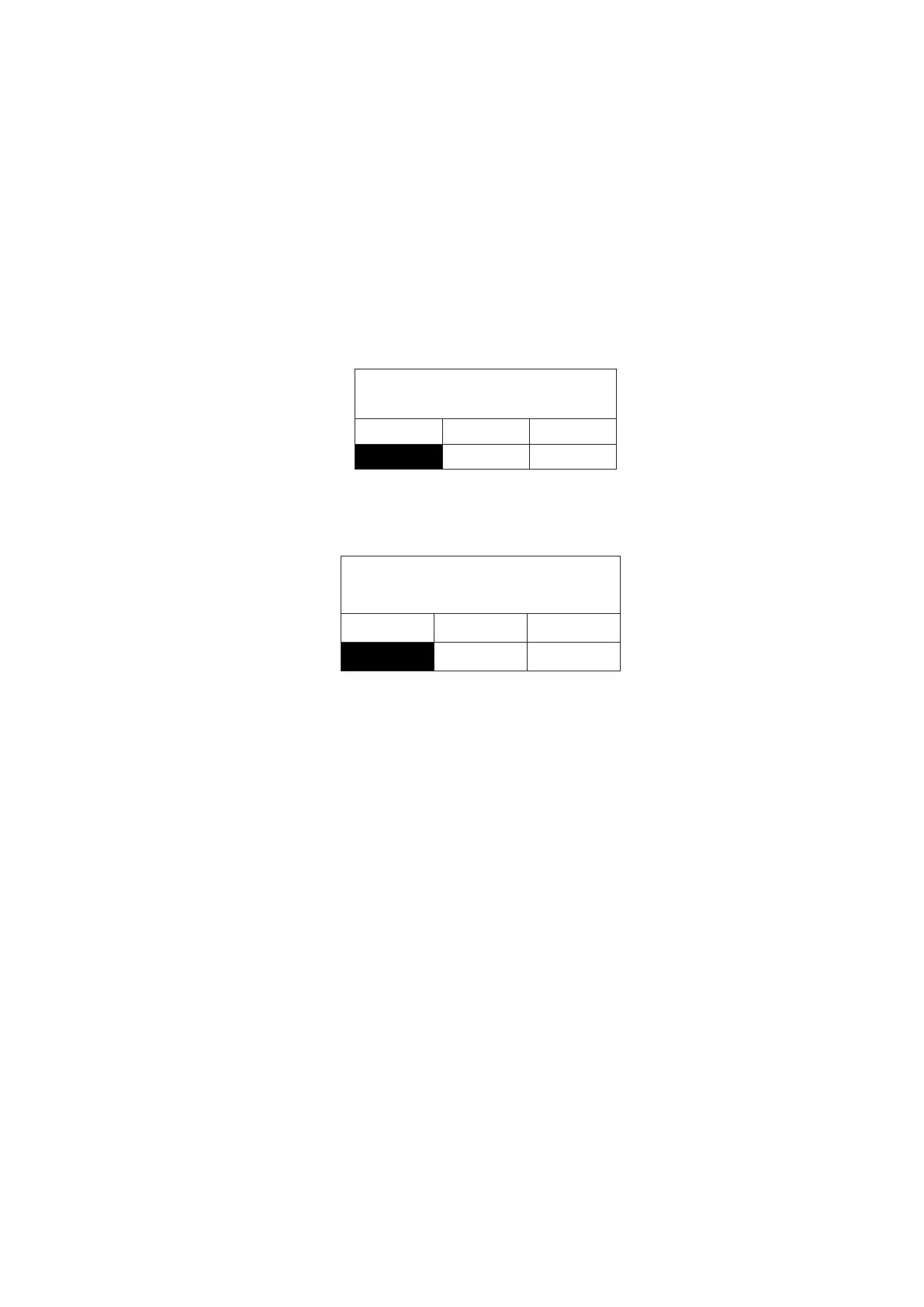
Press "Disp. / ▲" or "Flush / ▼" keypad to select "UV" White on Black means that it
has been selected. As shown below
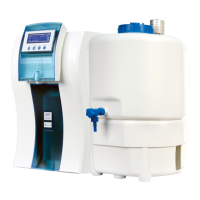
Press "Stop /
" button to confirm, LCD displays the replacement complete, as shown
below
Remove the right side door of the main unit (front view). Please refer to the section 3,1
of this chapter.
UV lamps are installed in the right chamber of the Smart-Mini system, mounted on the
UV lamp holder.
Unplug the power cord of the UV lamp.
Remove the exhausted UV lamp. Please refer to the following diagram (cutaway view of
the back of the chamber) as shown.


 To Next Page