35
consumable replacement. White on Black means that it has been selected, press the "Stop /
"
keypad to set.
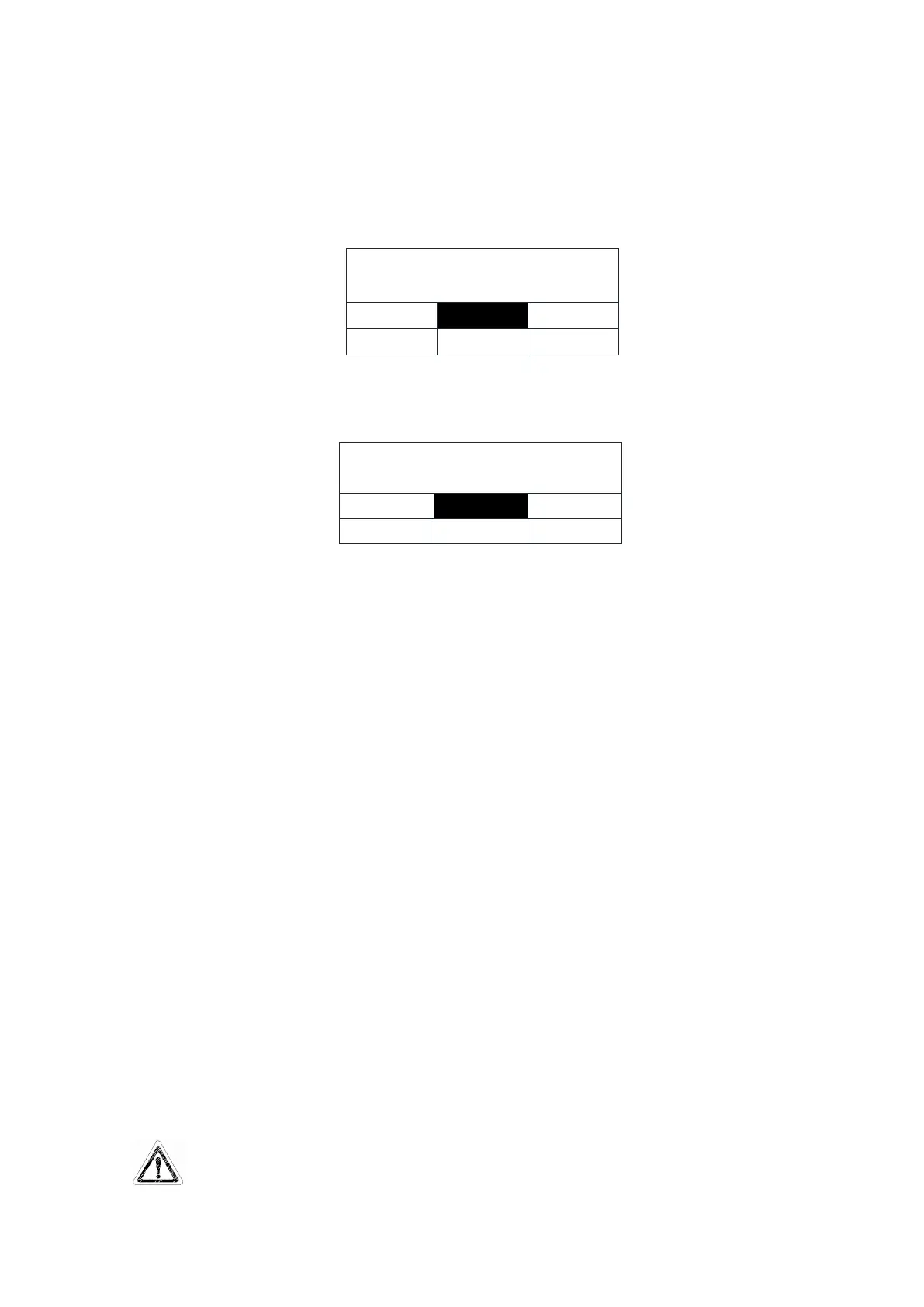
Press "Disp. / ▲" or "Flush / ▼" keypad to select "MF" White on Black means that it
has been selected. As shown below
Press "Stop / " keypad to confirm, LCD displays the replacement complete, as shown
below
Remove the right side door of the main unit (front view).
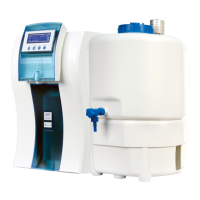
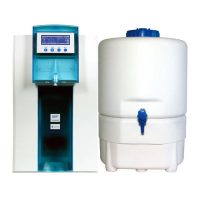
Micro-filter installed in the right chamber of the Smart-Mini system. The MF is bolted to
the rack of the main unit.
Remove the connection pipe from the Micro-filter, You can mark the tube to prevent
confusion in the next installation.
Take the new Micro-filter cartridge, insert the tube into the corresponding connector.
Install the ultra-filter back to rack of the main unit.
Install the side door.
GO back to the control panel, press the "Stop / " keypad to confirm the replacement
process is done.
After finishing the Micro-filter cartridges replacement, you can press "Disp. /
▲
" or
"Flush / ▼" keypad the selection other components replacement, or press "Menu" button to
return to the upper level of menu. Or you can continuously press "Menu" keypad to exit the
maintenance setting, the system will restart.
Newly installed membrane surface has protective liquid, press "Disp. /
▲
" keypad, the
system is in water producing state, drainage the pure water. After half an hour, press "Stop /
" keypad to stop flushing of Micro-filter, the system is in standby mode.


 To Next Page