10
9
8
7
6
5
4
3
2
1
Appendix
Reference
Guides
Alarms and
Emergencies
Patient
Management
Surgical
Implant and
Explant
Monitor
Peripherals
and
Accessories
HVAD
®
Pump Overview
Introduction
68 HVAD® Instructions for Use
4.1 HVAD
®
Controller Connections (continued)
Disconnecting Power Sources:
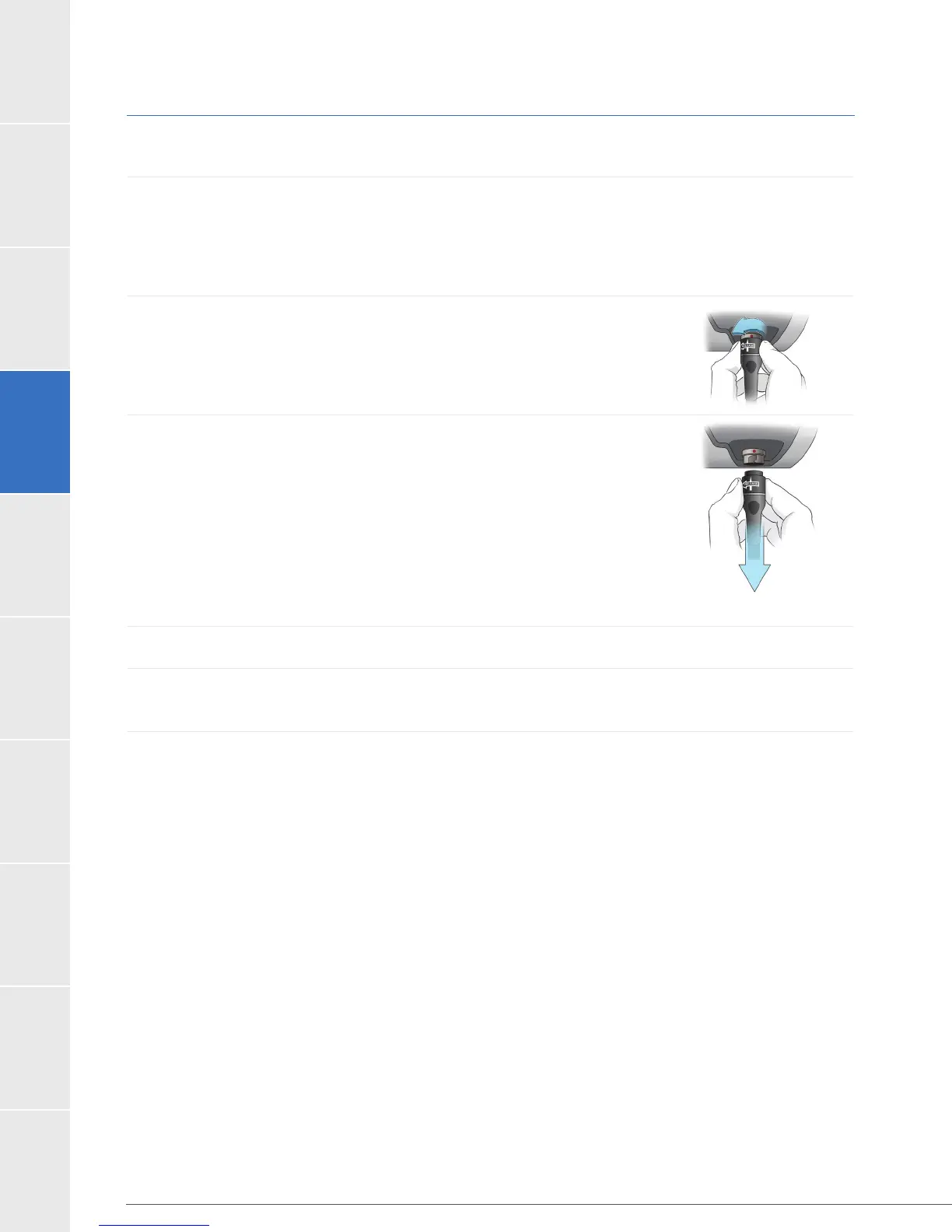
Disconnecting from the AC Adapter or DC Adapter
Before switching from AC or DC power to battery power, make sure that a fully charged
battery is available. Connect the fully charged battery after disconnecting the AC or DC
adapter. To disconnect power cables from the controller:
1. Turn the connector counterclockwise until it stops.
2. Pull the connector straight out from the controller.
If another power source is not connected within 20 seconds,
the [Power Disconnect] message will be displayed on the
Controller Display and an alarm will sound.
source is connected to the controller.
3. Connect a fully charged battery to the controller power connector.
4. If a charged battery is not connected to the controller within 20 seconds, the [Power
Disconnect] message will be displayed on the Controller Display and an alarm will sound.
Figure 45
Figure 46



 To Next Page