AB4701en_SARev.: 05 / 11.2023
Ramp-up level and ramp-up
time
Brake level and ramp-down
time
Change the value of the desired parameter.
🡆 The values of the current program are copied to program location
‘0’
and updated with the changed value.
The original program is not overwritten.
The program location number is displayed in brackets
‘( )’
. The
centrifugation data in the indicator does not match the stored cen-
trifugation data of the program location.
6.8 Quick stop function
Personnel:
■
Trained user
Press the
[STOP/OPEN]
button twice.
🡆 Ramp-down with brake level "9" (shortest ramp-down time) is dis-
played and executed.
If brake level "0" is preselected, ramp-down takes place with brake
level "9d". With brake level "9d", the ramp-down time is longer
than with brake level "9".
7
Software operation
7.1
Centrifugation parameters
7.1.1 Ramp-up and ramp-down parameters
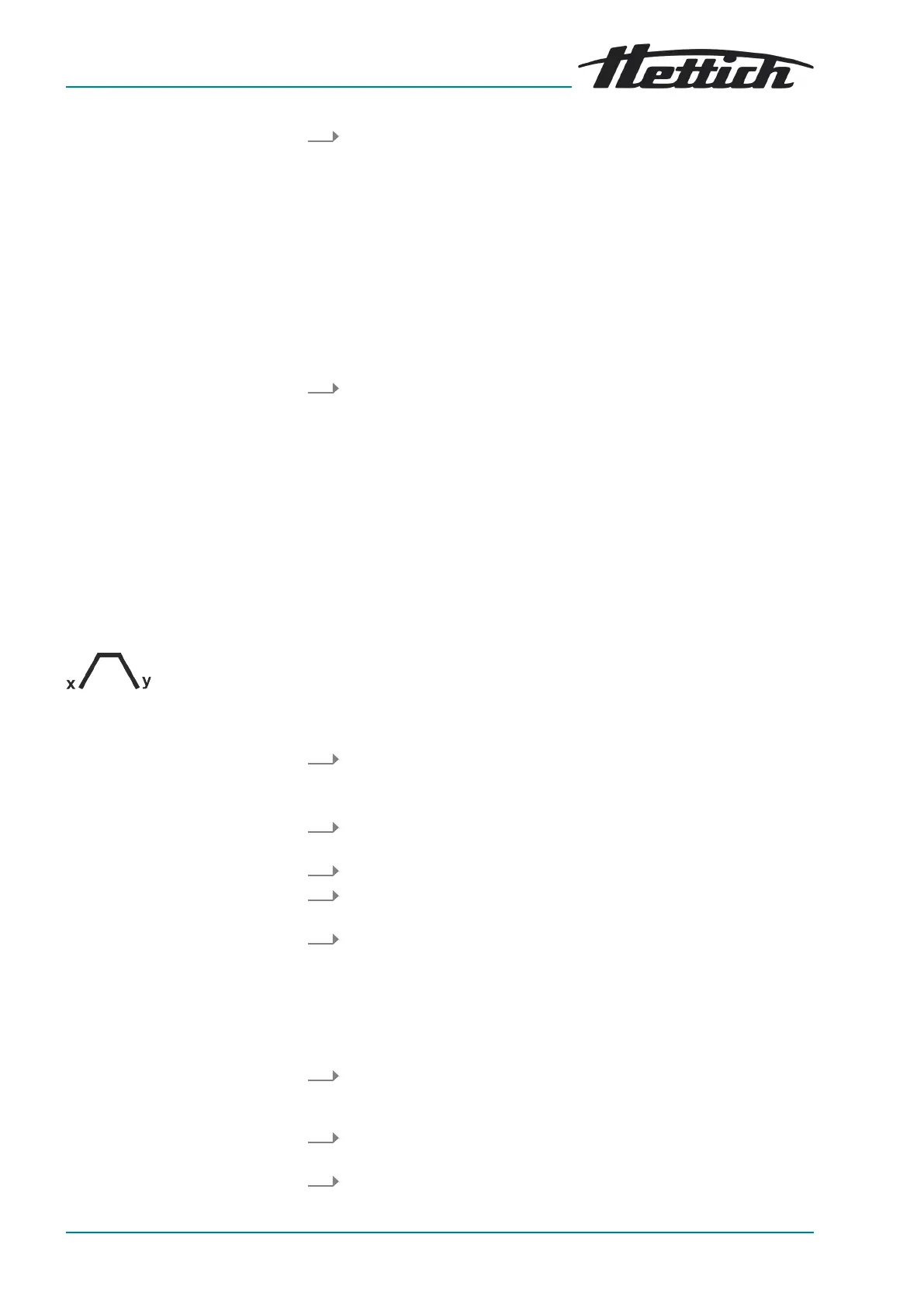
The set ramp-up and ramp-down parameters are displayed.
x: 1-9 = ramp-up level, t = ramp-up time
y: 1-9 = brake level, 0 = unbraked ramp-down, t = ramp-down time
The
‘Ramp-up time’
function is enabled.
1. Press the
[Ramp-up and ramp-down parameters]
button.
🡆 The ramp-up level parameter or ramp-up time parameter is dis-
played.
2. Press the
[TIME]
button to toggle between the ramp-up level and the
ramp-up time.
3. Use the
[Rotary knob]
to set the desired level or time.
4. If required: Press the
[Ramp-up and ramp-down parameters]
button
to set the next parameter.
5. Press the
[START]
button.
or
Press the
[Ramp-up and ramp-down parameters]
button repeatedly
until the centrifugation data is displayed.
The
‘Ramp-down time’
function is enabled.
1. Press the
[Ramp-up and ramp-down parameters]
button repeatedly
until the
‘Brake level’
parameter or the
‘Ramp-down time’
parameter
is displayed.
2. Press the
[TIME]
button to toggle between the brake level and the
ramp-down time.
3. Use the
[Rotary knob]
to set the desired level or time.













 To Next Page