Wi-Fi 6 2x2:2 User Manual Rev: A0-00
45
CONFIDENTIAL
Callout Name Description
the same while updating the firmware of the device with
a new version.
4. Browse/Image
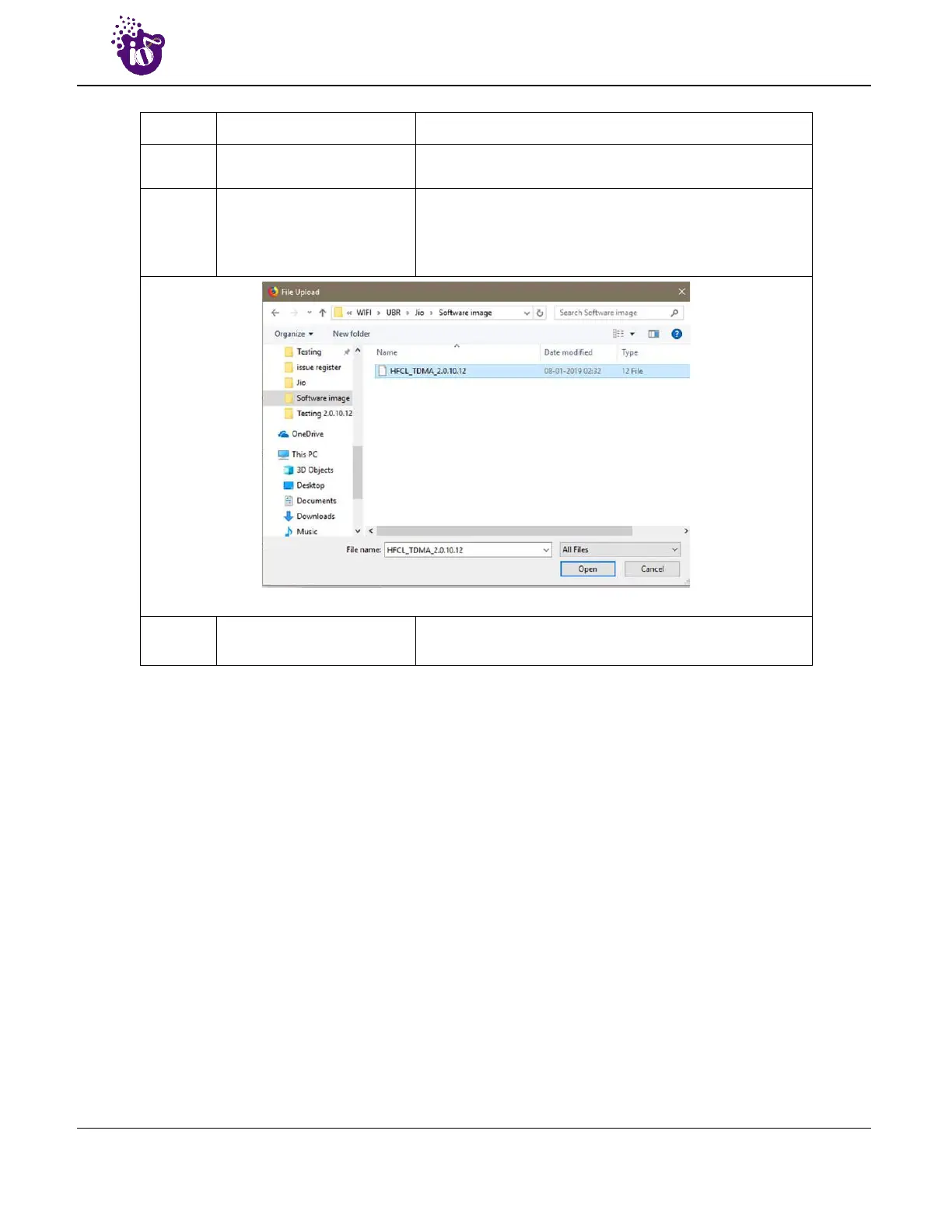
Click on “Browse” option. A popup window will appear on
the screen. Go to the respective folder of software file
and select the sysupgrade-compatible image to replace
the running firmware. Refer image below.
Click on open, once the compatible images is selected.
5. Upgrade Image
Click on “Upgrade image” to upload a sysupgrade-
compatible imagec a`1
It will show a new page, which will have checksum, file size and other information. Click on Proceed after
checking software version.



 To Next Page