Wi-Fi 6 2x2:2 User Manual Rev: A0-00
84
CONFIDENTIAL
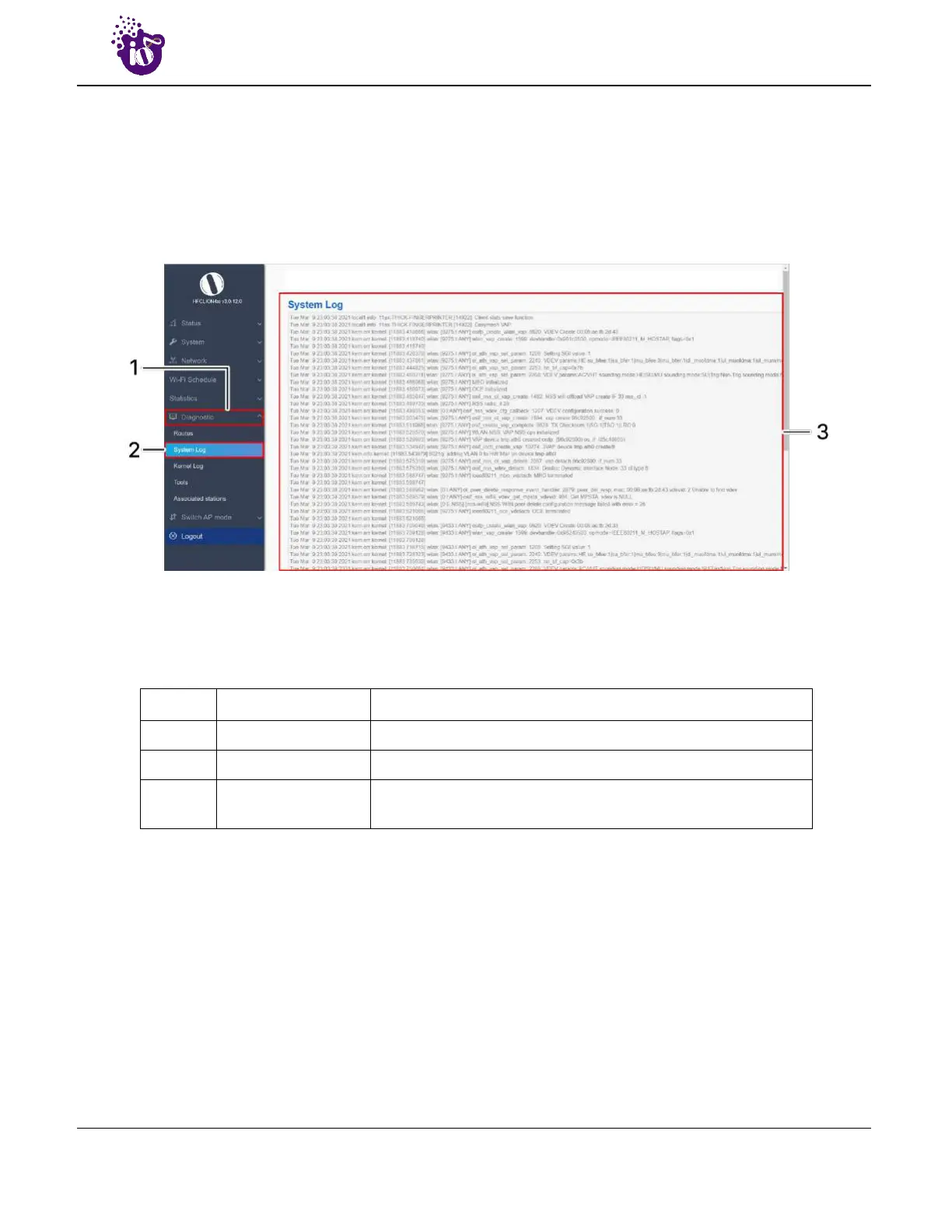
14.2 System Log
This screen is provided to view the AP logs if the user faces any issue or wants to view the back-end logs.
Only new logs are shown in this screen. However, old logs are stored in the database but will not be shown in
this screen.
A basic overview of the System Log screen is given below:
Figure 52: Basic overview of the System Log screen
Follow the steps given below to view the system log of AP:
Table 42: List of actions to view the system log
Callout Name Description
1. Diagnostics Click on “Diagnostics” dropdown
2. System Log Click on “System Log” option.
3. Logs
Logs relevant to the AP application software are displayed here
for monitoring purpose



 To Next Page