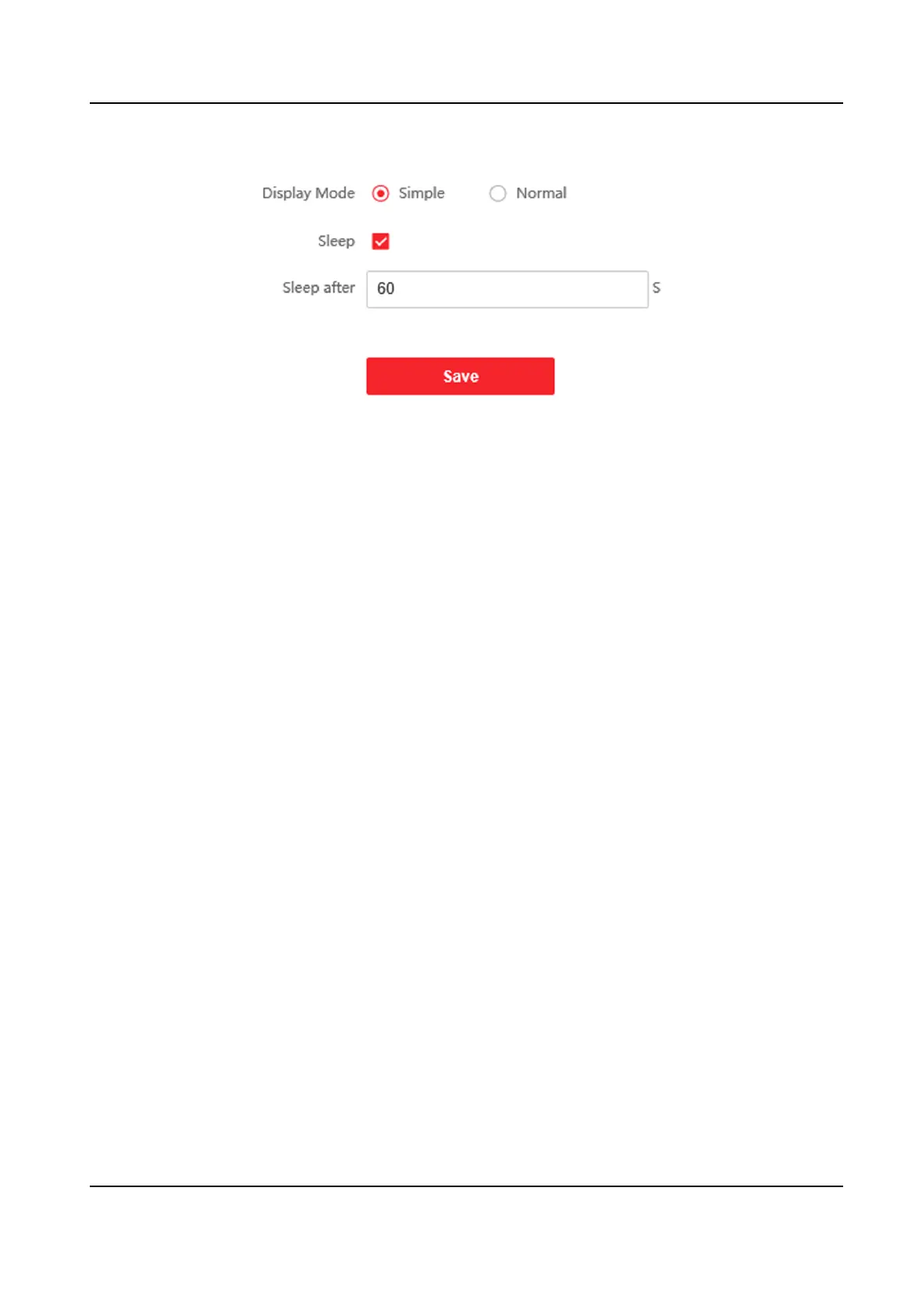
Figure 8-15 Theme Page
Display Mode
You can select display theme for device authencaon. You can select Display Mode as Simple
or Normal. When you select Simple, the informaon of name, ID, face picture will be not
displayed.
Sleep
Enable Sleep and the device will enter the sleep mode when no
operaon within the congured
sleep me. Aer enabling Sleep, you need set the start me of display.
8.5.22 Temperature Measurement
Sengs
Temperature Measurement Sengs
You can set the temperature measurement parameters, including temperature measurement only,
temperature unit, over-temperature threshold, temperature compensaon, door not open when
temperature is abnormal, etc.
Steps
1.
Click
Conguraon → Temperature → Temperature Sengs .
DS-K1TA70 Series Face Recognion Terminal User Manual
101


 To Next Page
 Loading...