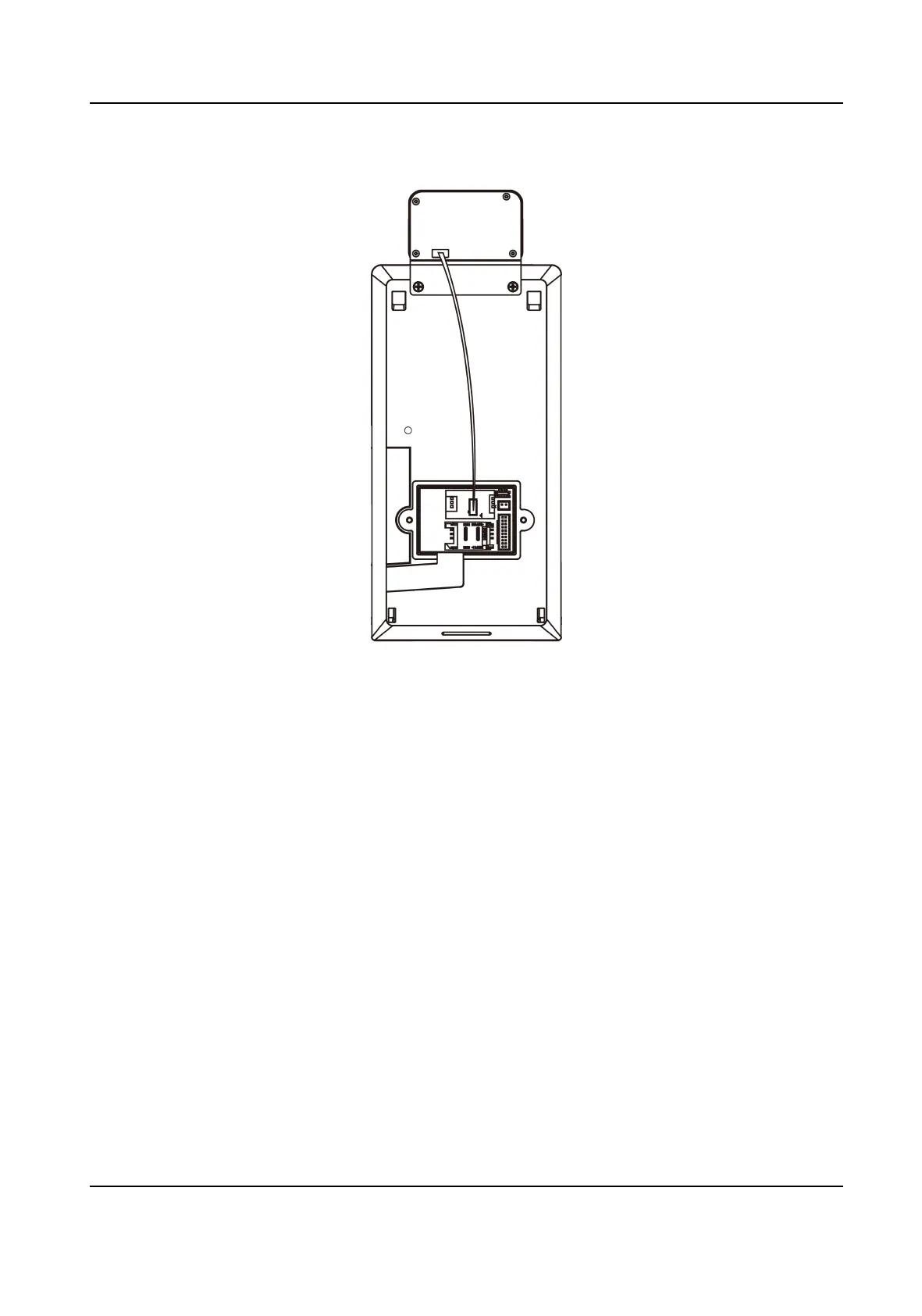
Figure 3-1 Connect Thermographic Module
3.
Use 5 supplied screws (4_KA4×22-SUS) to secure the mounng plate on the gang box.
4.
Route the cable through the cable hole of the mounng plate, and connect to corresponding
external devices' cables.
5.
Align the device with the
mounng plate and hang the device on the mounng plate. Make sure
the two sheets on each side of the mounng plate have been in the slots at the back of the
device.
DS-K1TA70 Series Face Recognion Terminal User Manual
7


 To Next Page
 Loading...