2.2 Quick Operaon
Aer device acvaon, the wizard page will pop up.
Steps
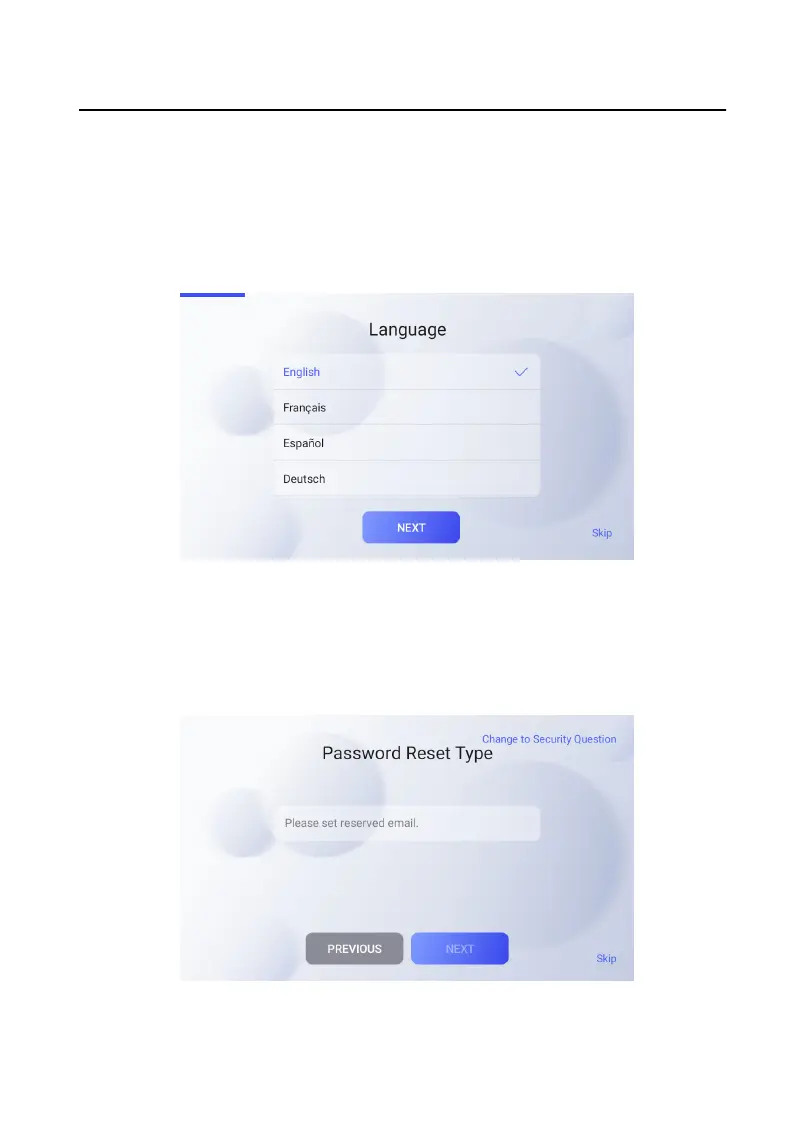
1. Choose Language and tap NEXT. Or tap Skip to skip language
sengs.
Figure 2-2 Language Sengs
2. Set password reset method. Or you can tap Skip to skip password reset method
sengs.
-
If you need to change password via reserved email, you can enter an email
address and tap NEXT.
Figure 2-3 Select Password Reset Method
Video Intercom 9 Series Indoor
Staon Conguraon Guide
3


 To Next Page
 Loading...