Troubleshooting
86 Compella™ Bariatric Bed System Instructions for Use (178951 REV 6)
TROUBLESHOOTING
Warning—Only facility-authorized persons or Hill-Rom service technicians should service the bed.
Service done by unauthorized persons could cause injury and/or equipment damage.
If the troubleshooting information shown below does not fix the problem, contact your facility-
authorized maintenance person or Hill-Rom Technical Support.
SOLVE A SYSTEM ALARM CONDITION ON A COMPELLA™ THERAPY SURFACE
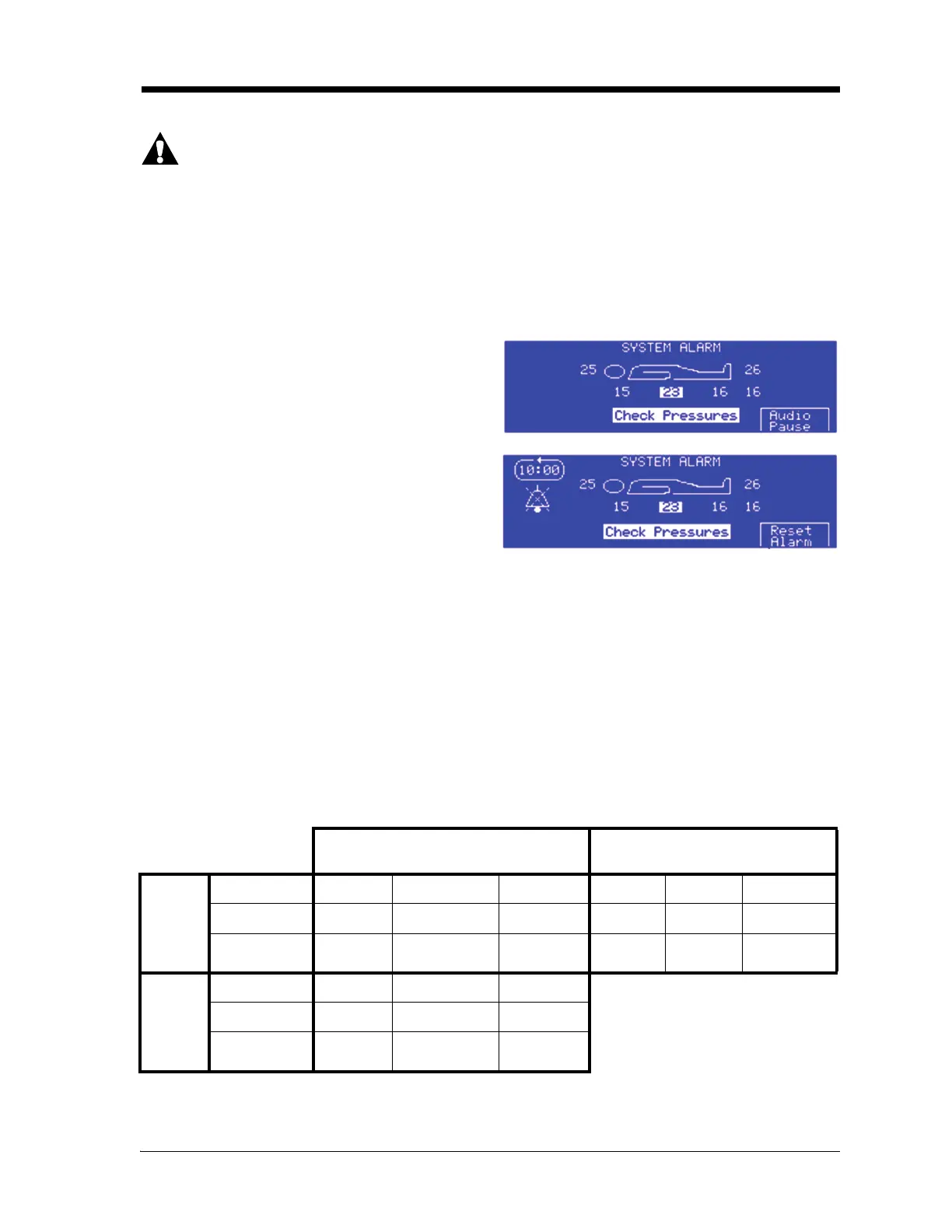
If the unit detects an alarm condition in the
surface, the System Alarm screen shows. Solve a
system alarm condition as follows:
1. Press Audio Pause to mute the alarm for
10 minutes.
2. Refer to the System Alarm screen to
determine the alarm condition:
The System Alarm screen shows the extended set
of pressures: the patient-right and patient-left side
bolsters show in the top row; the head, seat, and foot show in the bottom row.
•If no pressures settings are highlighted on the System Alarm screen, examine the side
bolsters.
• If a pressure setting is highlighted, do as follows:
– Refer to the highlighted pressure on the System Alarm screen to determine which
section and air cell row of the surface caused the alarm condition.
– Refer to the table below to find which air cells and hose(s) caused the alarm condition.
The air cells are numbered #1 through #22 and start at the head end of the bed.
Air Cell Connections to Hoses
3. Make sure the hoses are firmly connected and the air cells are free from leaks. If necessary,
contact your facility-authorized maintenance person or Hill-Rom Technical Support.
Air Supply Unit
Right-Hand Side
Air Supply Unit
Left-Hand Side
Top
Row
Zone
Head Left Bolster Left Turn Foot Foot LAL Topper
Hose Color
Red Blue Green White Black Yellow
Air Cells
1 - 6 1 - 18 Left Turn
Bladder
15 - 17 18 - 20 Topper
Bottom
Row
Zone
Seat Right Bolster Right Turn
Hose Color
White Black Yellow
Air Cells
7 - 14 &
Topper
1 – 18 Right Turn
Bladder















 To Next Page