6-10
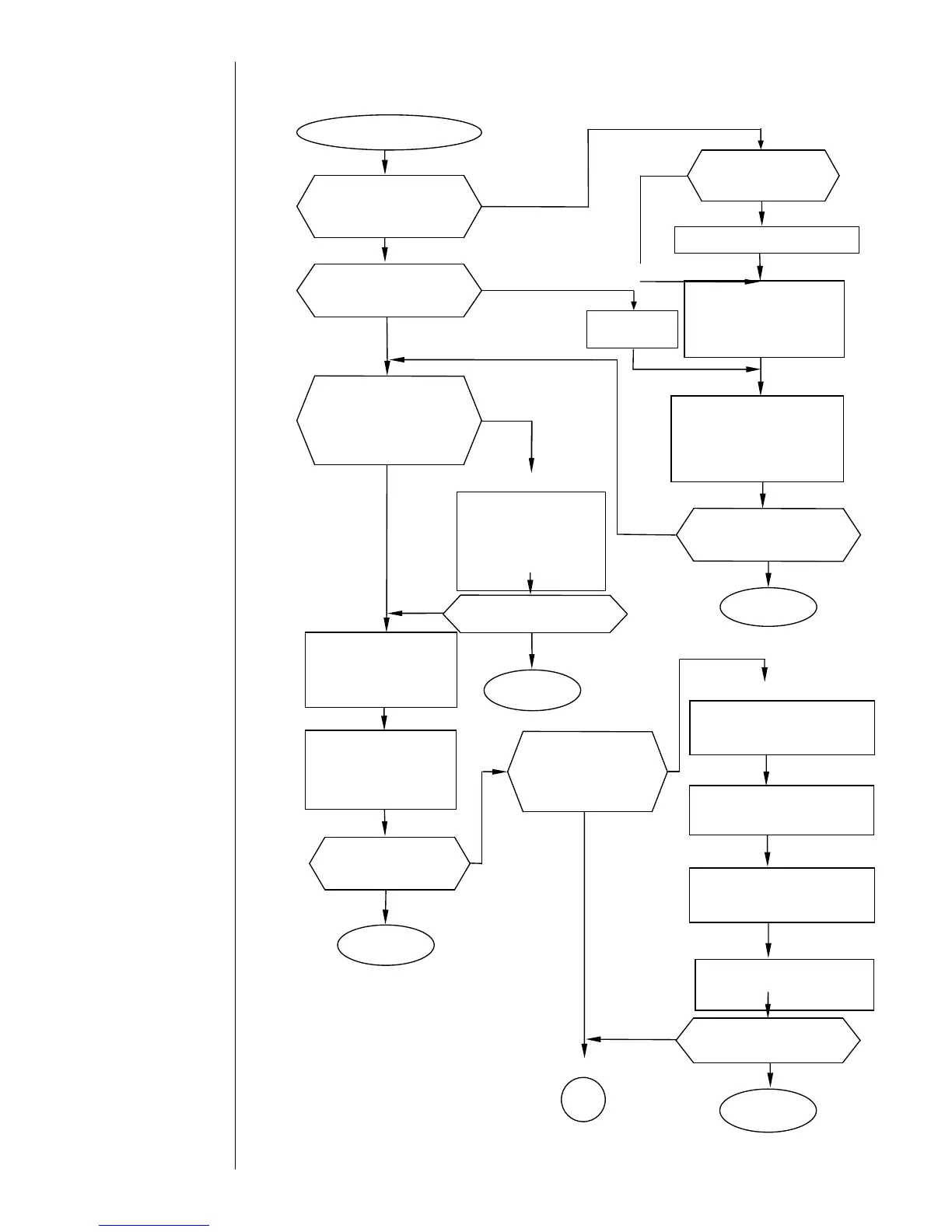
6.2.8 Deflection Voltage Leakage
Deflection Voltage Leakage
Is the ink or makeup ink
deposited on the deflection
electrodes and their
surrounding sections?
Thoroughly remove
ink/intensifier deposits and
allow the affected area to
dry.
Is any foreign matter
deposited between the
deflection electrodes?
Blow air over the
deflection electrode area
because the ink and
makeup ink may remain.
Is the ink recovered
without filling the
gutter hole with the ink?
Does the ink stream
enter the center of the
gutter?
Adjust the ink stream position.
・Press the Clear key to clear
the fault.
・Press the Start up key to
restart the IJ printer.
・Press the Clear key to
clear the fault.
・Press the Startup key to
restart the IJ printer.
Execute the “Ink circulation”
function from the circulation
control screen.
If the problem is
not fixed:
Replace the recovery filter (see
under “Recovery filter
replacement procedure”).
If the problem is
not fixed:
Execute the “Nozzle backwash”
function from the circulation
control screen.
If the problem is
not fixed:
Execute the “Gutter Cleaning”
function from the circulation
control screen.
Are there any tapering
spikes of ink generated
between the deflection
electrodes?
Execute the “Nozzle
Backwash”function from
the circulation control
screen. Check the
excitation voltage and
pressure.



 To Next Page