6-19
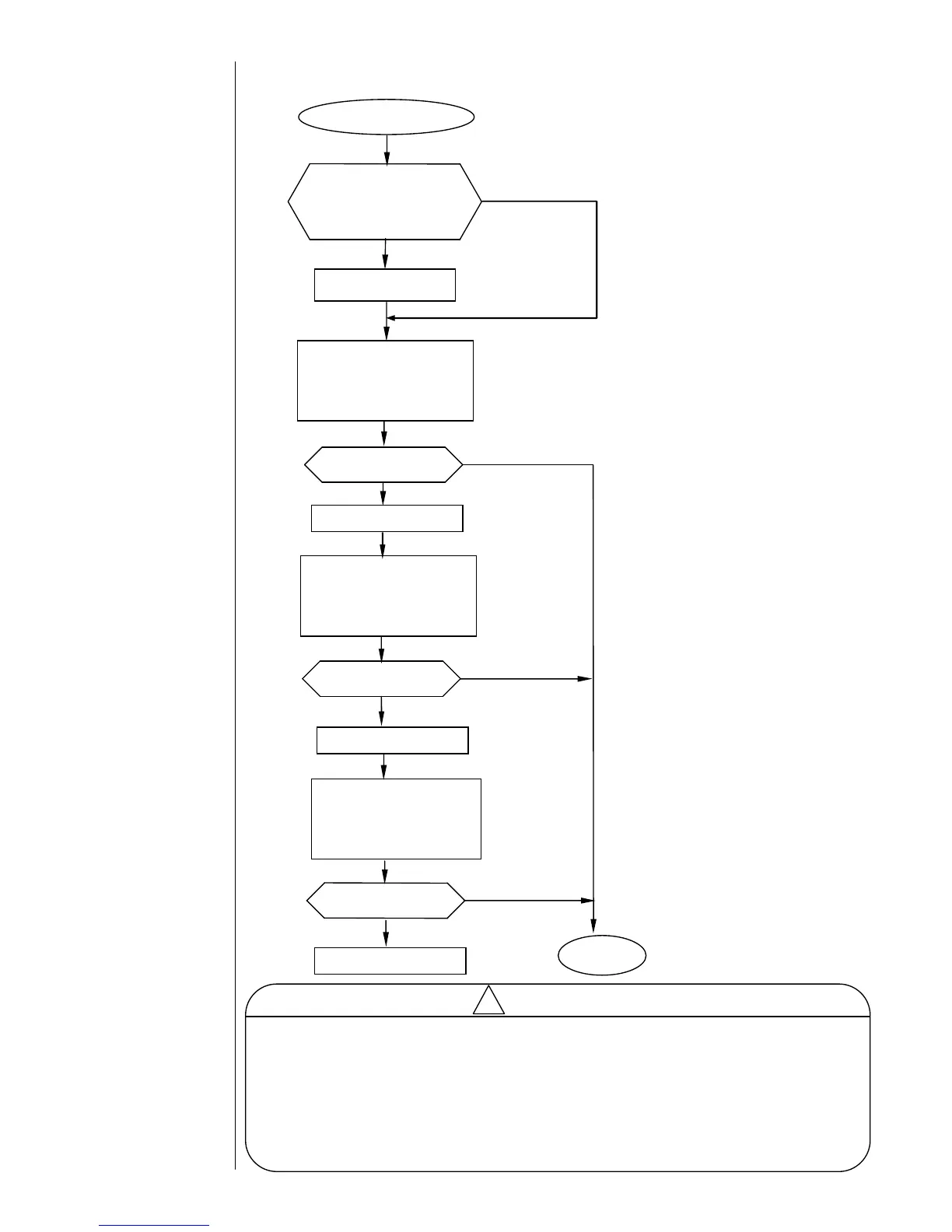
6.2.17 Ink Heating Current Fault
Ink Heating Current Fault
Is the PTC resistance
measured (between the
EZJ94 board TP3 and TP15)
lower than 23 Ω?
Replace the heating unit.
Replace the EZJ106 board.
・Clear the fault.
・From the maintenance
screen, place the heating
unit in the operating mode.
・Restart the IJ printer.
- On detecting this fault, the IJ printer automatically sets the “Ink temperature
correction” to (disable).
“System environment setup Ink temperature correction (enable) Æ (disable)
After getting rid of the fault, reset the Ink temperature correction to (enable).
“System environment setup Ink temperature correction (disable) Æ (enable)
- In the condition of the “Ink temperature correction (disable),” the “Ink temperature
correction confirmation” message appears each time the power is turned on.
(See “1.2.7 Heating of Ink” in the Instruction manual”.)
・Clear the fault.
・From the maintenance
screen, place the heating
unit in the operating mode.
・Restart the IJ printer.
・Clear the fault.
・From the maintenance
screen, place the heating
unit in the operating mode.
・Restart the IJ printer.



 To Next Page