4-15
4.8 Circulation Unit Replacement Procedure
1 Perform “Ink drainage” and then “Pressure relief”.
2 Turn off the power supply.
3 Perform “4.1.3 Approach to the parts on the rear side of the equipment”.
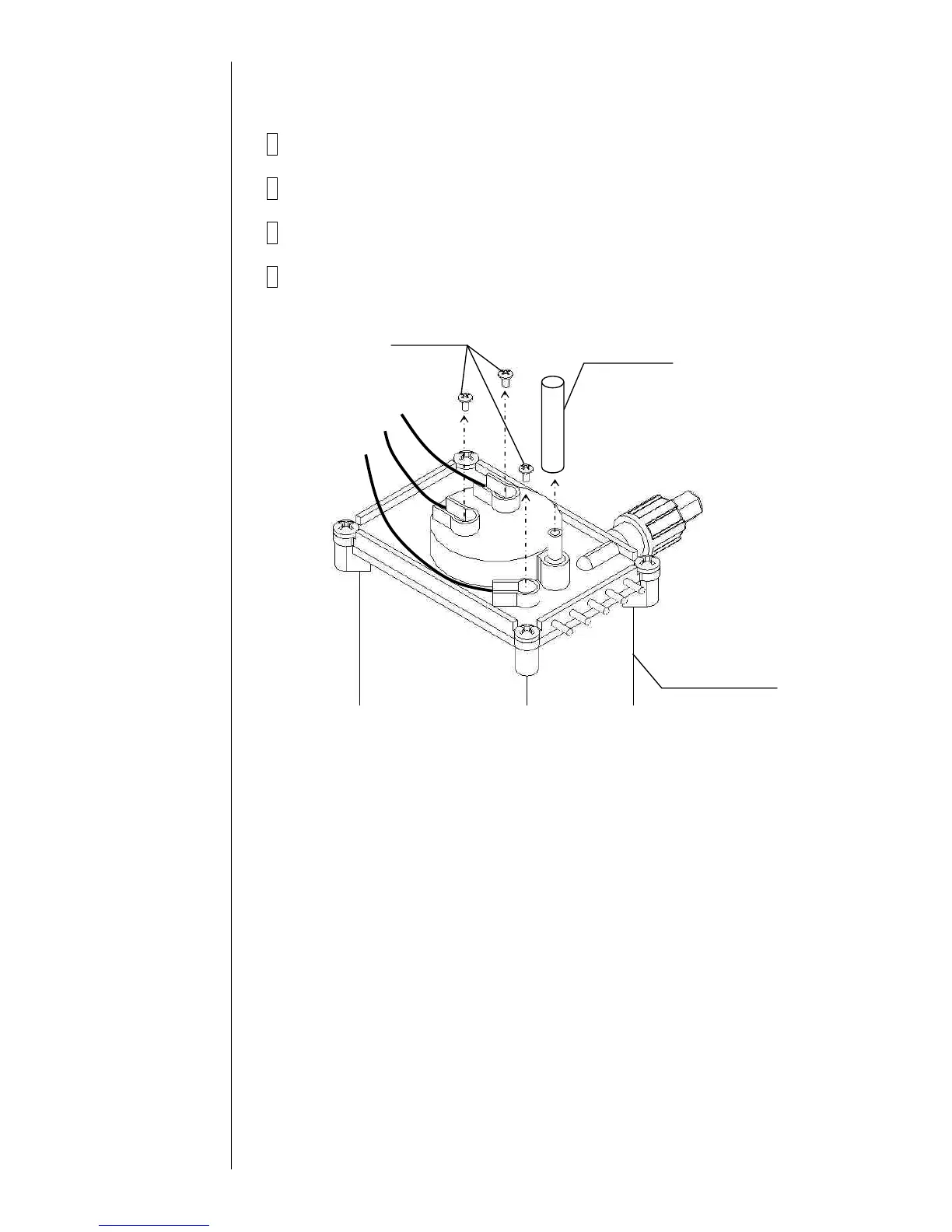
4 Remove the wire connecting part screws (3 positions) of the liquid level
sensor in the main ink tank and the exhaust tube.



 To Next Page