EasyManua.ls Logo

Hitachi IJ PH - No Ink Ejection from Nozzle

Hitachi IJ PH
211 pages
Print Icon
To Next Page IconTo Next Page
To Previous Page IconTo Previous Page
Loading...
6-50
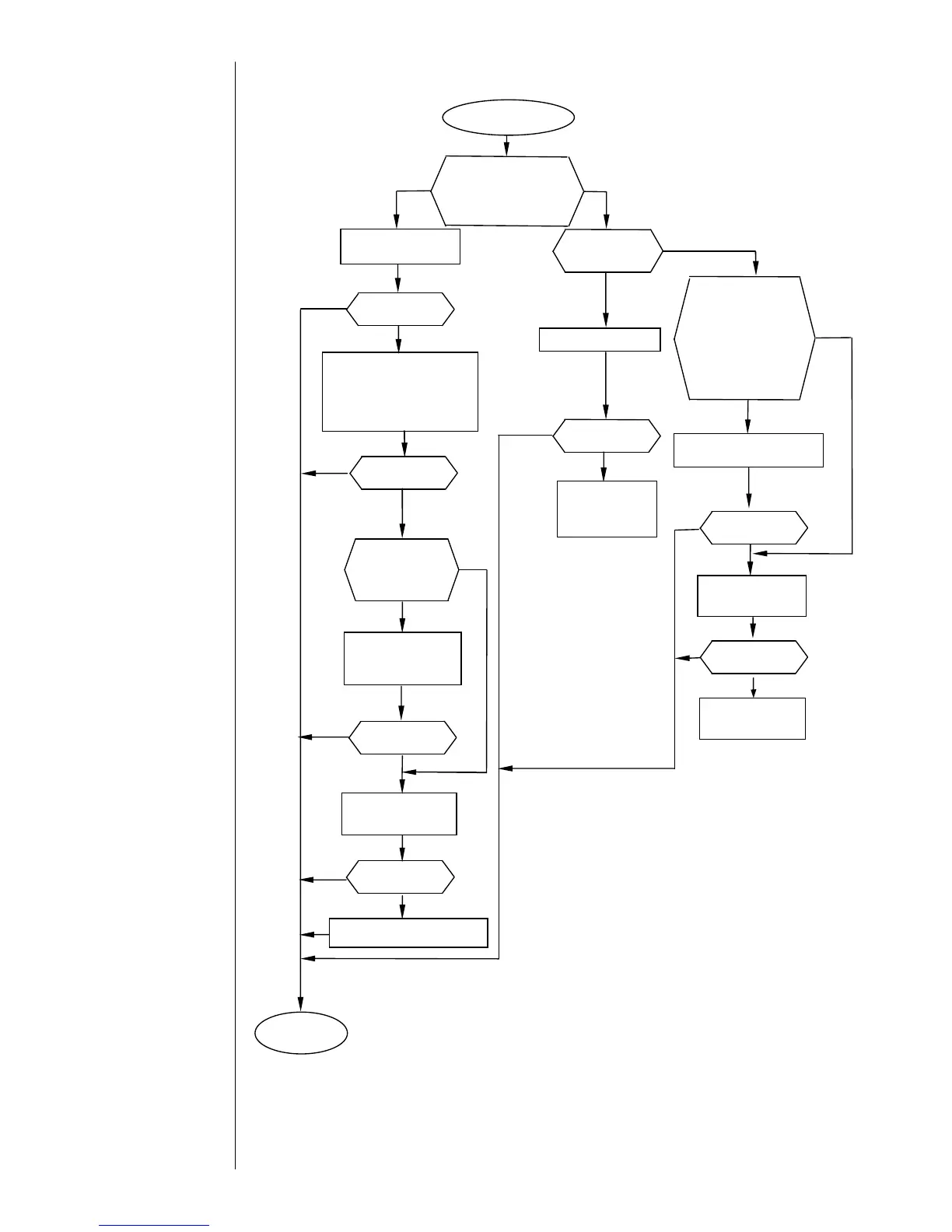
6.5.8 No ink ejection from nozzle
Execute the nozzle
backwash function.
Remove the orifice plate
from the nozzle, subject it
to ultrasonic cleaning, and
put it back on the nozzle.
No
No ink ejection
from nozzle
Replace three-way
solenoid valve MV9.
Replace the MGV
filter.
Replace the circulation unit.
Yes
NOTICE
1.Do not repeat the nozzle backwash
procedure more than two times.
If it is repeated to an excess, the ink
becomes thin, thereby causing
disordered prints.
2.If the ink is thin and disordered prints
are encountered, replace the ink.

Is the problem
fixed?
No
Yes
No
Yes
No
No
Is the EZJ93 board
CN2 connector,
junction connector,
or supply pump CN1
connector
disconnected?
Replace the
EZJ93 board.
Yes
No
Is the supply
pump running?
No
Yes
Does three-way
solenoid valve
MV9 operate?
No
Yes
Yes
Replace the
pressure-
reducing valve.
Replace the
circulation unit.
Connect any
disconnected connector.
Yes
Does the on-screen
pressure reading
represent the specified
value?
No
Yes
No
Yes
No
Yes
Resume the
operation.
Is the problem
fixed?
Is the problem
fixed?
Is the problem
fixed?
Is the problem
fixed?
Is the problem
fixed?
Is the problem
fixed?
Replace the ink filter

Table of Contents

Related product manuals