EasyManua.ls Logo

Hitachi IJ PH - Page 186

Hitachi IJ PH
211 pages
Print Icon
To Next Page IconTo Next Page
To Previous Page IconTo Previous Page
Loading...
6-49
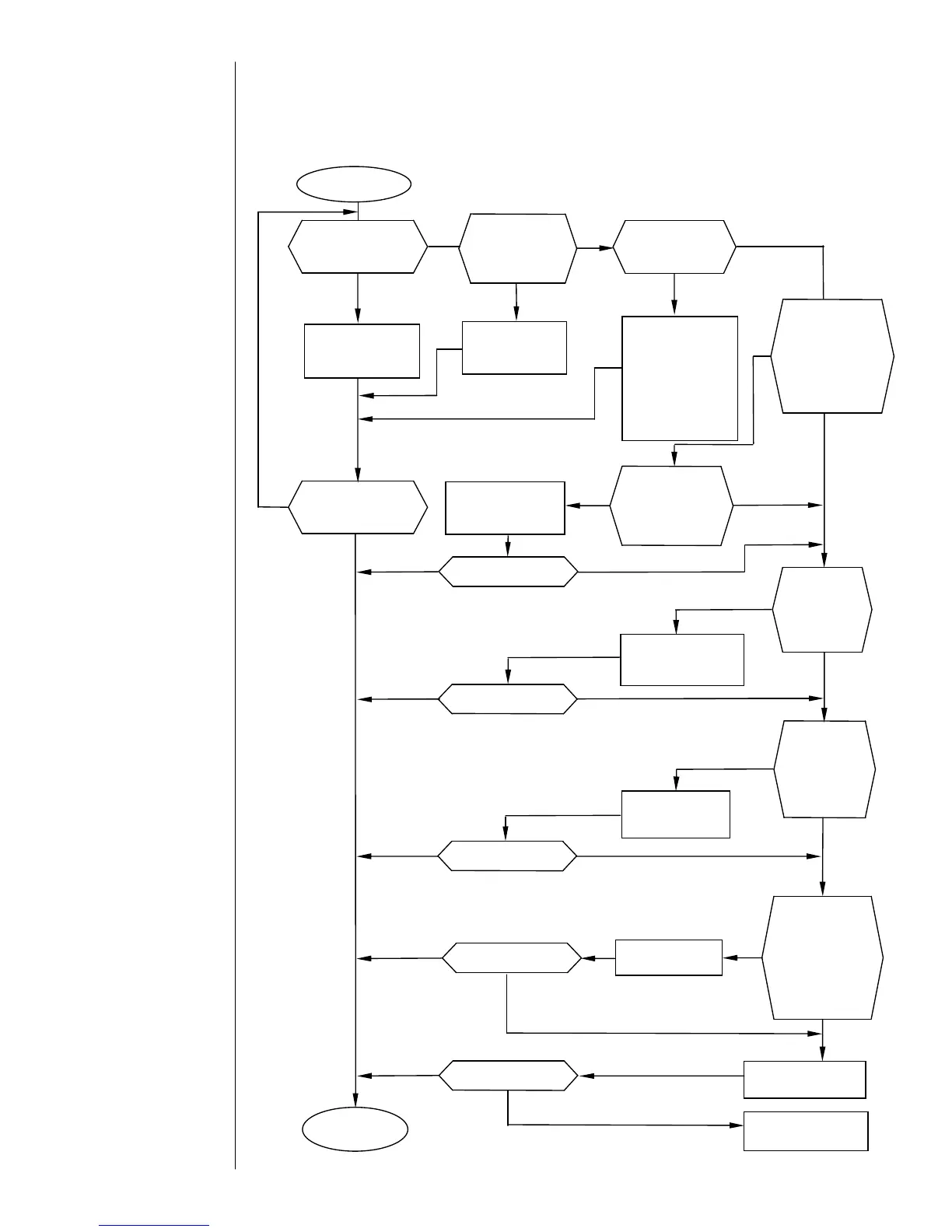
6.5.7 Printing initiation failure in
ready-for-printing state (no prints)
No prints
Check the print
target detector
wiring and supply
voltage and enter
the print start
signal to the IJ
printer.
Is the printer in
the “Ready”
state?
Is the encoder
signal properly
entered?
Optimize the print
start delay setting.
Properly enter the
encoder signal.
Connect the cable.
Is the “Product
speed matching”
feature is set to
“Provide Encoder
based” from the IJ
printer screen?
Resume the
operation.
Replace the EZJ93
board.
Is the high-
voltage cable
disconnected?
Replace the EZJ95
board.
Yes
Yes
Does the obtained
print consist of
spaces only?
No
No
No
Is the cable
between the
EZJ93 board CN7
connector and
EZJ95 board CN1
connector
disconnected?
Yes
No
Place the printer in
The “Ready” state.
No
Yes
Yes
No
Yes
No
Is the print
start delay
setting
proper?
Are prints made?
No
Yes
Are prints made?
No
Yes
Are prints made?
No
Yes
Yes
No
Are prints made?
Yes
Enter characters
other than a
space.
No
Are prints made?
Is the print start
signal entered?
Connect the cable.
Yes
Yes
No
Yes
No
Are prints made?

Table of Contents

Related product manuals