4 After the download is completed, turn off the power.
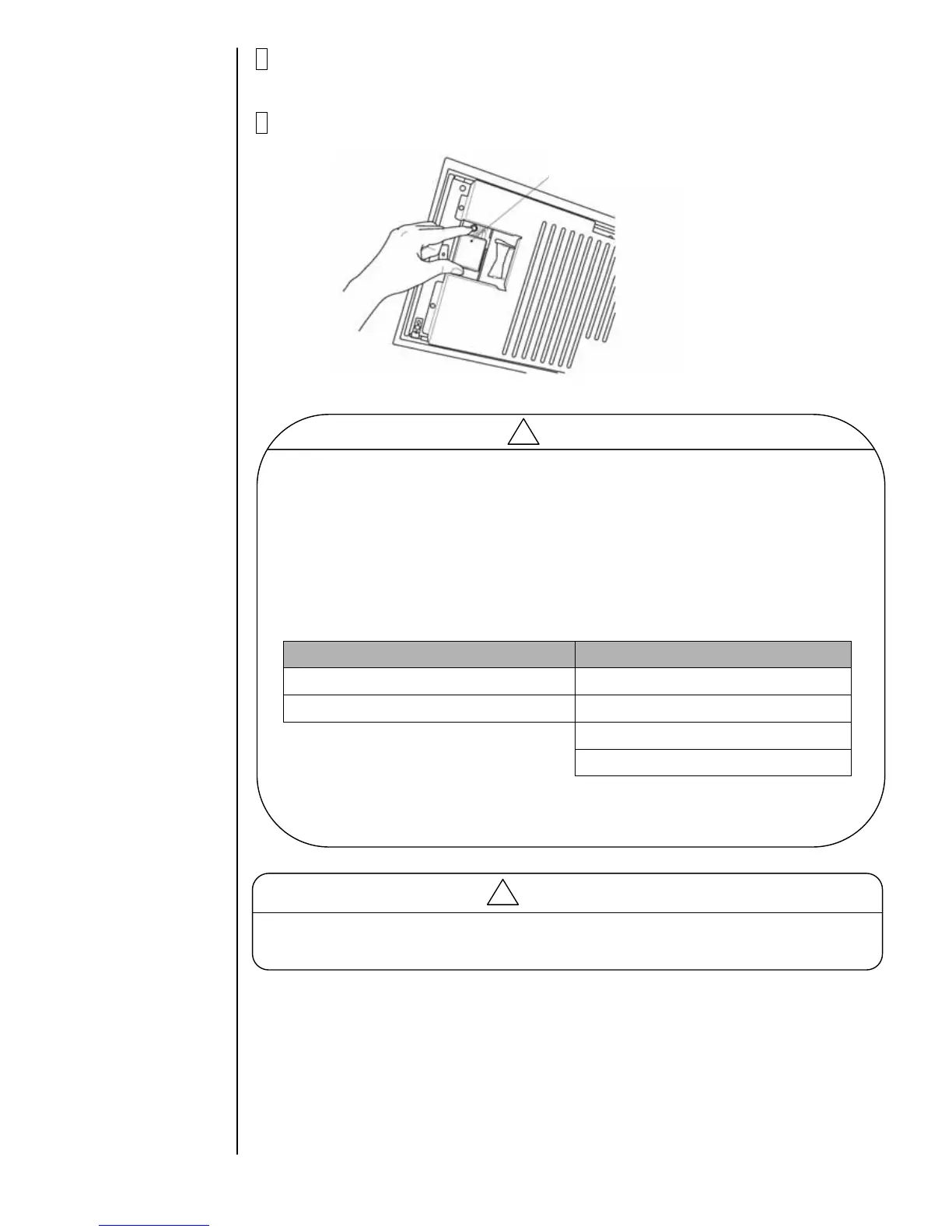
5 Press the ejector (button) and take the memory card out of the slot.
Caution
The upgrade software and the display language data are included in the memory card
used for download.
PH type IJ printer can register two languages, but if the memory card doesn’t include
the languages registered in the IJ printer, the language is automatically changed
to English when after downloading. ( Refer to the following example)
Example
Languages registered in the IJ printer Languages on the memory card
1. Spanish 1.English
2. French 2. Thai
3. Vietnamese
4. Arabic
In this case, English is displayed when after downloading.
If other language should be displayed, please perform language registration again.
System data memory card
!
Caution
Use Rescue memory card, refer to "2.15 Rescue Memory Card" in case of Power failure
during the download procedure.
!
2-19



 To Next Page