2-31
6 Move the cursor to the Input mode and select the keyboard type.
Special characters Accent characters, Greek and Russian
Kana and Dedicated characters Katakana and dedicated characters for date
- Special character can not be selected when the language of screen is Japanese or
simplified characters.
7 Press Save.
8 Select the language 2 in the same way.
9 After the language registration is completed, turn off the power.
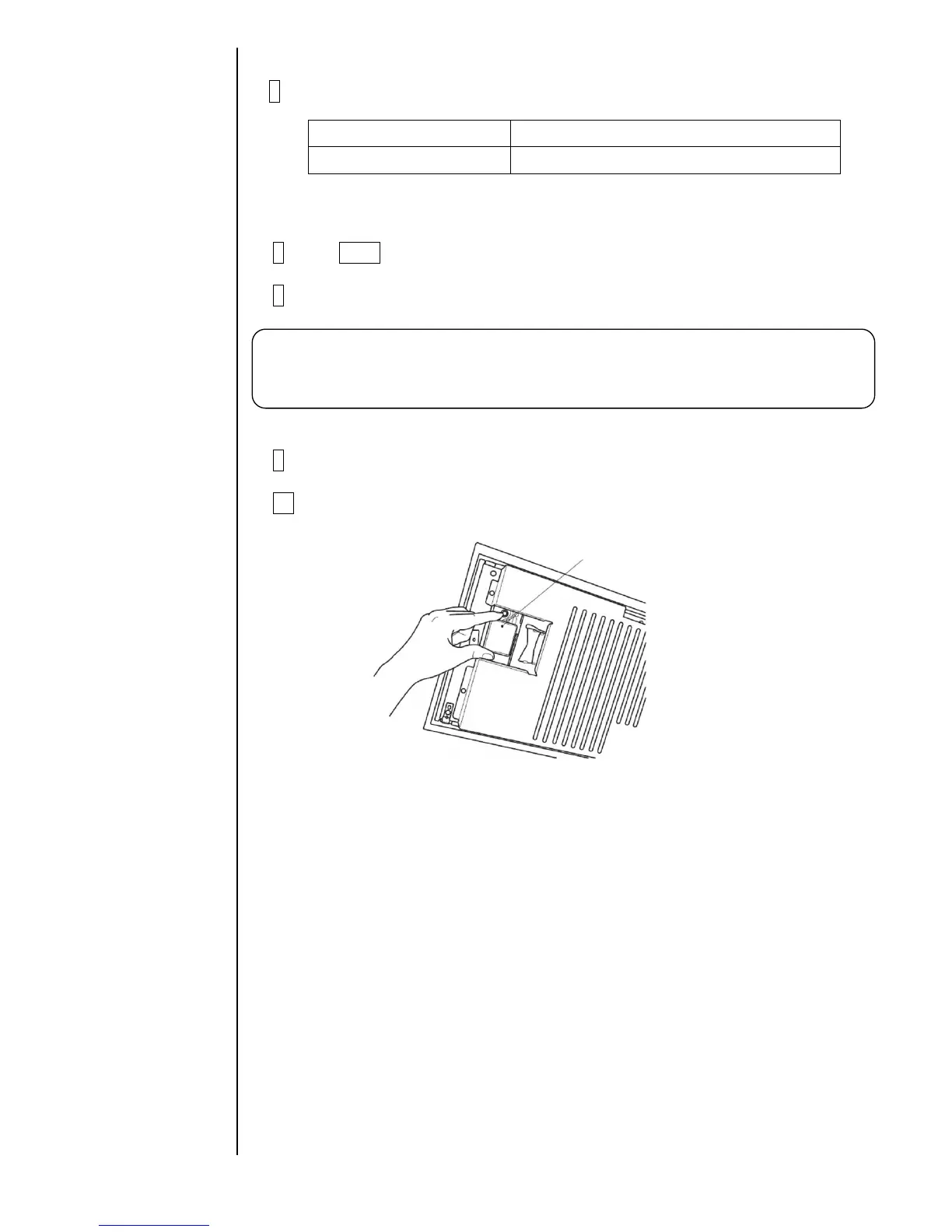
10 Press the ejector (button) and take the memory card out of the slot.
Caution:
- After changing the Input mode, execute “System reset” on the second page of the
service maintenance screen. In case of not changing, don’t execute “System reset”.



 To Next Page