FAXITRON PATH USER MANUAL | HOLOGIC | REVISION 024
ECTION
ISION
oftware
5
5-31
Stop Search
“Stop Search” disables any active Search Filter, clears all list tables, and re-loads the list of all
Patients to Patient List Table.
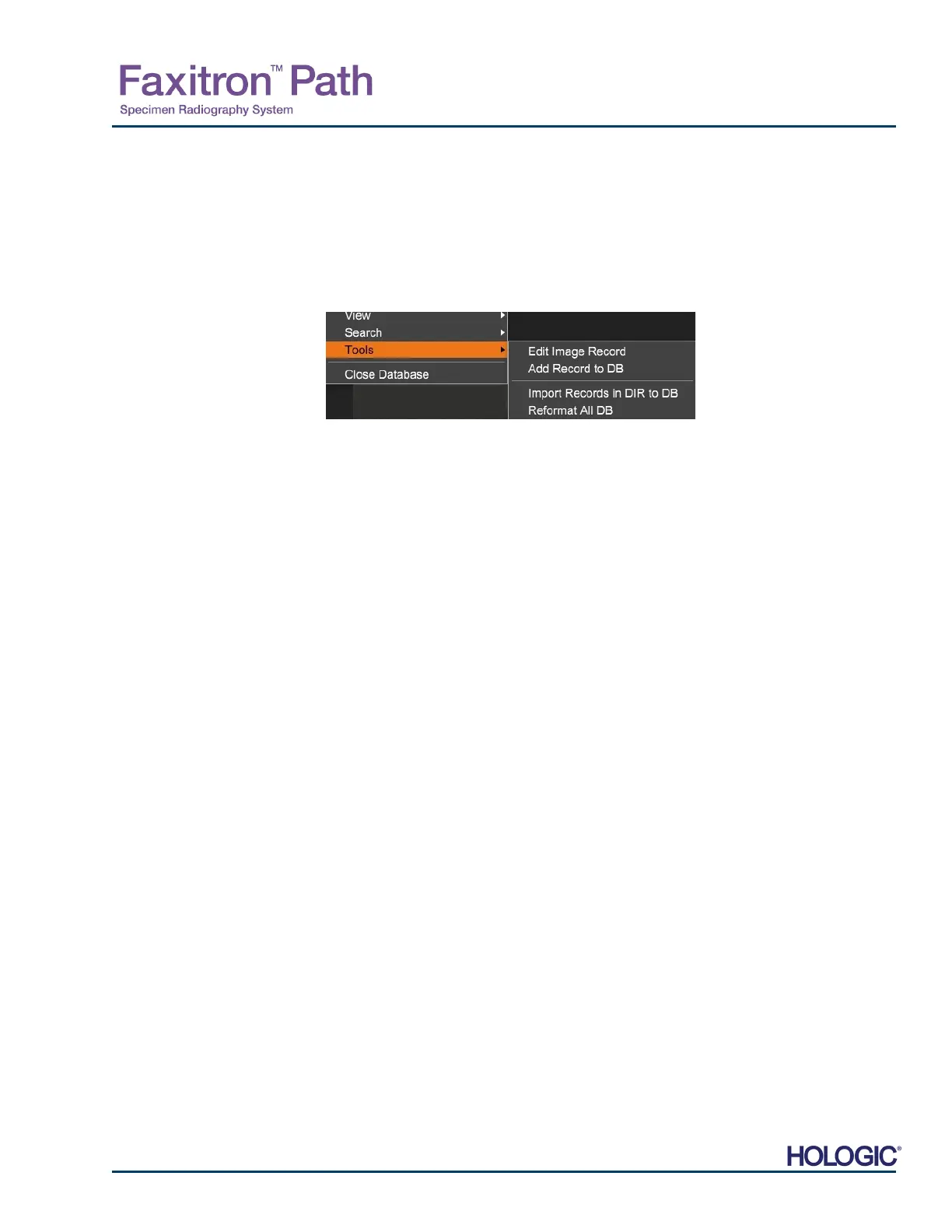
Tools Menu
The “DB-Tools”“ menu provides per Image/Procedure/Patient functions as well as some useful
functions to repair or reformat the database.
Edit Image Record
The “Edit Image Record” function is not currently available in Vision software.
Add Record to DB
vailable when entry from Image Table or Thumbnail List is selected, otherwise disabled. This
is especially useful when a directory is browsed without database having entries available fo
images in that directory. The user can select a single image from the thumbnail list and add
records of that image into the database. If the database entry already exists for the selected
image it will not do any harm, it may only update the database in terms of where the image file
is currently located i.e. file/folder name.
Import Records in DIR to DB:
This tool helps to browse and select a folder, and then to populate the database with all the
corresponding entries for all the image files under the selected directory (including
subdirectories). The formats for images can be DCM, DAT, DMM and RAW. If thumbnails o
images are missing, this tool will also generate BMP thumbnails in the same directory.
Reformat All DB:
“Reformat All DB” tool helps to reformat Date [YYYY/MM/DD], Date/Time [YYYY/MM/DD
HH:MM:SS] fields of tables, and also capitalizes letters of entries for some other fields. It is a
useful tool when some older database file is imported and opened for the first time, or when the
user alters database entries manually using MS Access.
Additional Notes on the Database
The ability to Exit the database, staying within the Review mode, is located under Additional
Options.
The top-left button will adjust itself to take the user Back to Acquisition, Back to the Main
Menu, or will become the Close Database button, dependent on the workflow used to ente
the Database screen, and what is most appropriate.
5.6.1 Cont.
Figure 5.6.8
Database Tools Menu













 To Next Page