FAXITRON PATH USER MANUAL | HOLOGIC | REVISION 024
ECTION
ISION
oftware
5
5-38
PACS PRINT
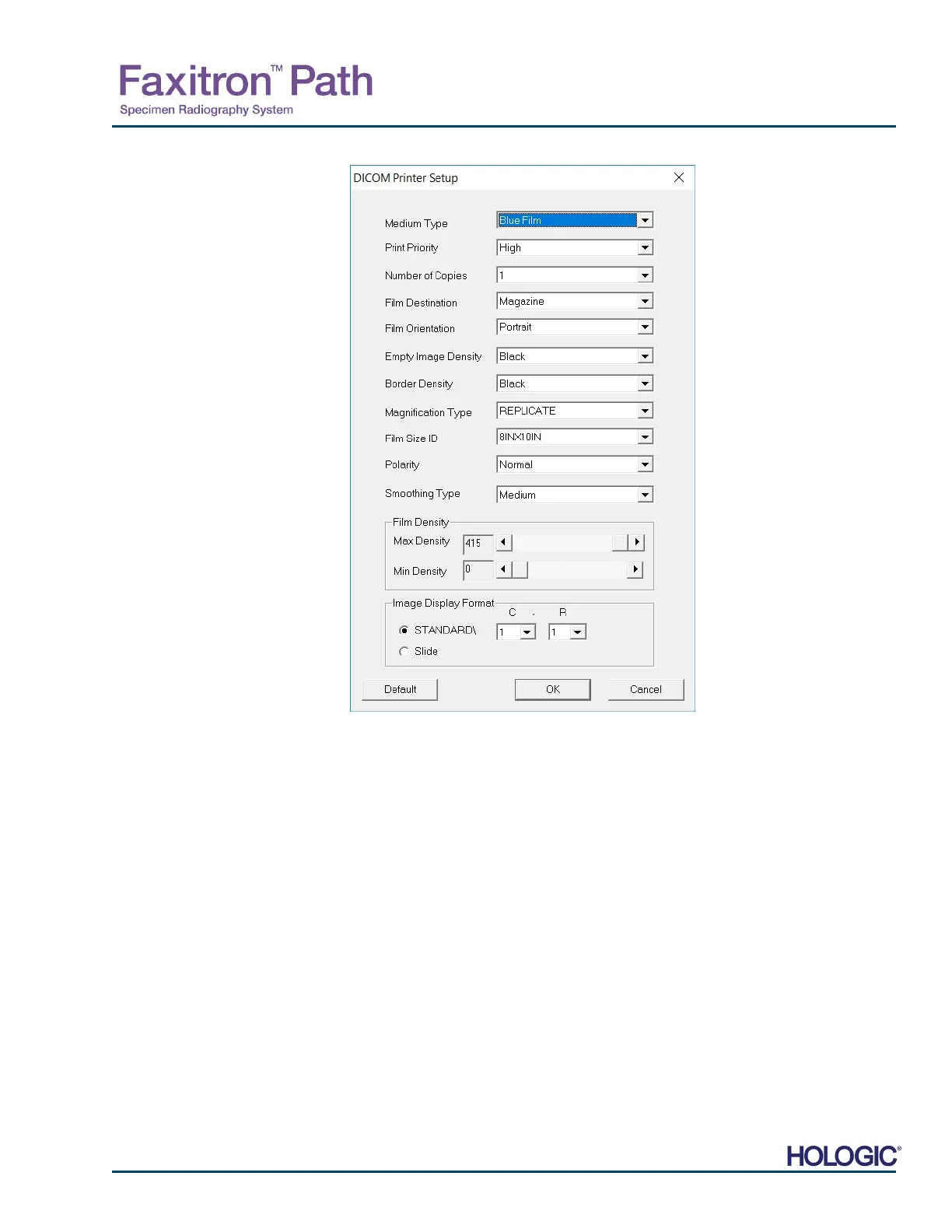
The PACS Print option sends the selected image to the selected PACS DICOM printer. The
image is printed according to the film and print format options found in the Set Film Attributes
Dialog previously described. If the user initiates PACS Print from Image View, then the window
level will be chosen from the Image View. If PACS Print is initiated from the Database Dialog,
then the Window Level will be the default window level calculated by the Vision software.
Close
The Close button closes the DICOM Networking dialog box and returns the user to the area
from which the DICOM command was executed. This command also closes the connection o
association between the Vision software and the remote DICOM device if a connection was
established.
5.7.0 Cont.
Figure 5.7.10
DICOM Printer Setup Dialog Box













 To Next Page