7
Honeywell 30 Series IP Cameras User Guide
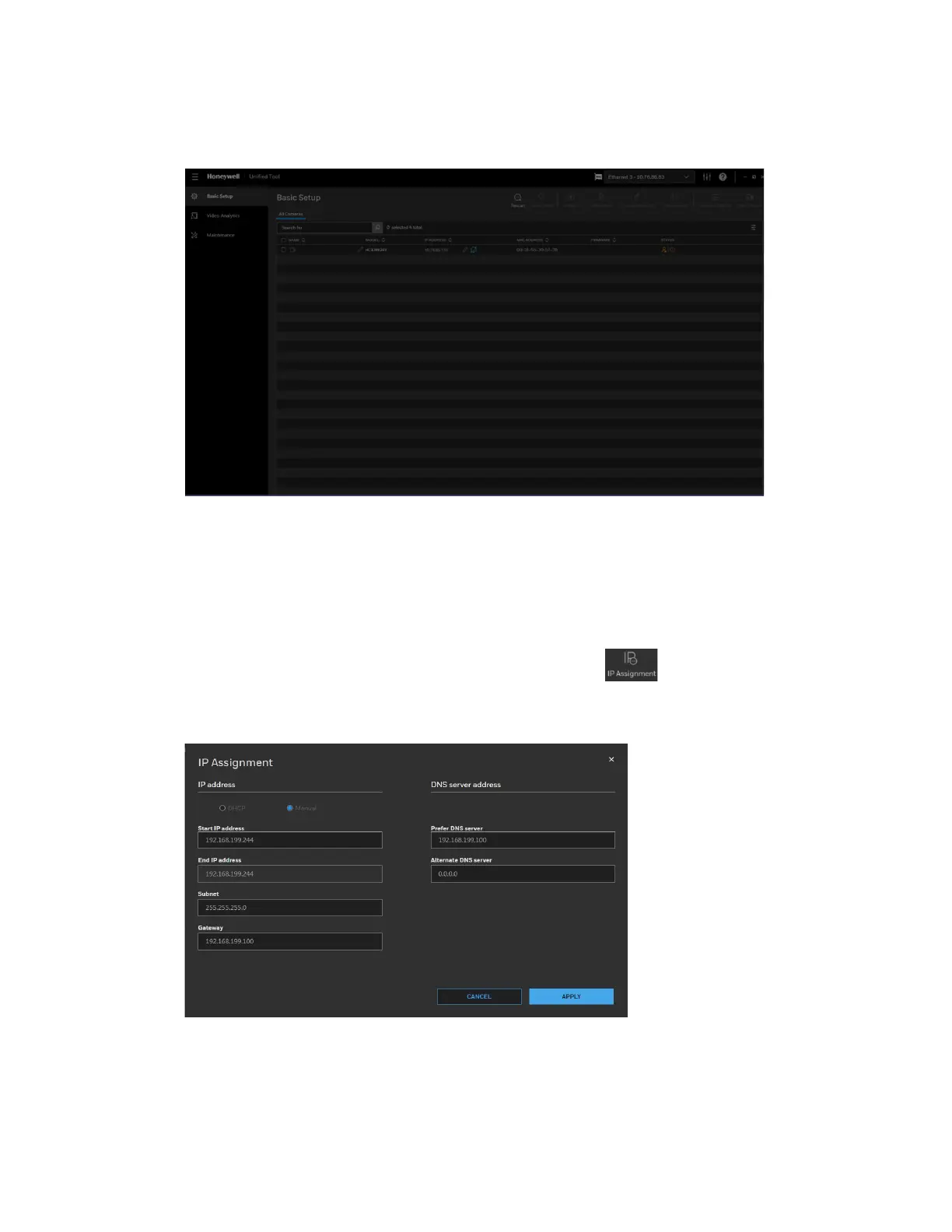
After the scanning, all scanned devices in the same subnet and different subnet will be
displayed in the devices list.
Figure 6 Device List
Assigning a New IP Address to a Camera
The current IP address of a camera appears in the IP ADDRESS column of the devices
list. You can assign a new static IP address to the camera.
Select the target device(s) as shown in Figure 6, click and the following figure is
displayed:
Figure 7 IP Assignment
Configure IP Address Setting
• To obtain IP address, subnet mask, and default gateway settings automatically,
check DHCP.



 To Next Page
 Loading...
