43
Honeywell 30 Series IP Cameras User Guide
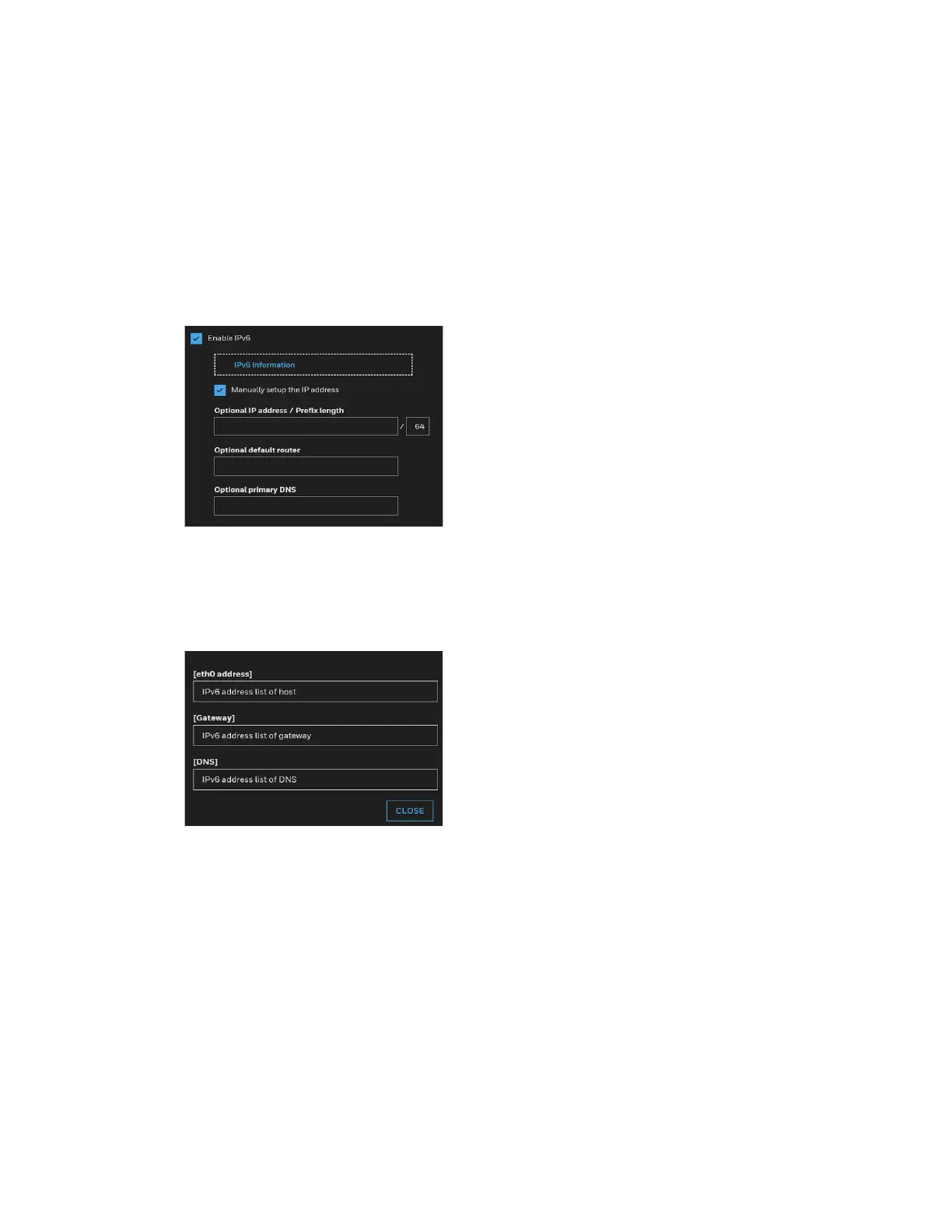
Enable IPv6
Select this option and click SAVE to enable IPv6 settings.
Note:
This function only works if your network environment and hardware equipment
support IPv6. The browser should be Microsoft® Internet Explorer 11.0+ or Chrome
Figure 49 Enable IPv6
When IPv6 is enabled, by default, the network camera will listen to router
advertisements and be assigned with a link-local IPv6 address accordingly.
IPv6 Information: Click to obtain the IPv6 information as shown below.
Figure 50 IPv6 Information
If your IPv6 settings are successful, the IPv6 address list will be listed in the pop-up
window.
Follow the steps below to link to an IPv6 address:
1. Open your web browser.
2. Enter the link-global or link-local IPv6 address in the address bar of your web browser.
3. The format should be: http://[2001:0c08:2500:0002:0202:d1ff:fe04:65f4]/
4. Press Enter on the keyboard or click Refresh button to refresh the webpage.



 To Next Page
 Loading...
