Hardware Guide 2–1
2
Pointing Devices and Keyboard
Using a Pointing Device
By default, the pointing stick and TouchPad components can be
used interchangeably.
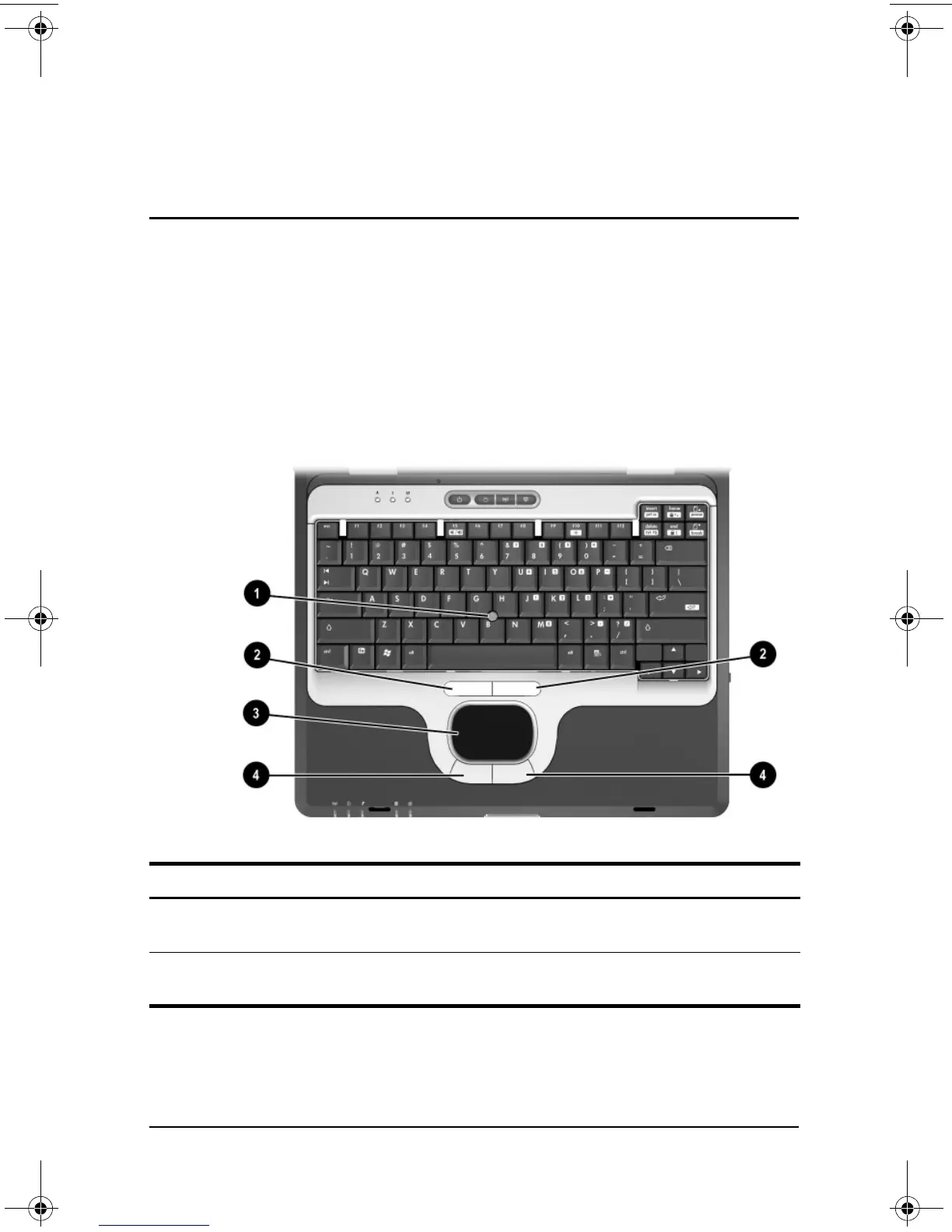
Pointing device components
Item Component Description
1
Pointing stick Moves the pointer and selects or activates
items on the screen.
2
Left and right pointing
stick buttons
Function like the left and right buttons on
an external mouse.
333644-001.book Page 1 Thursday, July 10, 2003 2:56 PM



 To Next Page
 Loading...


