8–2 Hardware Guide
Hardware Upgrades
Ä
CAUTION: If you install software or enablers provided by a PC Card
manufacturer, you may not be able to use other PC Cards. If you are
instructed by the documentation included with your PC Card to install
device drivers:
■ Install only the device drivers for your operating system.
■ Do not install other software, such as card services, socket services,
or enablers, that may also be supplied by the PC Card
manufacturer.
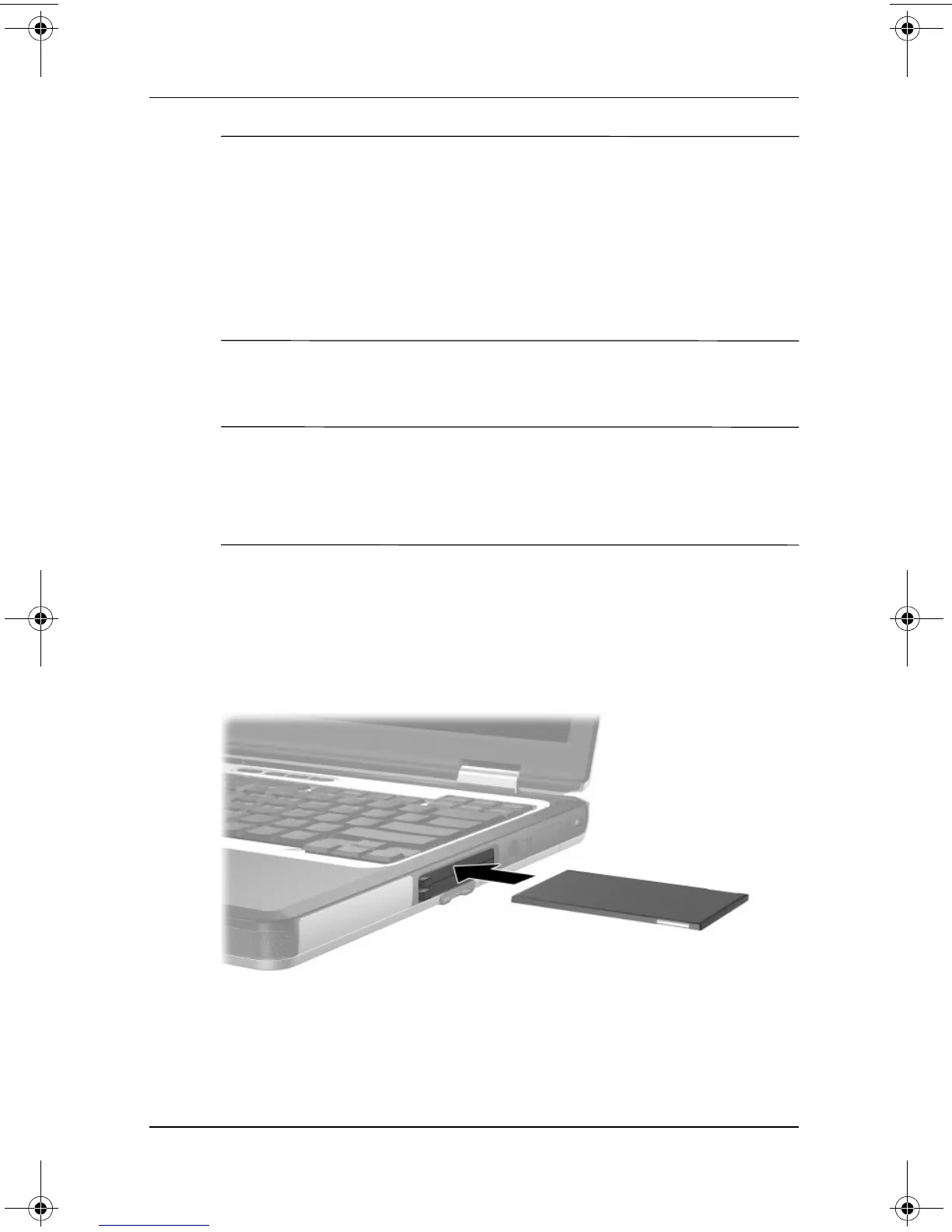
Inserting a PC Card
Ä
CAUTION: To prevent damage to the connectors:
■ Use minimal pressure when inserting a PC Card into a
PC Card slot.
■ Do not move or transport the notebook while a PC Card is inserted.
1. Hold the PC Card label side up with the connector facing
the notebook.
2. Gently push the card into the slot until the card is seated. The
operating system will issue a sound to indicate that a device
has been detected.
333644-001.book Page 2 Thursday, July 10, 2003 2:56 PM


 To Next Page
 Loading...



