7–6 Hardware Guide
External Devices
Connecting an Optional Cable Lock
✎
The purpose of security solutions is to act as a deterrent. These
solutions do not prevent the product from being mishandled or
stolen.
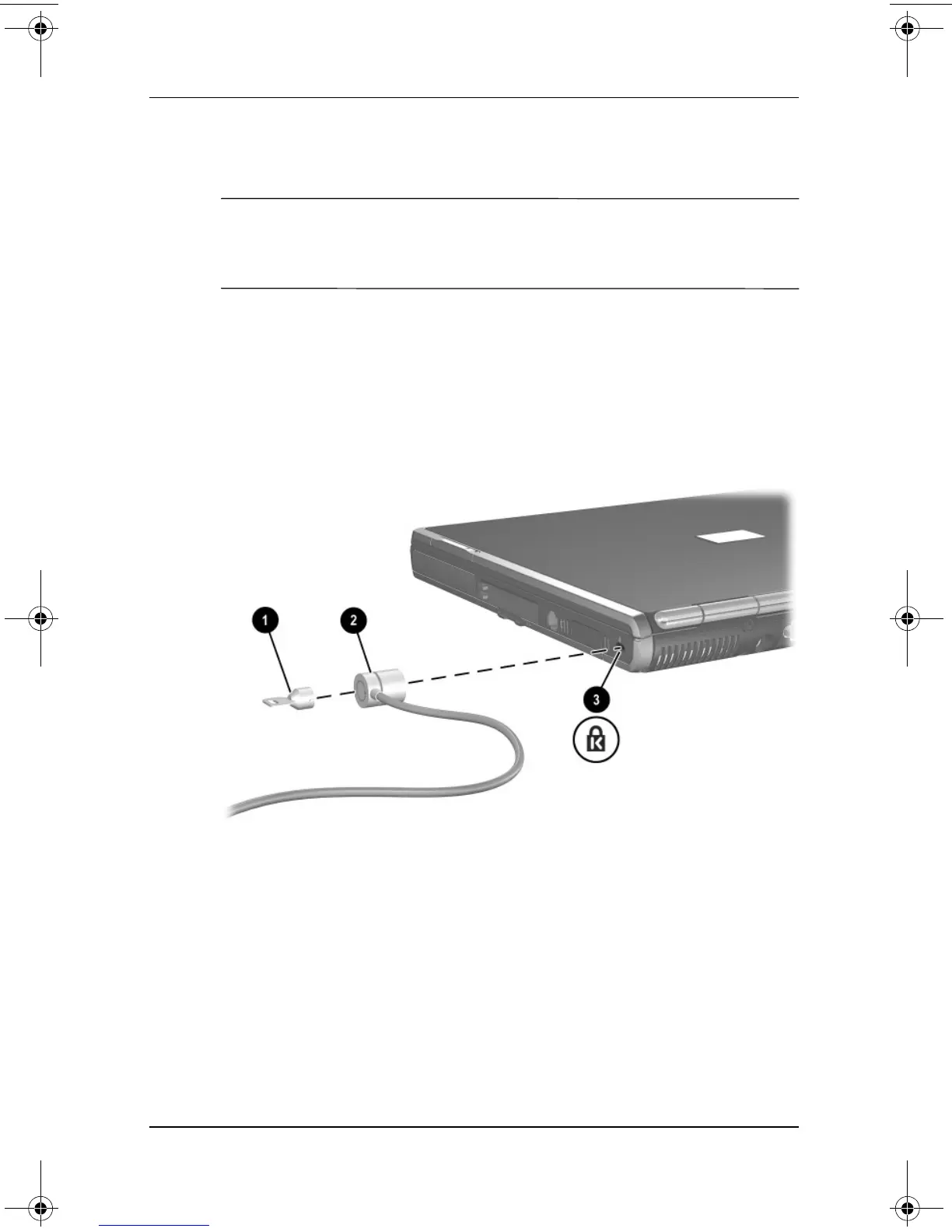
To install a security cable:
1. Loop the security cable around a secured object.
2. Insert the cable lock key 1 into the cable lock.
3. Insert the cable lock 2 into the security cable slot 3.
4. Lock it with the cable lock key.
333644-001.book Page 6 Thursday, July 10, 2003 2:56 PM



 To Next Page
 Loading...


