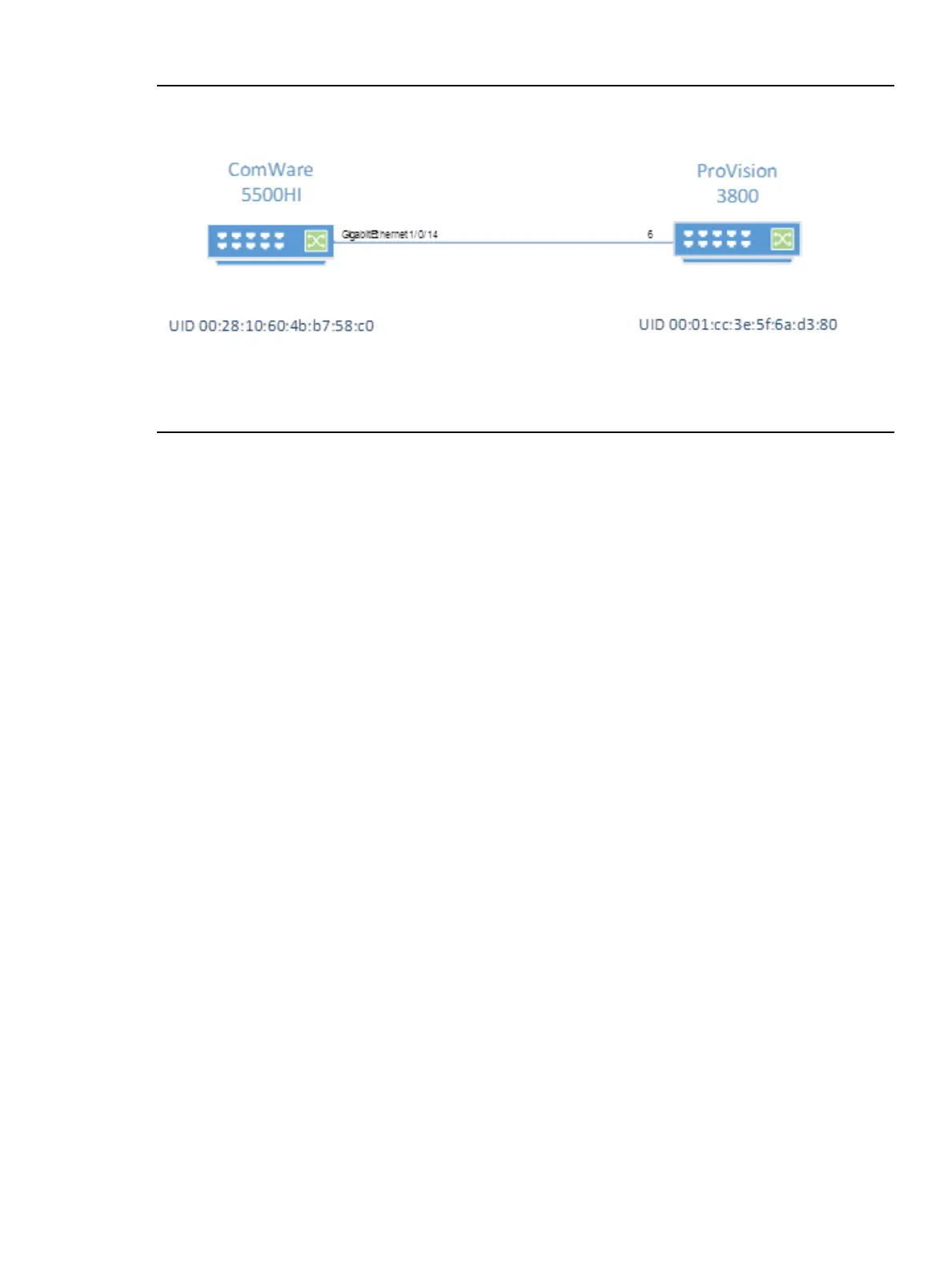
Example 2 Configuring linkDiscoveryVlan to discover all links from the Comware devices
In this example, the topology consists of a ProVision 3800 on port 6 connected to a Comware
5500HI on port GigabitEthernet1/0/14:
The ProVision 3800 has the following configuration:
openflow
controller-id 1 ip 172.17.8.129 controller-interface vlan 800
instance "1"
member vlan 40
controller-id 1
version 1.3
enable
exit
enable
exit
vlan 1
name "DEFAULT_VLAN"
no untagged 6,25,48
untagged 1-5,7-24,26-47,49-52
ip address dhcp-bootp
exit
vlan 40
name "VLAN40"
tagged 6
no ip address
exit
The Comware 5500HI has the following configuration:
interface GigabitEthernet1/0/14
port link-mode bridge
port link-type trunk
undo port trunk permit vlan 1
port trunk permit vlan 40
#
openflow instance 1
controller 1 address ip 172.17.8.129
classification vlan 40 loosen
#
Initially, the REST API reports the following devices:
Configuring OpenFlow Instances with Single VLAN Identifier 129



 To Next Page