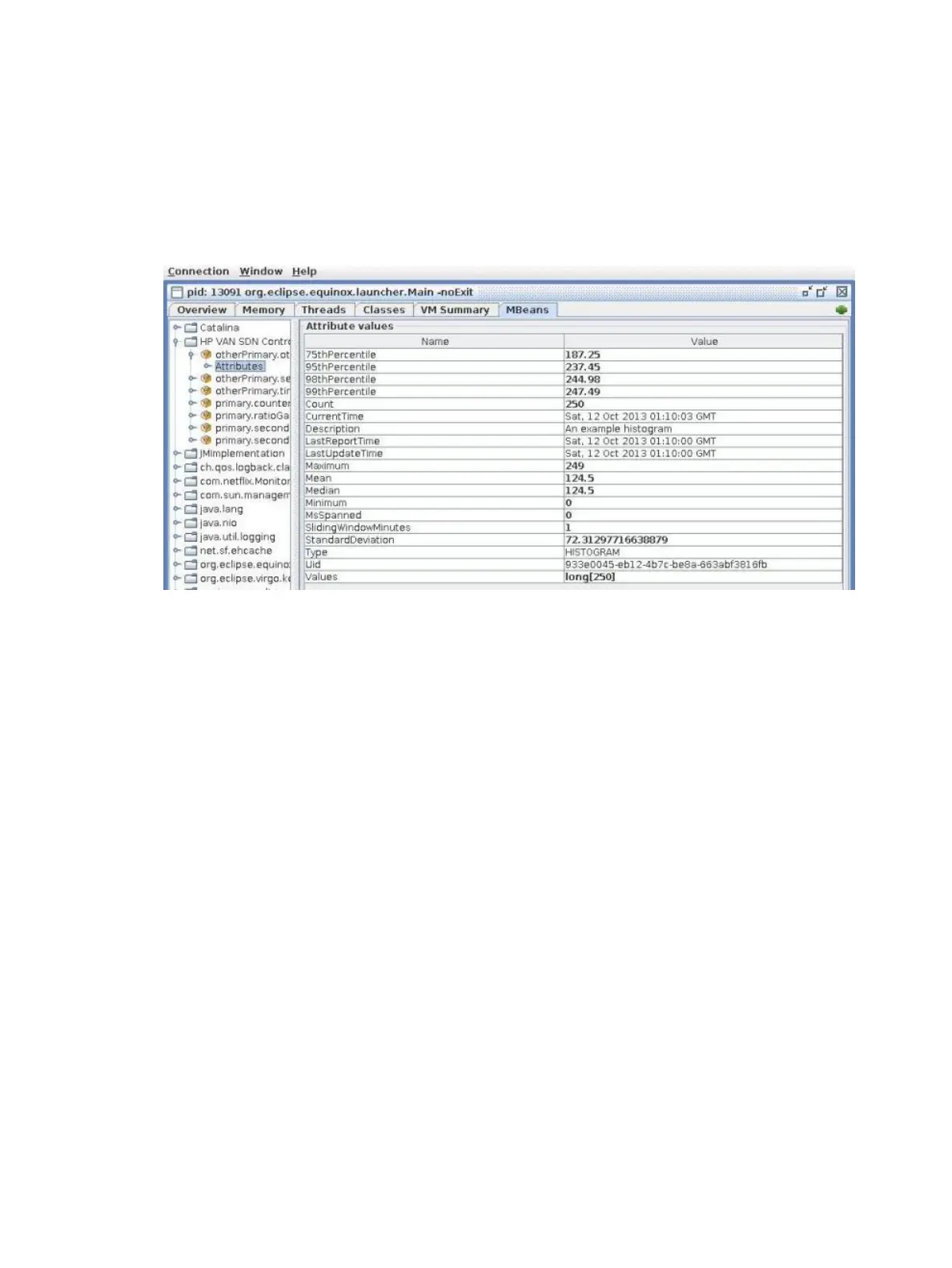
3. Select Attributes to display TimeStampedMetric properties that are exposed via JMX.
Figure 69 (page 152) shows an example of displaying the attributes for a metric.
For those TimeStampedMetric instances that are persisted as well as exposed via JMX,
it is possible to see the value for MsSpanned (milliseconds spanned) get reset when the
value is stored; otherwise the value continues to increase. For persisted
TimeStampedMetric, MsSpanned indicates the number of milliseconds that have accrued
during the persistence interval that is underway but not yet complete.
Figure 69 JConsole window displaying details about a metric
Generating a controller support report
The controller support report provides data, such as JVM metrics, that can be useful when
troubleshooting.
• To create a controller support report, use the following curl command:
curl --noproxy controller_ip -X GET \
--header "X-Auth-Token:token" --fail -ksSfL \
--url "https://controller_ip:8443/sdn/v2.0/support?id=id-string&fields=fields-string"
Optional parameters
Name and value pairs after the ? character, separated by the & character, are optional parameters:
id
The list of contributors to include in the returned support report data. For example, to include
only items reported by the controller JVM metrics, specify the following string:
id=jvm-metrics
fields
The set of fields, separated by commas, to be returned in the report. For example, to include
only the title and content fields, specify the following string:
fields=title,content
If you specify more than one parameter, the support report includes only those items that match
all the parameters you specify.
If you do not specify a value for a parameter, the support report includes all items for that
parameter.
152 Metrics



 To Next Page