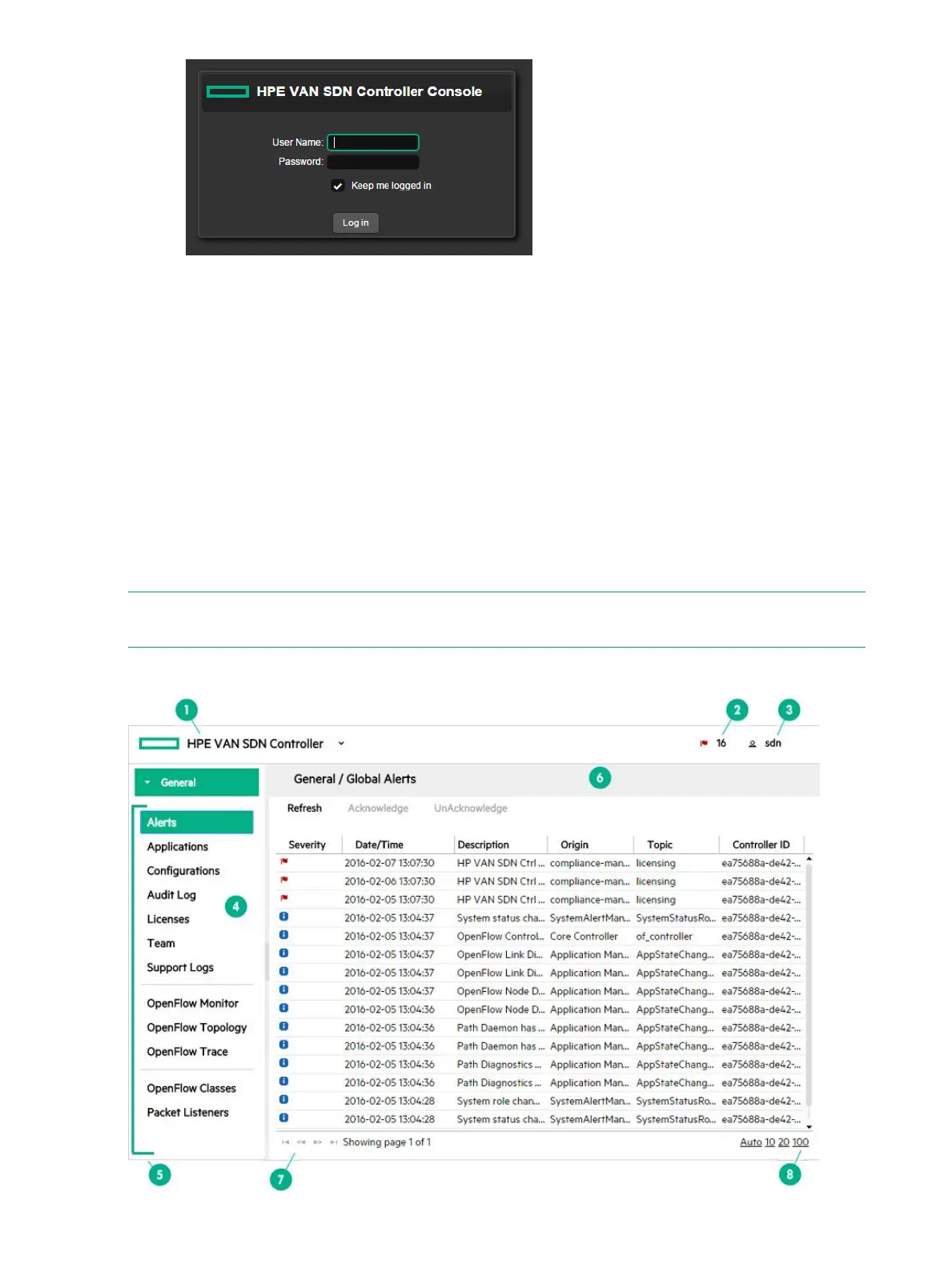
3. Once you log in, the main controller screen is displayed. For more information about the
controller console UI, see “About the user interface” (page 22).
The Keystone default timeout is 1 hour. If it is more than 1 hour since you logged in a message
indicating that the session has expired is displayed. You must reload the page and log in again.
For details on changing the Keystone timeout value, see “Session expired message in the UI”
(page 156).
Default domain name, user name, and password
Default domain name: sdn
Default user name: sdn
Default password: skyline
About the user interface
NOTE: Descriptions for common areas, icons, and controls on the UI screen are listed after
the image.
Figure 3 Screen areas and menus
22 Using the SDN controller UI



 To Next Page