http://docs.oracle.com/javase/7/docs/technotes/guides/management/jconsole.html
Connecting to the JMX server using the JConsole JMX client
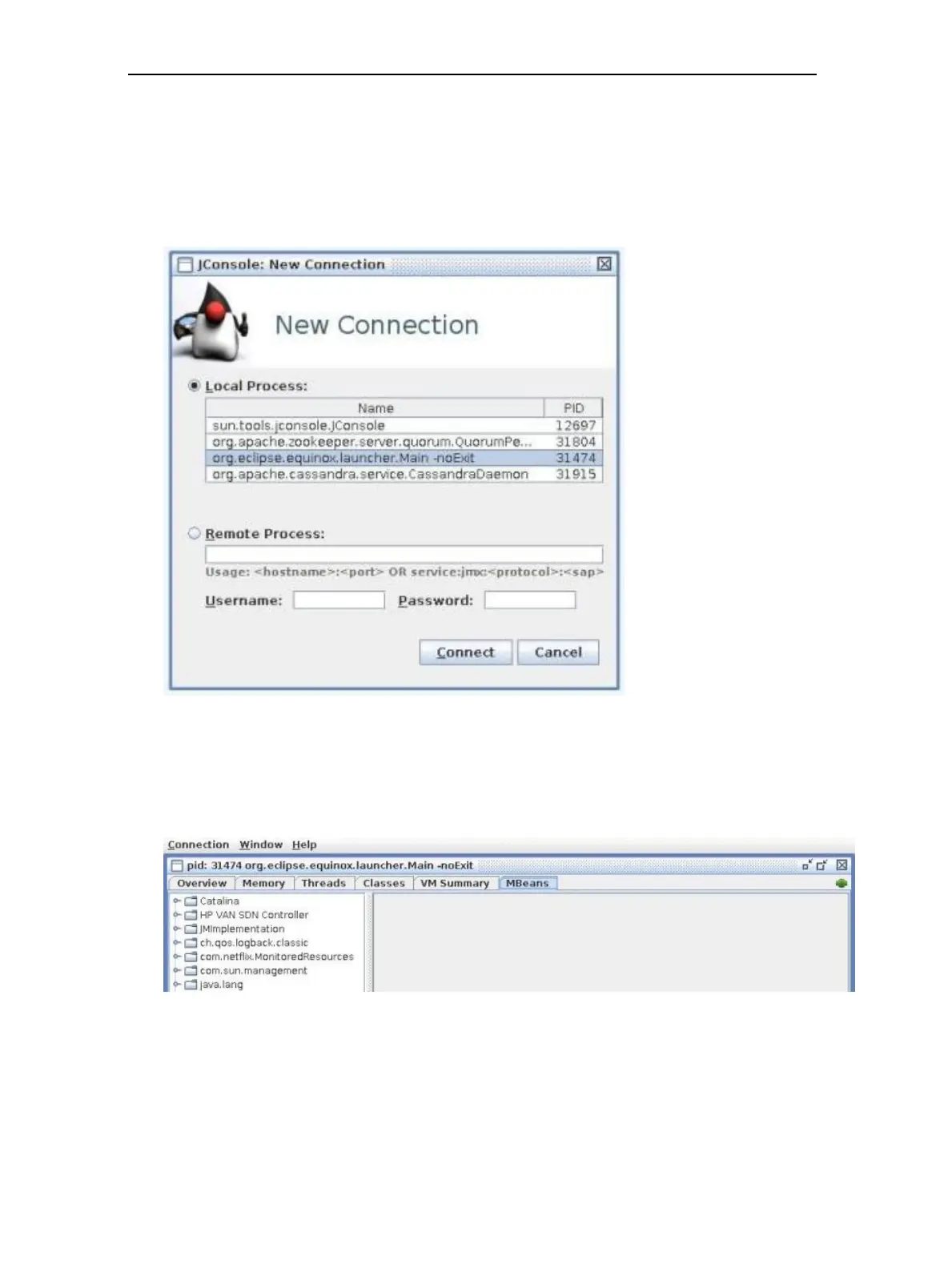
1. Start the JConsole JMX client.
2. From the New Connection screen, select Local Process.
For an example, see Figure 66 (page 150).
Figure 66 JConsole new connection
3. Choose a local connection to the JMX server instance and click Connect.
After successfully connecting to that JMX server instance, a screen similar to the screen
shown in Figure 67 (page 150) is displayed.
Figure 67 JConsole window
150 Metrics



 To Next Page