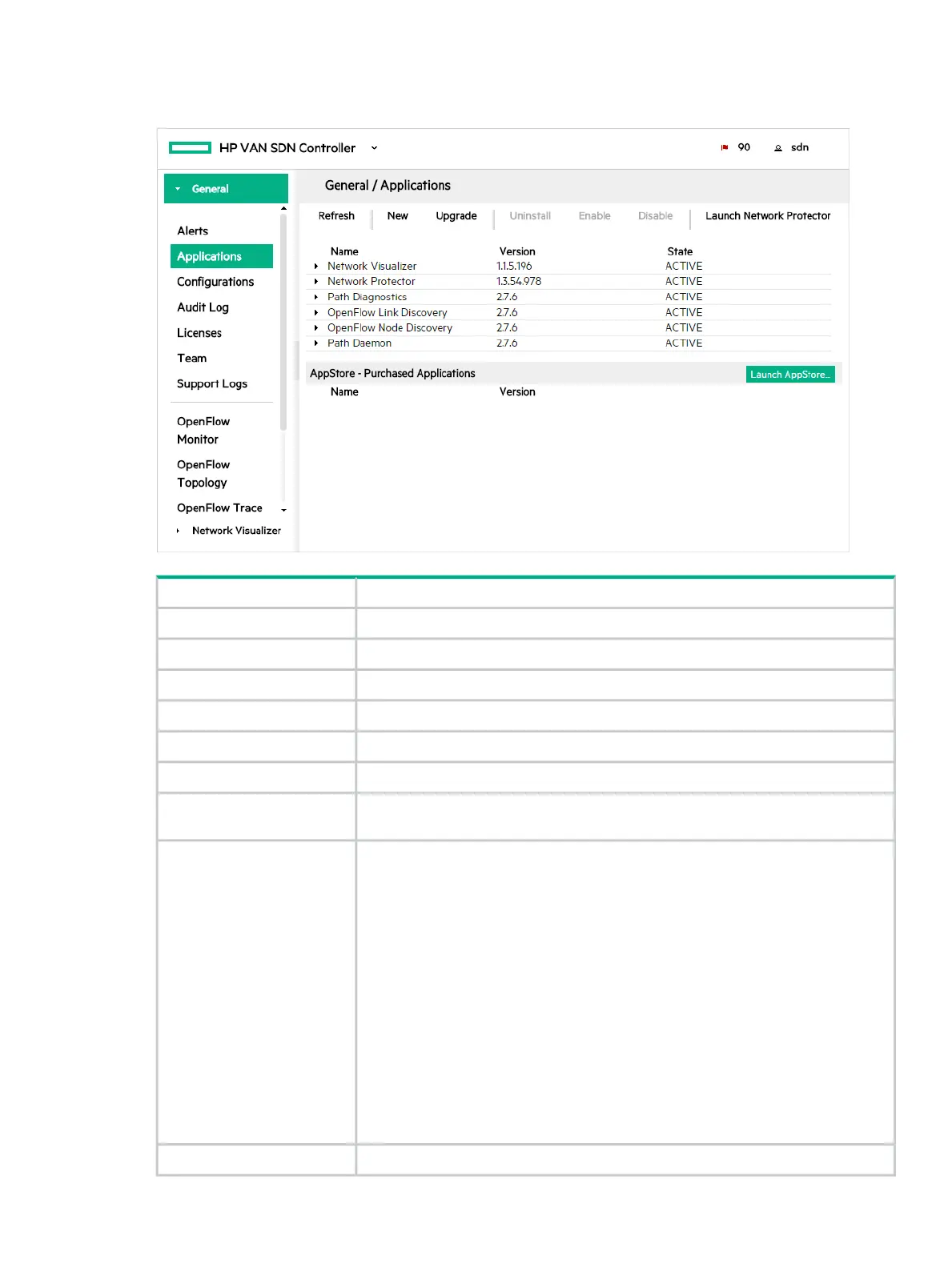
Applications screen details
Figure 9 Applications screen details
DescriptionScreen component
Reloads the view.Refresh
Installs an application on the controller.New
Installs an upgrade to an application that has already been installed on the controller.Upgrade
Removes an application from the controller.Uninstall
Starts or allows an application to continue operations on the controller.Enable
Stops or prevents an application from operating on the controller.Disable
If you have the HPE Network Protector SDN Application installed, this button will be
enabled to allow you to launch the HPE Network Protector application.
Launch Network Protector
The name of the application.Name
The following core embedded applications that come with the controller are listed by
default on the Applications screen:
• Path Diagnostics
• OpenFlow Link Discovery
• OpenFlow Node Discovery
• Path Daemon
These are the only embedded applications you are allowed to manage using the UI.
Other embedded applications are not listed because they should not be disabled or
uninstalled. For information about embedded applications, see “Understanding the
controller architecture” (page 14).
If you have installed any of Hewlett Packard Enterprise’s SDN applications, such as
HPE Network Protector, or any third-party SDN applications these applications will
also be listed.
The version number of the application.Version
Applications 33



 To Next Page