• “Viewing the shortest path between two nodes ” (page 68)
• “Viewing flow details for selected nodes” (page 69)
• “Viewing details on packet selection criteria for a data flow” (page 69)
•
Displaying the network Topology
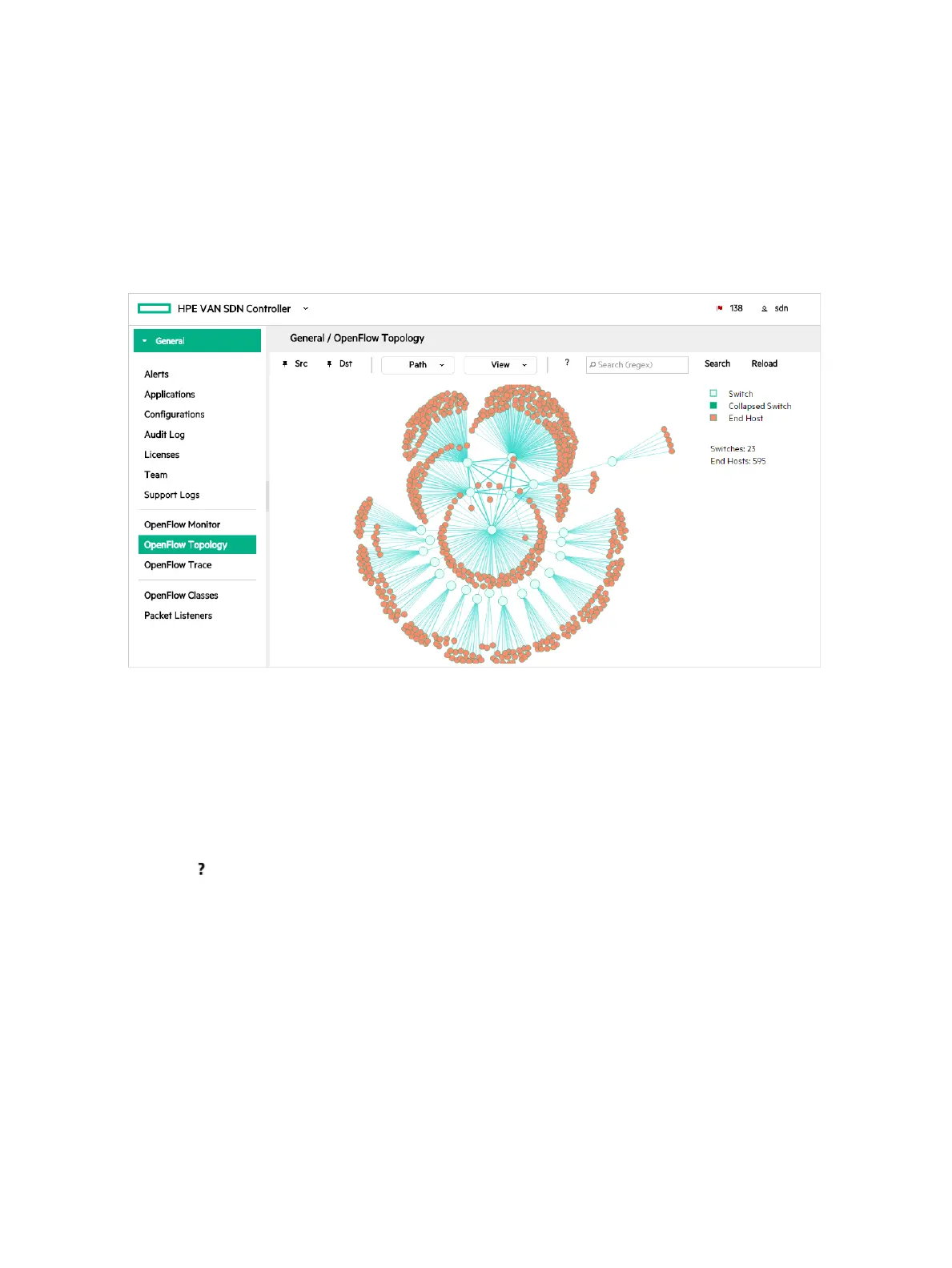
The OpenFlow Topology screen includes the switches and end-nodes in the controller domain.
Figure 27 Topology viewer
The topology legend is show in the top right corner:
• Switch — shown in light green
• Collapsed Switch — shown in dark green
• End Host — shown in orange
Using keyboard shortcuts to change the display
Use the icon to list the keyboard shortcuts you can use to change the display.
To use the keyboard shortcut keys you must first click somewhere in the topology view to bring
it into focus and then you can select a shortcut key. An outline around the topology indicates it
is in focus.
62 Using the SDN controller UI



 To Next Page