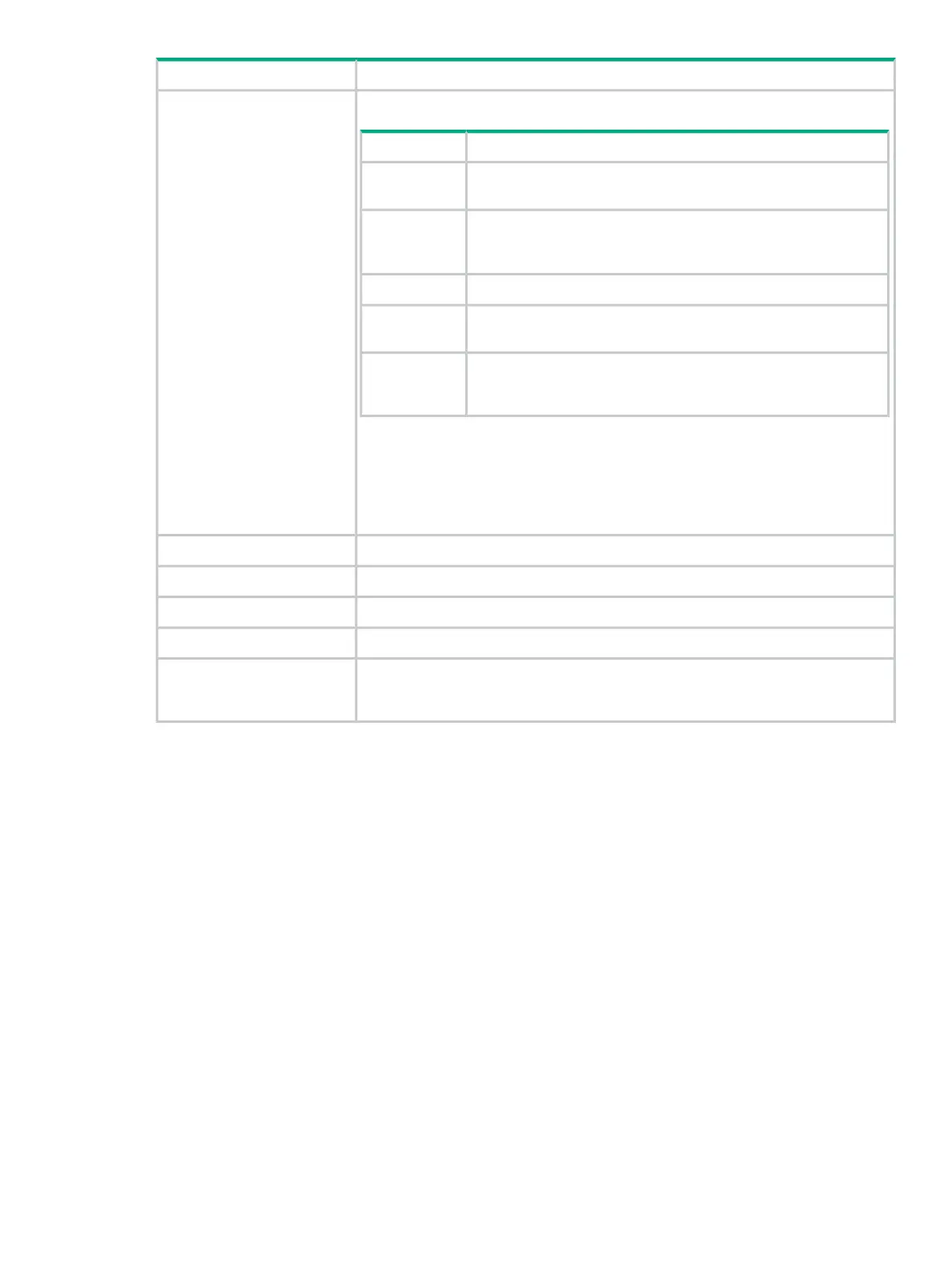
DescriptionScreen component
Severity levels are:
DescriptionValue
Indicates a problem to investigate. The problem could cause
functional or performance issues with application.
ERROR
Indicates a problem that you might want to investigate. The
problem could be an early indication of issues that could later
cause an error.
WARN
Indicates a normal operational event that requires no action.INFO
Indicates an informational event that is most useful for debugging
applications.
DEBUG
Indicates an informational event that is most useful for debugging
applications. Often used to show program execution details when
DEBUG-level events do not provide enough information
TRACE
Using the Virgo Administrator console, you can dynamically change the logging level
for a component that is writing to the support log. For example, you can enable the
DEBUG level logging for just the NodeManager configuration component.
You can also dynamically change the logging level by using the REST API. See HPE
VAN SDN Controller REST API Reference
The module or feature that triggered the logging condition.Logger
The thread that caused the logging condition to occur.Thread
Describes the details of the logging condition.Message
Detailed information about the log entry.Data
A hexadecimal number that identifies controller that generated the log entry. When
you use controller teaming, this ID enables you to identify which controller in the
team generated the alert.
Controller ID
Configuring the support log queue size
The default queue size is 100 lines. To configure a different queue size, change the value for
the max.display.rows key of the com.hp.sdn.adm.log.impl.LogManager component.
1. On the Configurations screen in the System tab, select the
com.hp.sdn.adm.log.impl.LogManager component.
2. Click Modify.
The Modify System Configuration dialog box is displayed for the
com.hp.sdn.adm.log.impl.LogManager component.
3. Change the value for the max.display.rows key.
4. Click Apply.
Support logs 55



 To Next Page