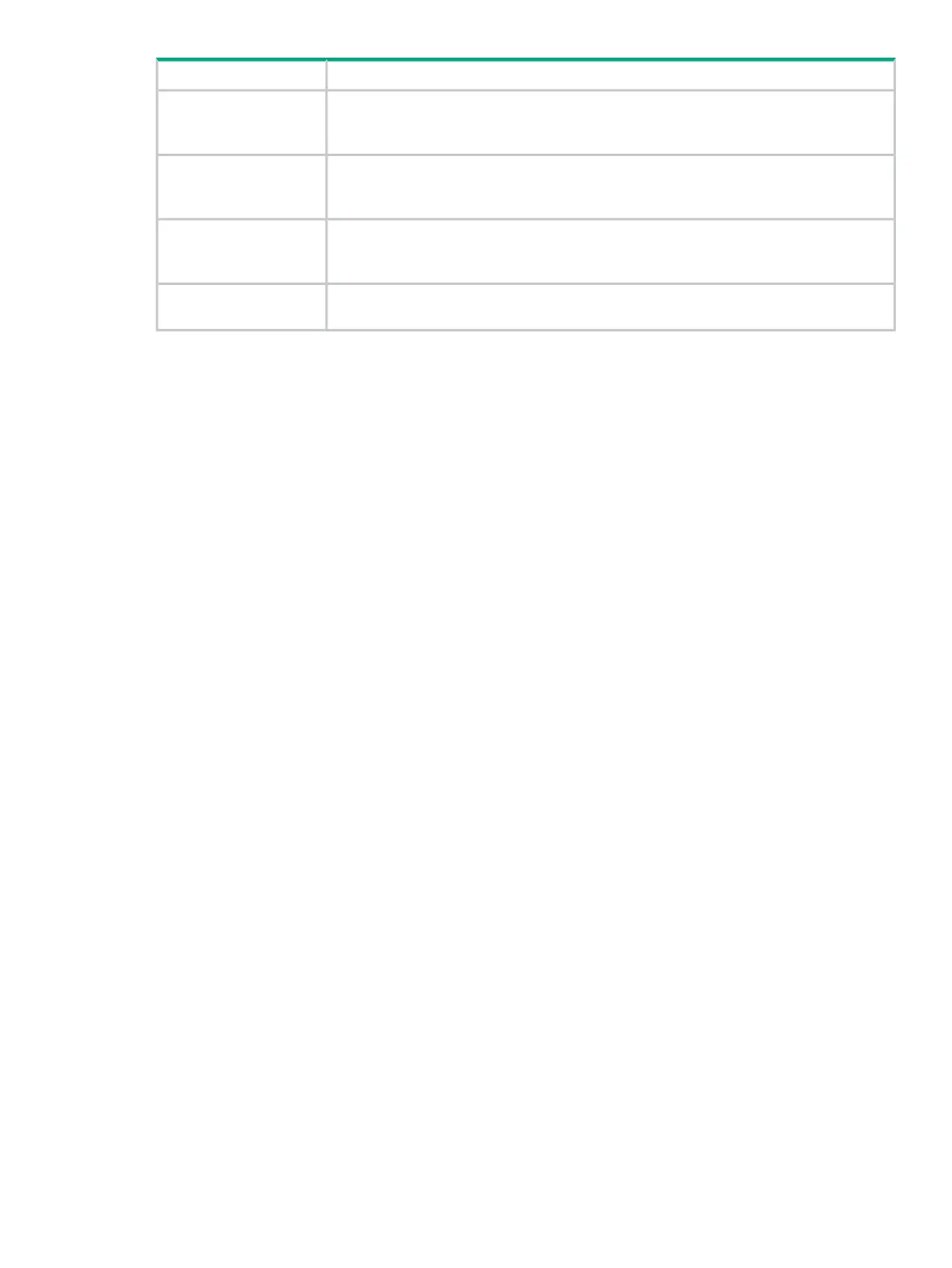
DescriptionScreen component
Displays the OpenFlow Trace screen. OpenFlow conversations are captured in messages
to and from the controller and the OpenFlow devices it manages and displayed on this
screen. For more information, see “OpenFlow Trace log” (page 69).
OpenFlow Trace
Displays the OpenFlow Classes screen. This screen shows the OpenFlow classes that
applications have registered with the controller. For more information, see “OpenFlow
Classes ” (page 75).
OpenFlow Classes
Displays the Packet Listeners screen. This screen displays details on the packet listeners
that are currently running on the controllers. For more information, see “Packet listeners”
(page 56).
Packet Listeners
May include additional navigation trees for installed applications that integrate with the
controller UI.
Other navigation menu
items
Alerts
About alerts
Alerts give notification of events that affect controller operation, and in some cases indicate that
some action is needed to correct a condition.
When controllers are operating in a team, alerts generated by any team member are visible in
the Alerts screen for all active team members.
By default, alerts are in an unacknowledged, active state. An alert must be in an active state to
appear in the following places:
• The alert notification counter
• The Alerts as of today window
See also:
• “Viewing the alert notification counter” (page 29)
• “Viewing the ten most severe recent active alerts ” (page 29)
• “Acknowledging an alert” (page 30)
• “Deleting an alert” (page 30)
• “Configuring how alerts age out” (page 31)
Alerts 27



 To Next Page