Highlight flow
The Highlight option is enabled only when a path is selected (either Shortest Path or in Follow
Flow mode). Highlight path is cleared when you toggle between Shortest Path or Follow Flow.
For example, with Shortest Path is enabled you select Highlight path, then you select Follow
Flow, the Highlight path will be cleared and you have to select Highlight path again for Follow
Flow.
Select Path→Highlight.
Viewing flow details for selected nodes
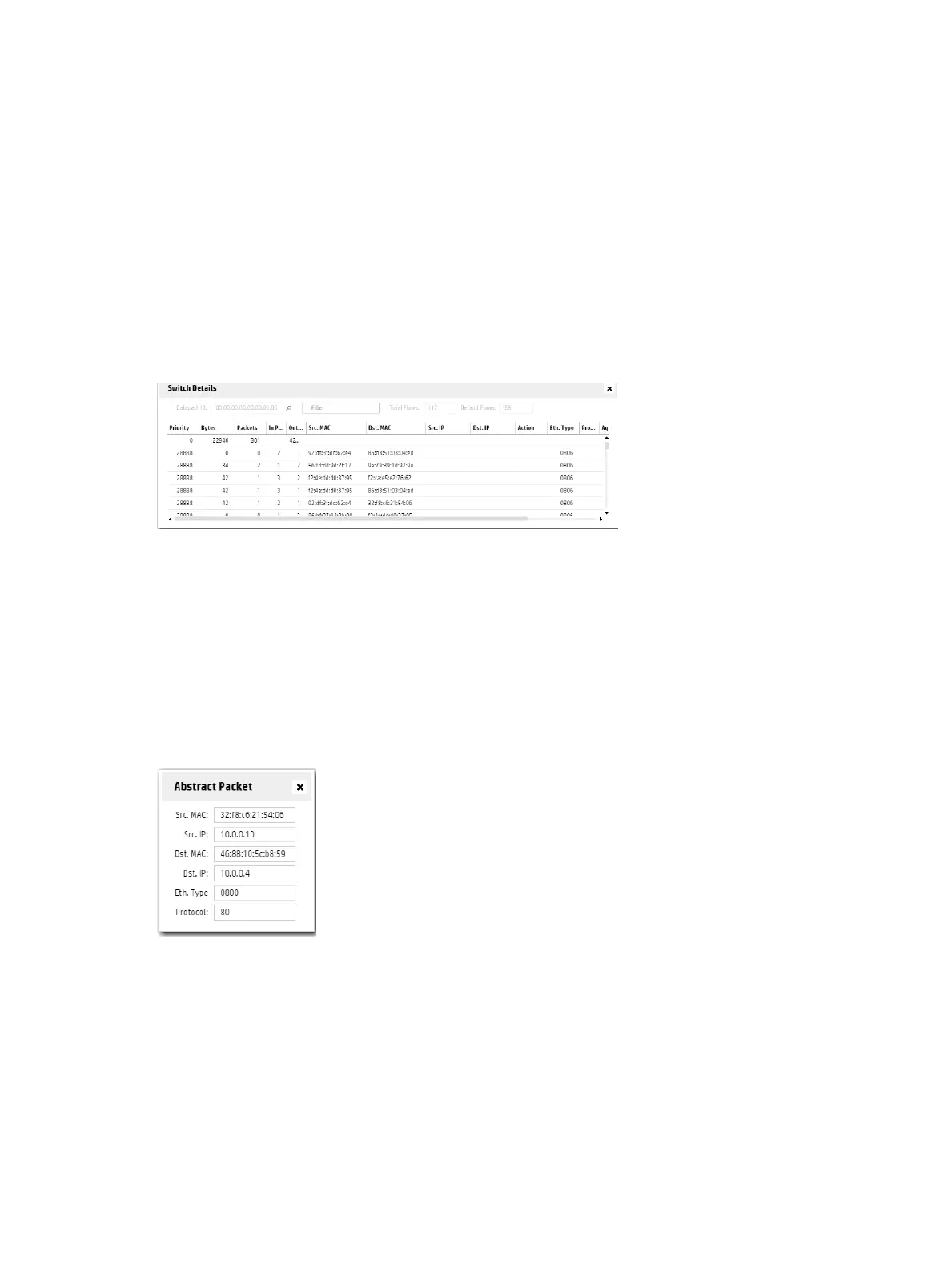
The Switch Details window displays flow details.
Select a switch node and then select View→Details or press I to display the Switch Details
screen.
Figure 33 Flow details for the selected source-destination end nodes
Viewing details on packet selection criteria for a data flow
For a source-destination data flow you can view details on the packet selection criteria used.
Select View→Tools to display the Packet Selection dialog box or press T. The display is read
only.
The Abstract Packet window displays selection criteria for packets moving between the
Source-Destination node pair. MAC addresses and IP addresses are shown based on the source
and destination nodes selected.
Figure 34 Searching for flows for specific packet types
OpenFlow Trace log
This troubleshooting tool logs OpenFlow conversations captured in messages to and from the
controller and the OpenFlow devices it manages.
You can export the captured messages in the trace log to a CSV (Comma-Separated Values)
file that can be opened by applications such as Excel that are designed to accommodate this file
type. This enables you to create a filter to display only the messages from the specific data paths
you want to examine.
OpenFlow Trace log 69



 To Next Page