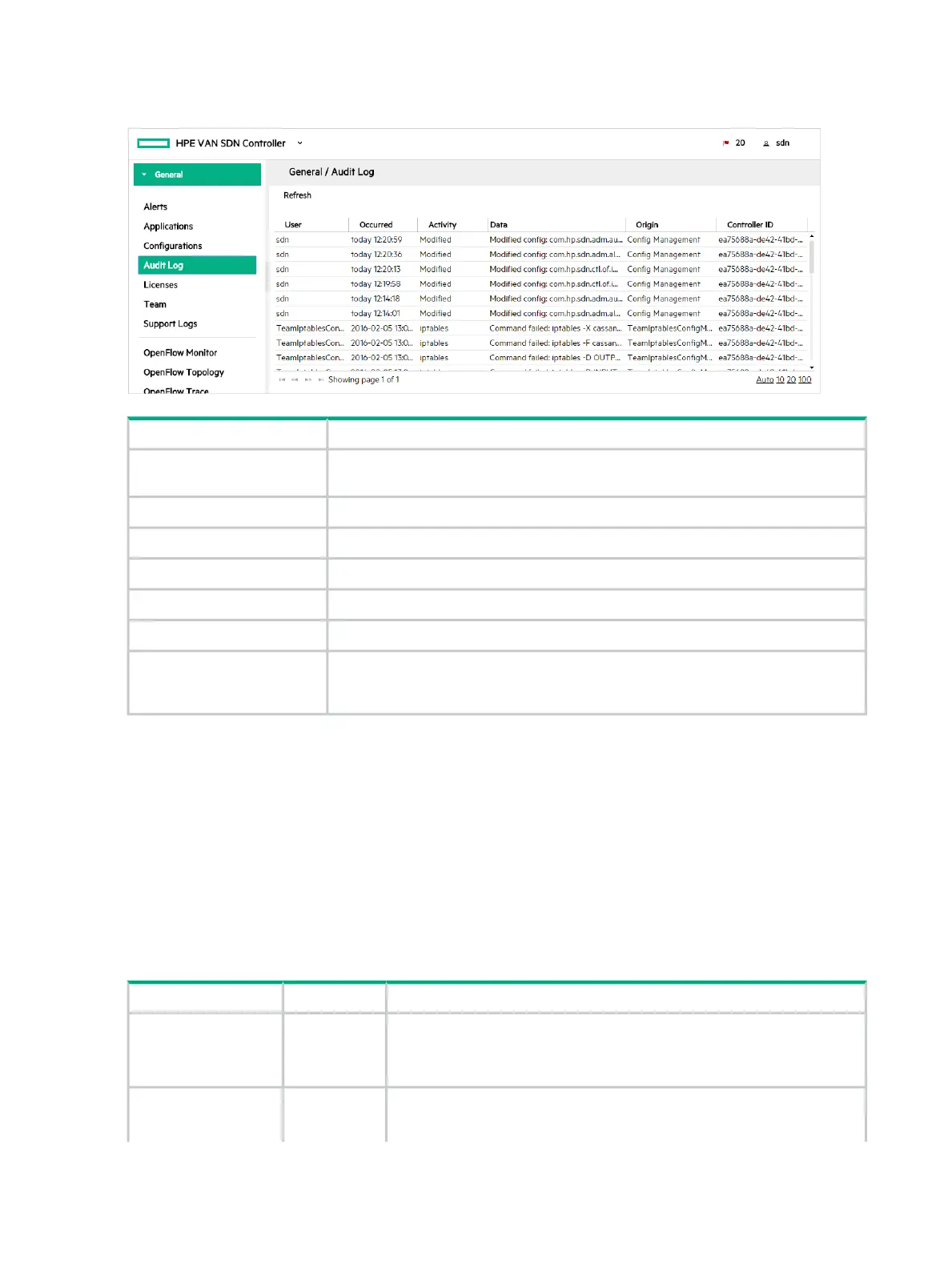
Audit log screen details
Figure 15 Viewing the Audit Log
DescriptionScreen component
Updates the log entries displayed on the screen. The controller does not update the
display as new entries are generated. Use this action to refresh the display.
Refresh
The user that performed the operation that triggered the log entryUser
A time stamp (in UTC format) indicating when the controller created the log entry.Occurred
The type of activity that triggered the creation of the log entry.Activity
Detailed information about the log entry.Data
The application or controller component that generated the log entry.Origin
A hexadecimal number that identifies controller that generated the log entry. When
you use controller teaming, this ID enables you to identify which controller in the
team generated the alert.
Controller ID
Deleting an audit log entry
You cannot delete or modify a log entry. The controller deletes entries according to the configured
audit log policies. To configure the audit log policies, see “Configuring how audit log data ages
out” (page 50)
Configuring how audit log data ages out
You can configure the following key values for the audit log to control how audit log data ages
out. To set these key values you configure the
com.hp.sdn.adm.auditlog.impl.AuditLogManager component using the Configurations
screen.
DescriptionDefault ValueKey
Specifies the number of days to retain a log entry. Use this key to implement
your record retention policy.
365trim.auditlog.age
Data type A number from 31 through 1825.
truetrim.enabled true Specifies that the controller deletes log entries that have
exceeded the trim.auditlog.age limit.
50 Using the SDN controller UI



 To Next Page